
1
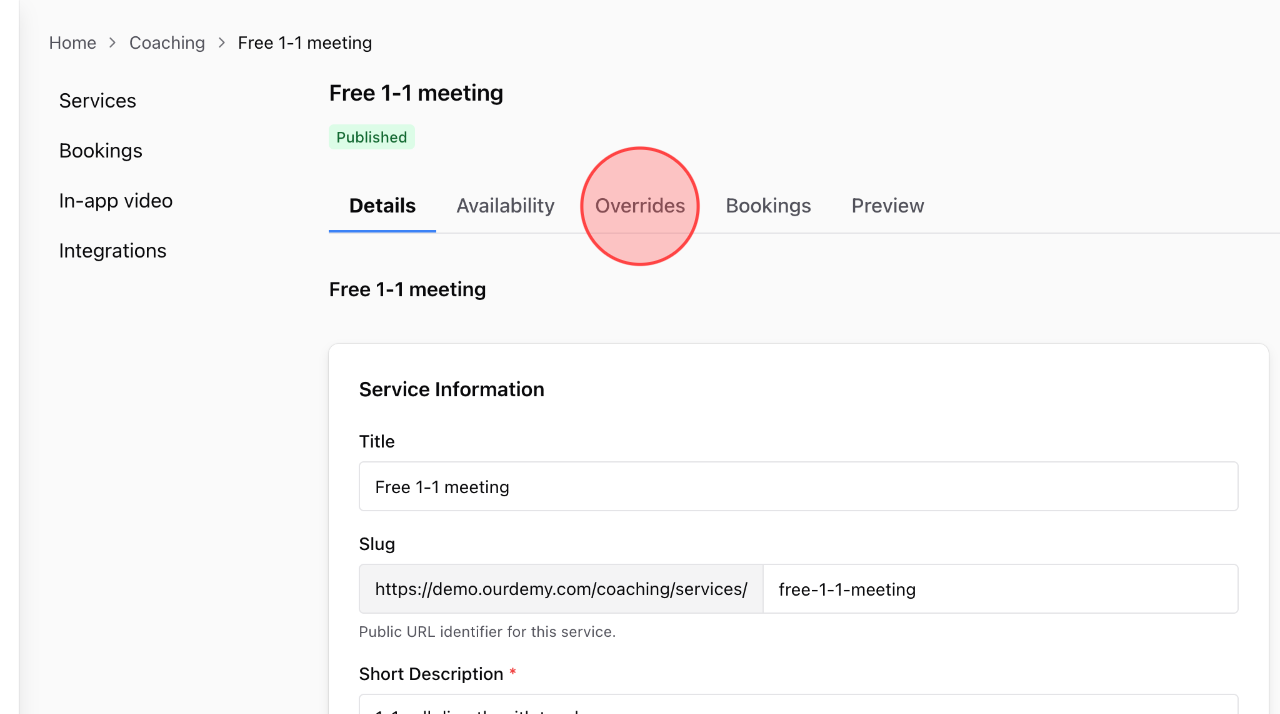
In the service detail settings, click the Overrides tab to make changes.
2
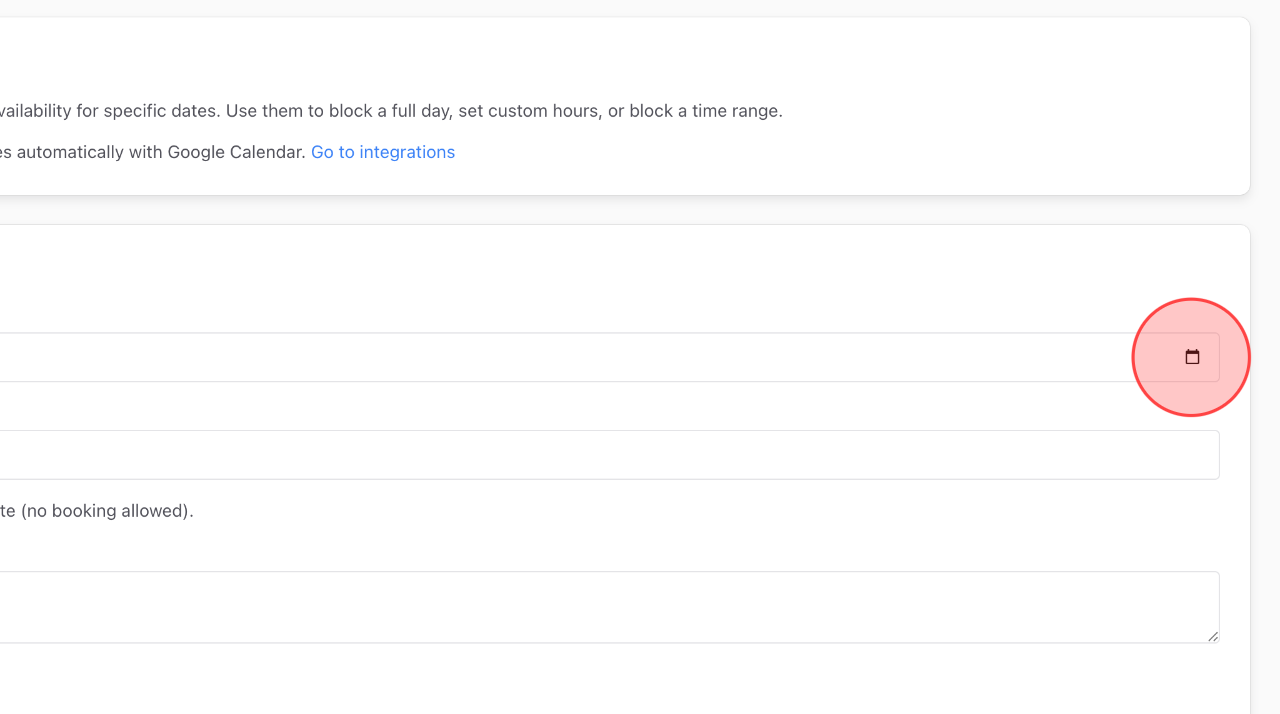
Click the calendar icon to select a date for overrides.
3
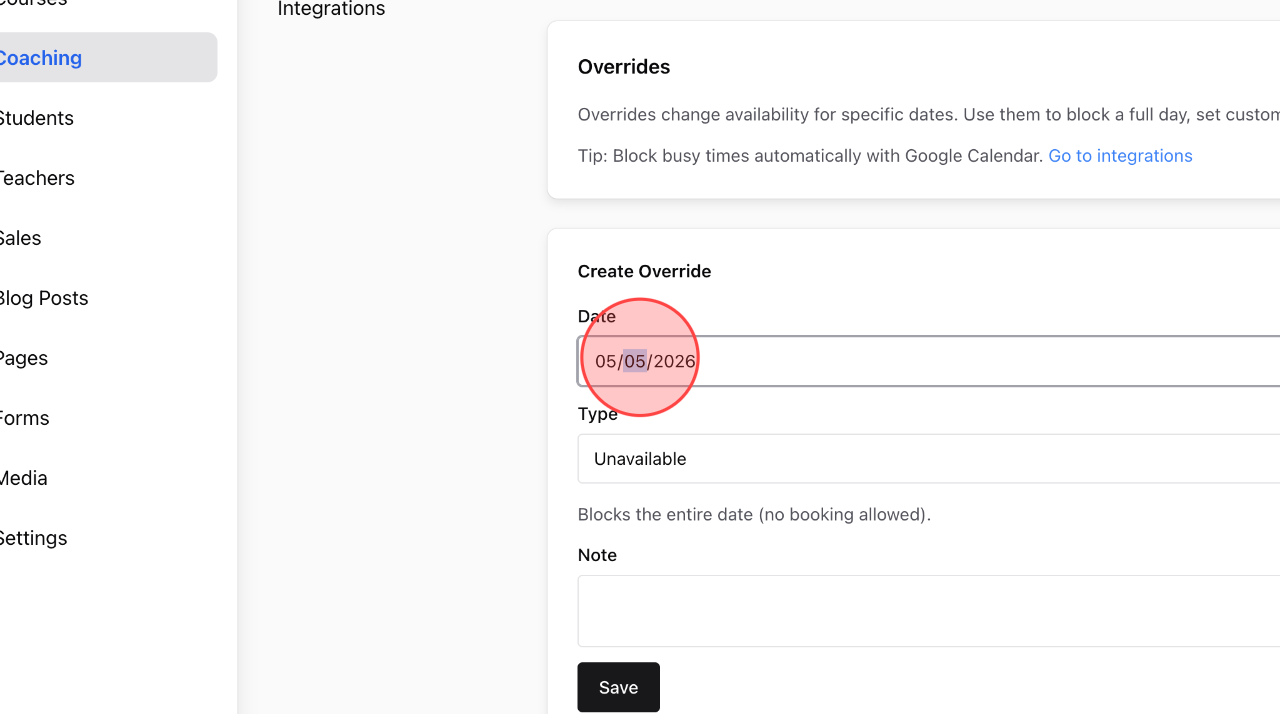
Or you can edit the override date directly here.
4
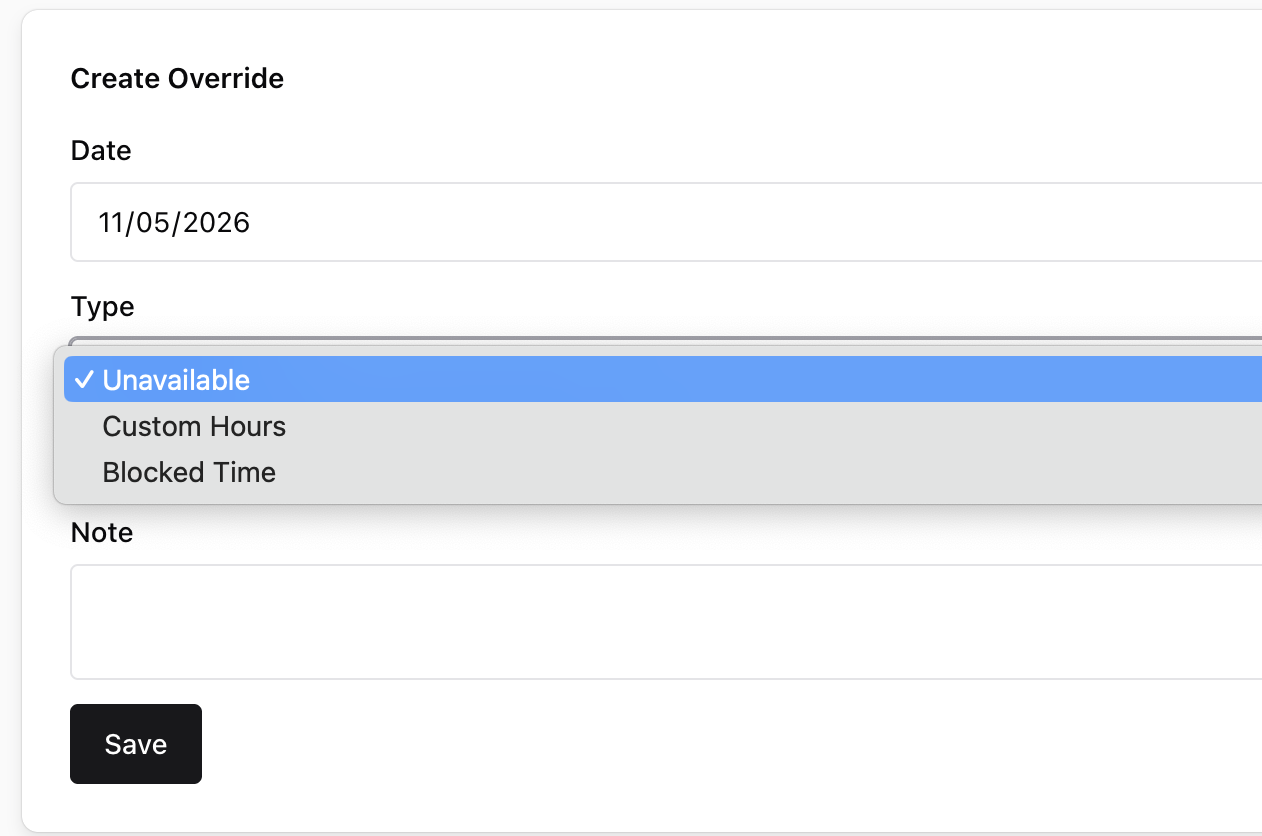
Select the override type in this field.
– Unavailable: Blocks the entire date (no booking allowed)
– Custom Hours: Defines a custom available window for this date.
– Blocked Time: Blocks a specific time range on this date.
5
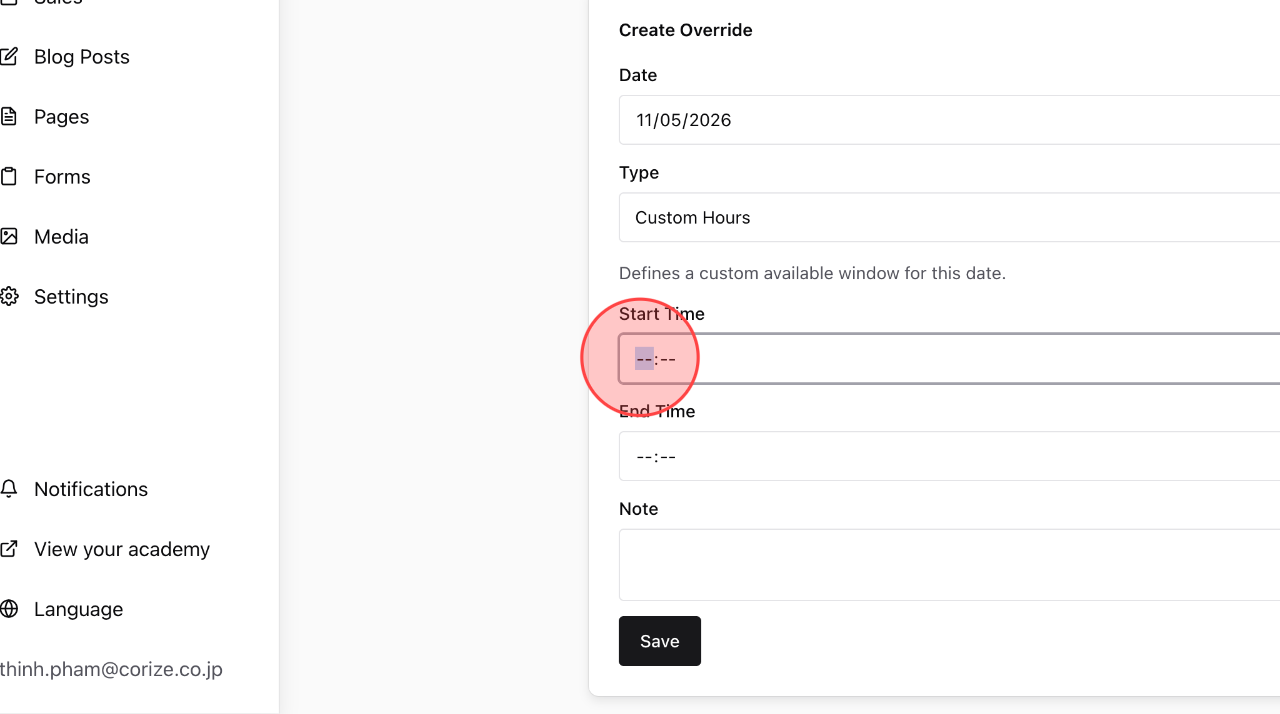
For Custom Hours or Blocked Time, you need to add the time range you want to block, starting with the start time.
6
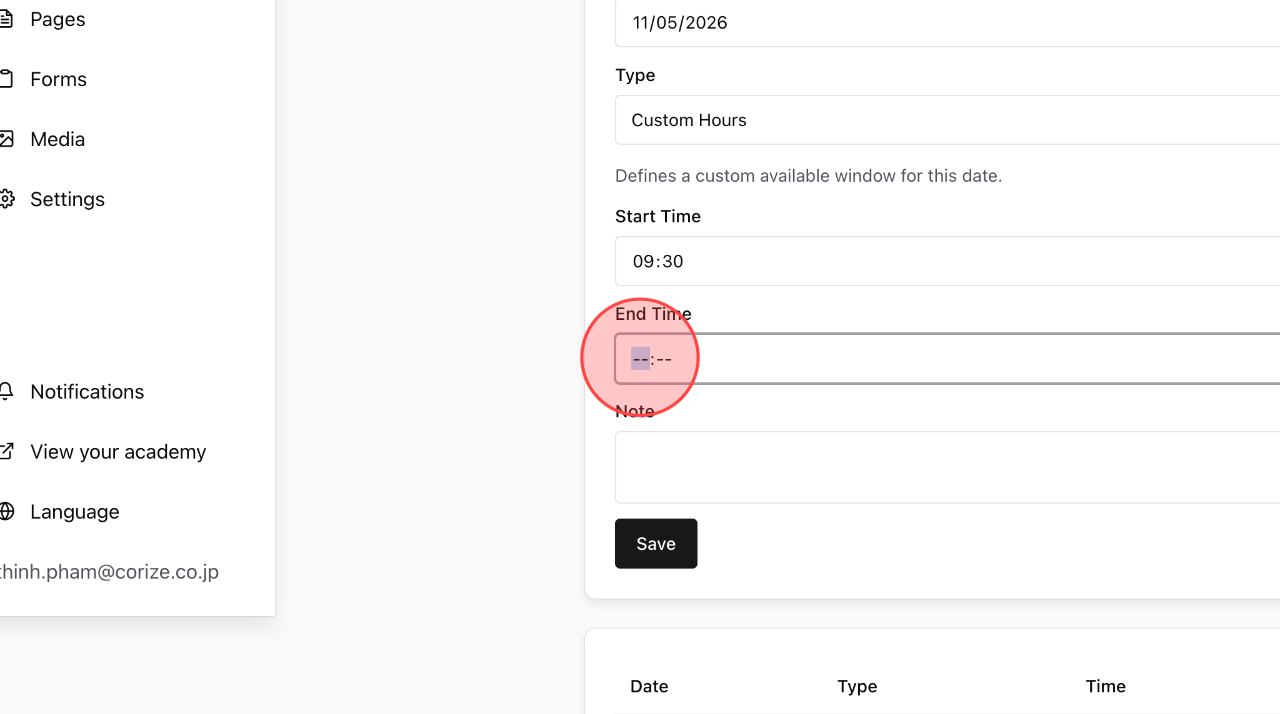
Add the End Time to block the time range.
7
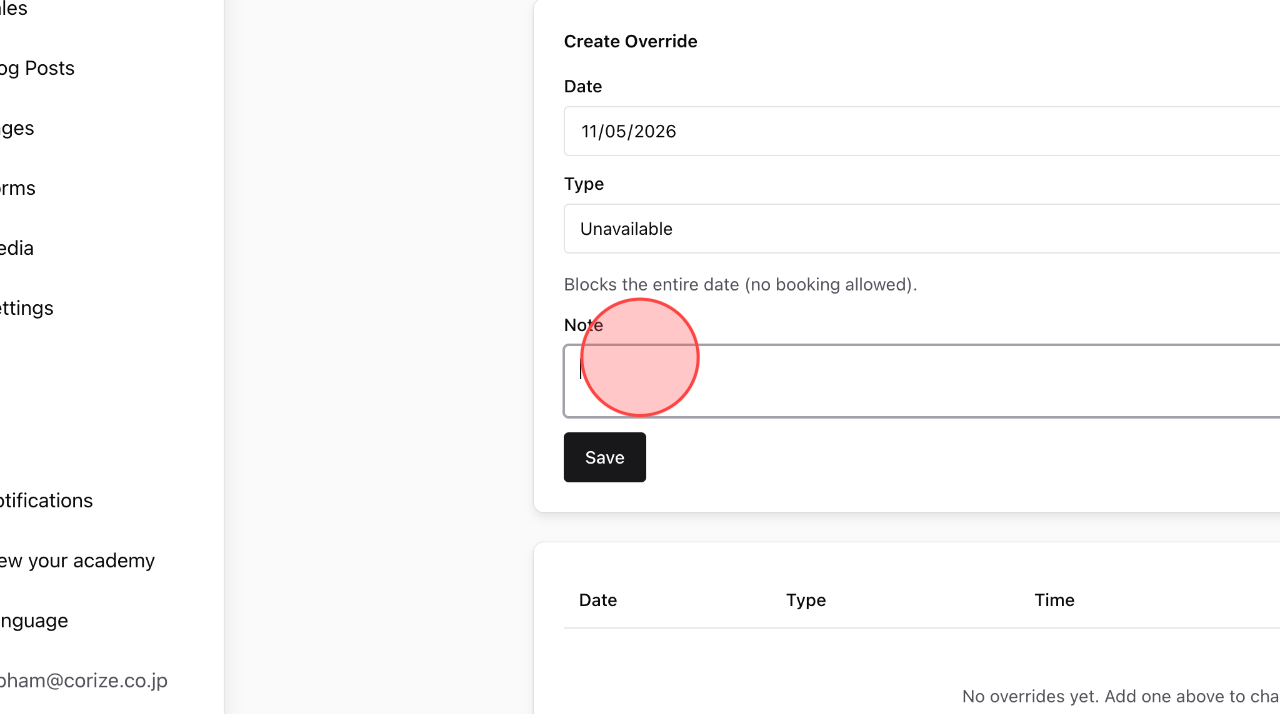
You can add a note in this field.
8
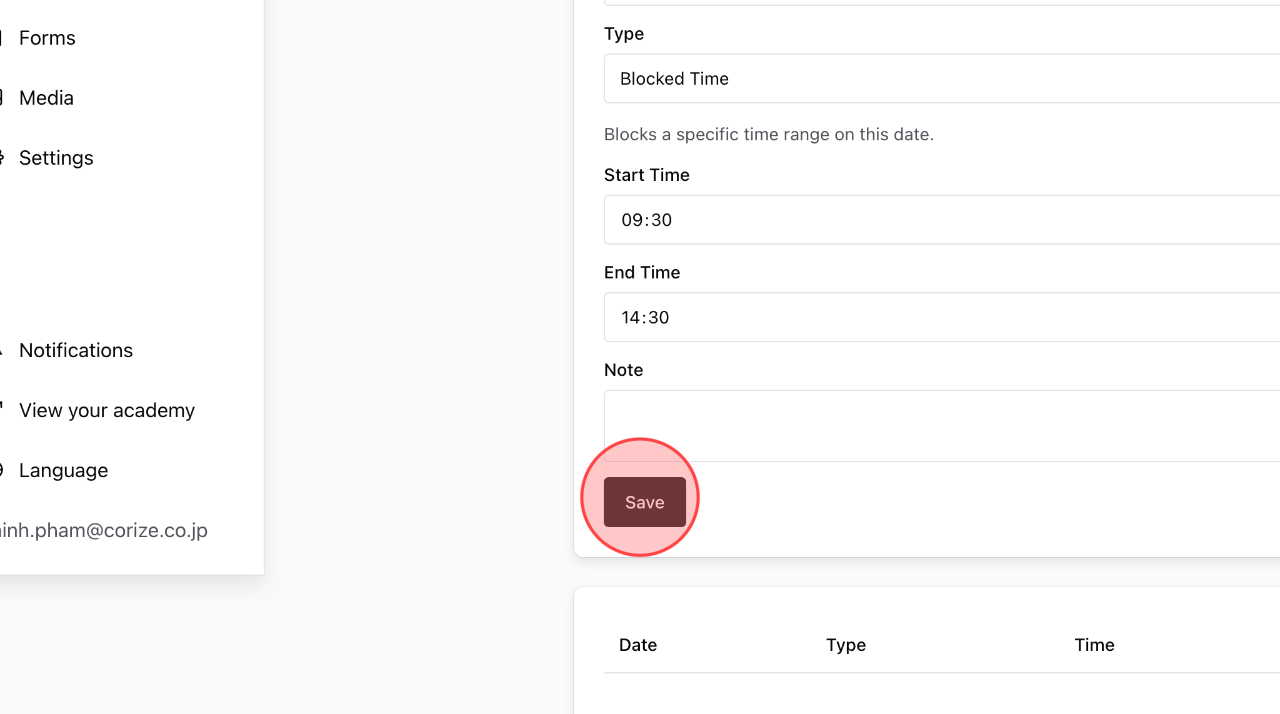
Click Save to complete the process.
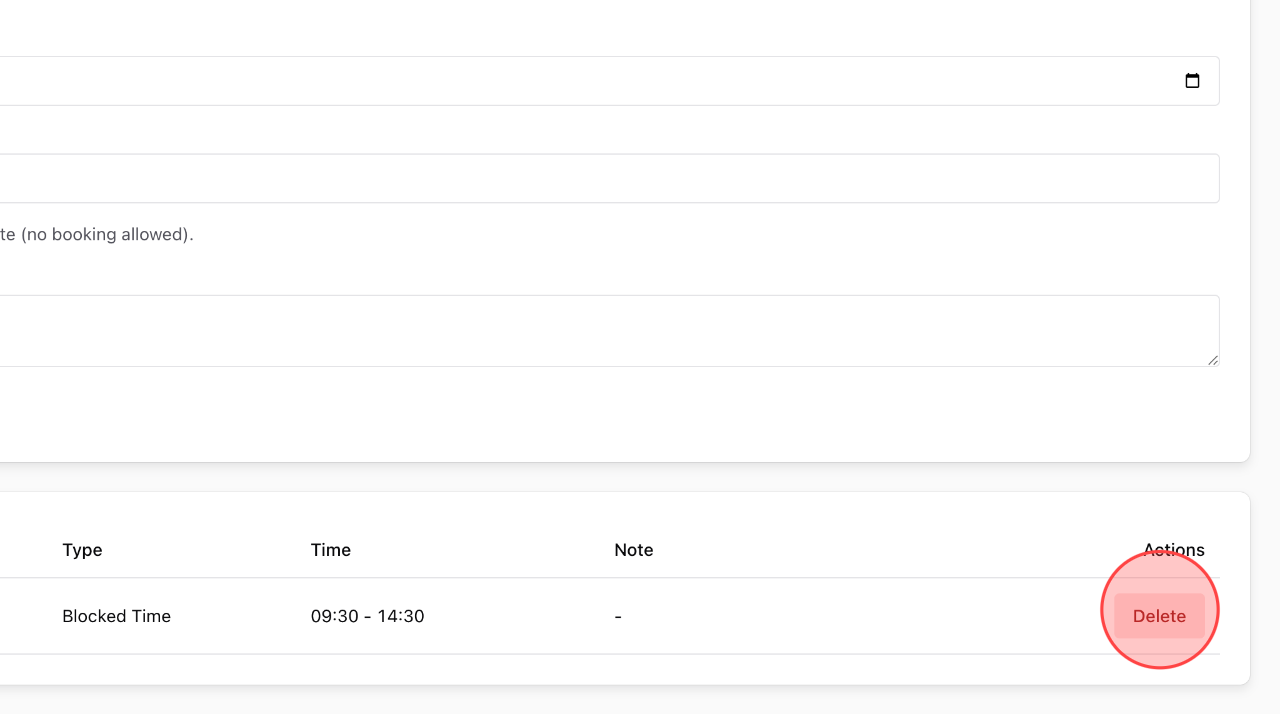
9
To delete an override schedule, click the Delete icon.
 English
  日本語
日本語