
1
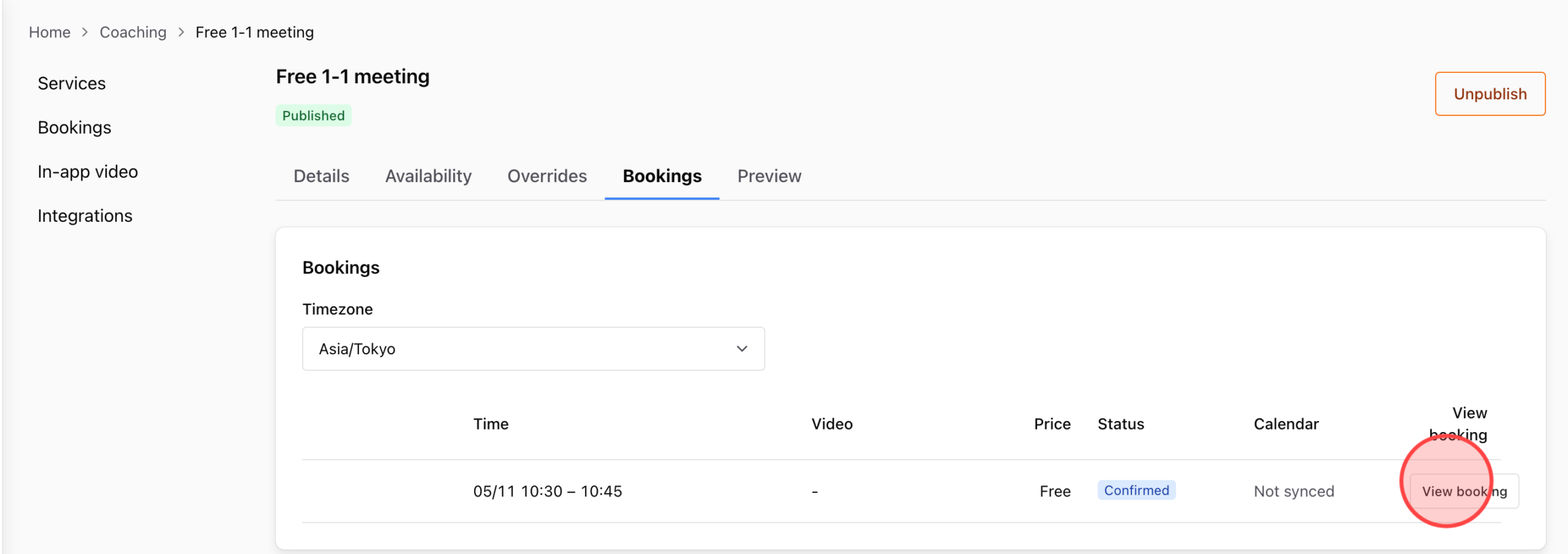
In the service’s booking list, click View Booking on the student’s booking for which you want to send the meeting link.
2
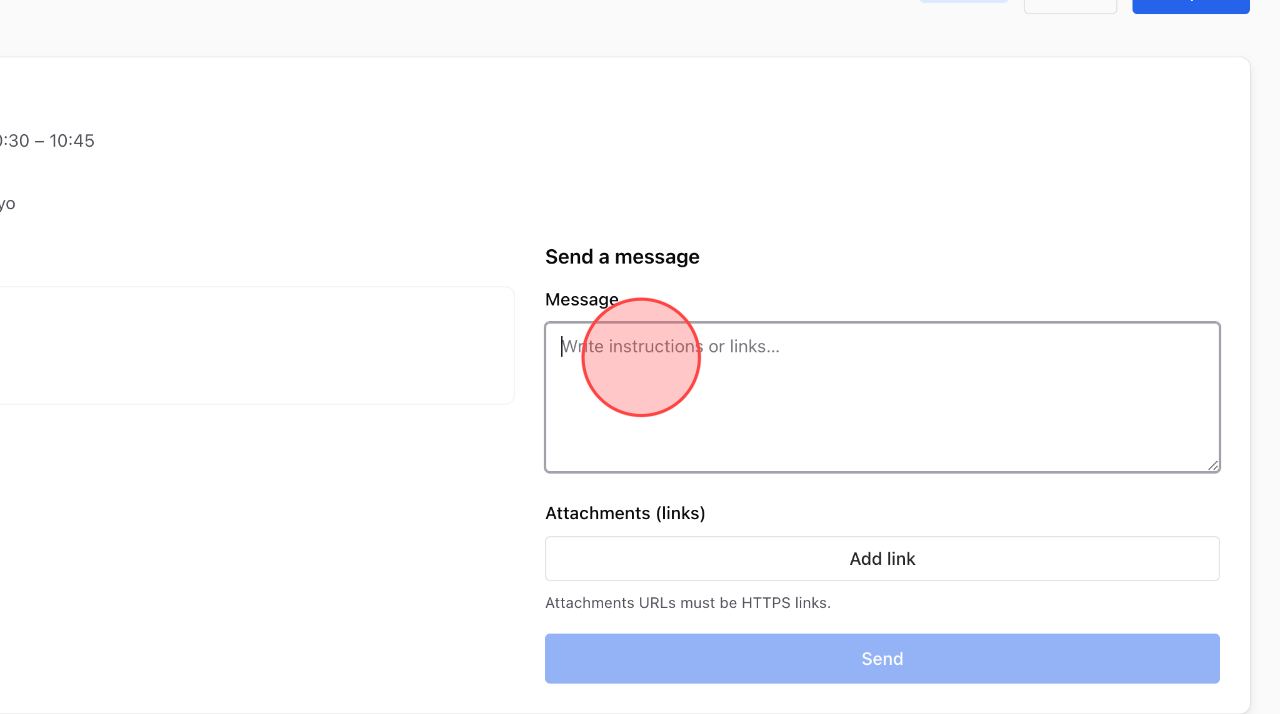
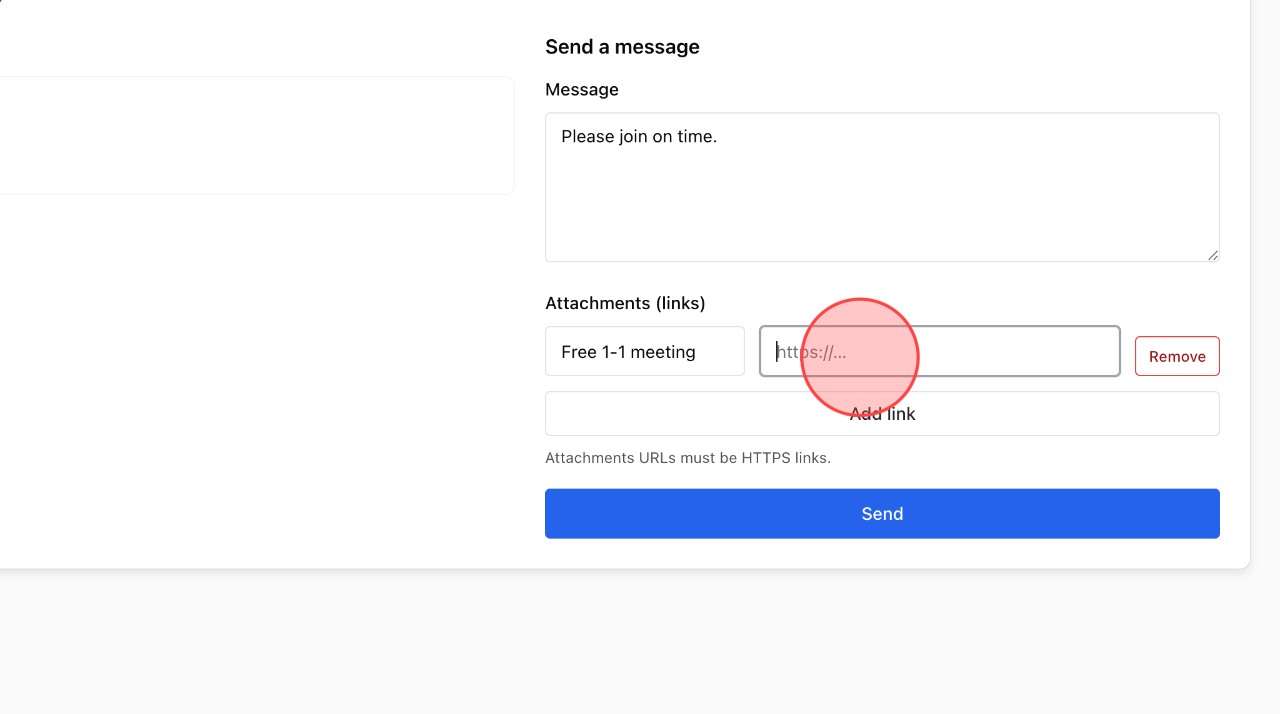
Write the message in this field.
3
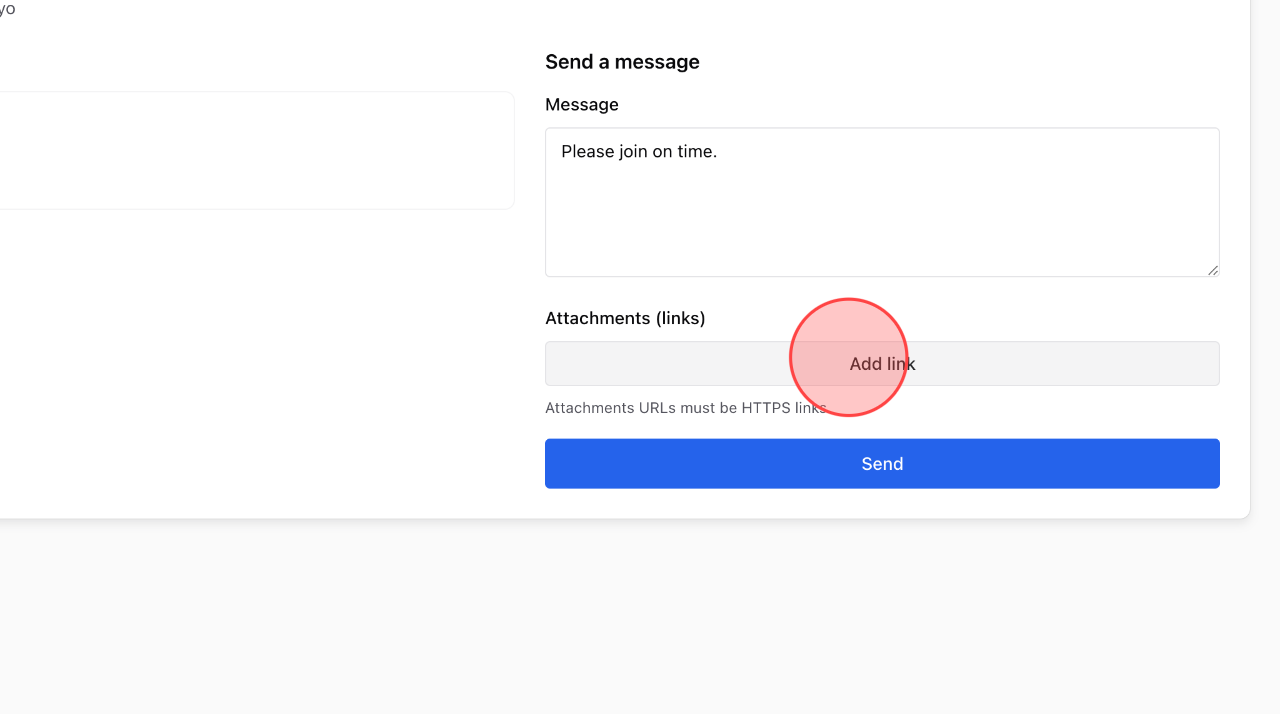
Click Add link to set up the custom meeting link.
4
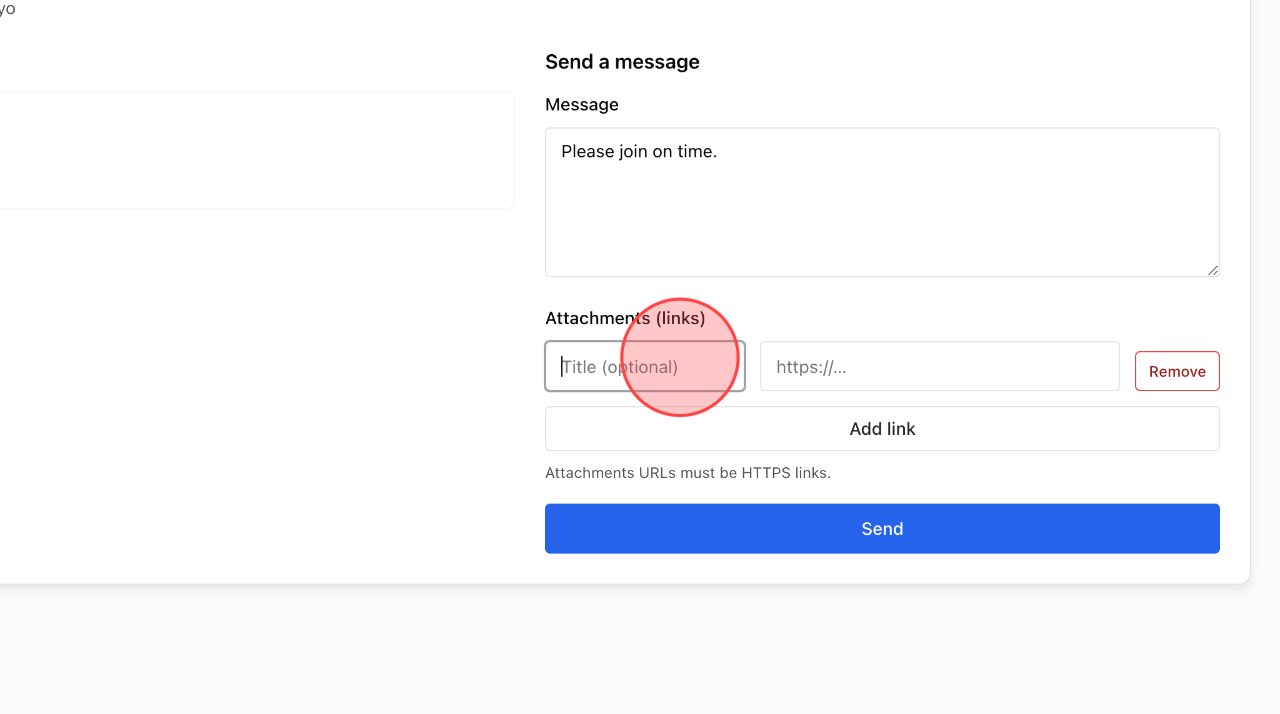
Enter the title of meeting in this field.
5
Paste the meeting link at here.
6
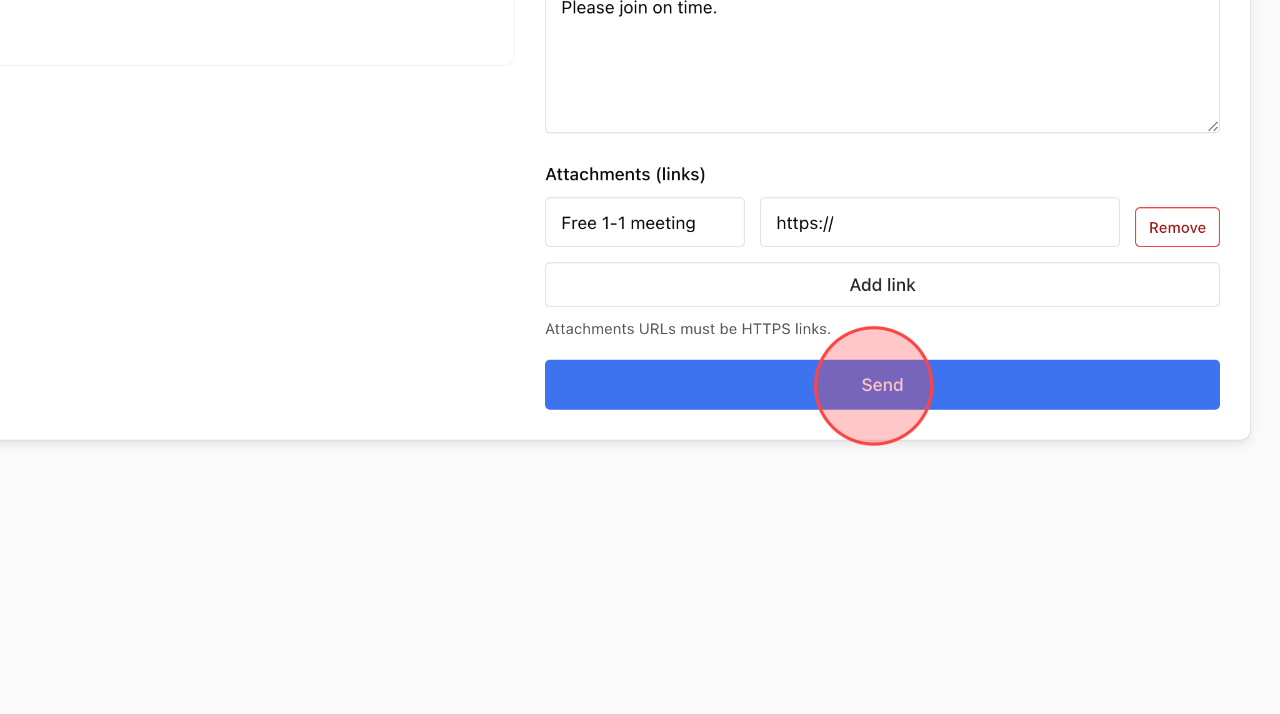
Click Send to complete the process.
 English
  日本語
日本語