
1
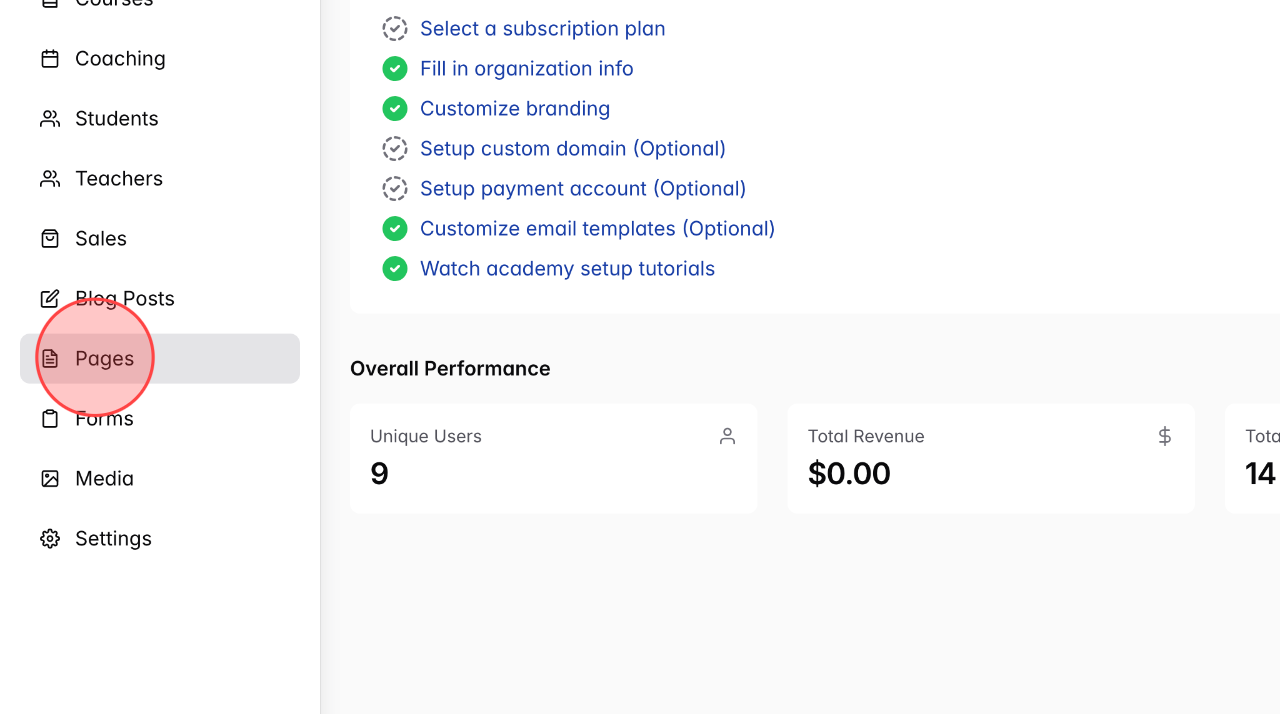
From the admin dashboard, click on Pages to open the page management section.
2
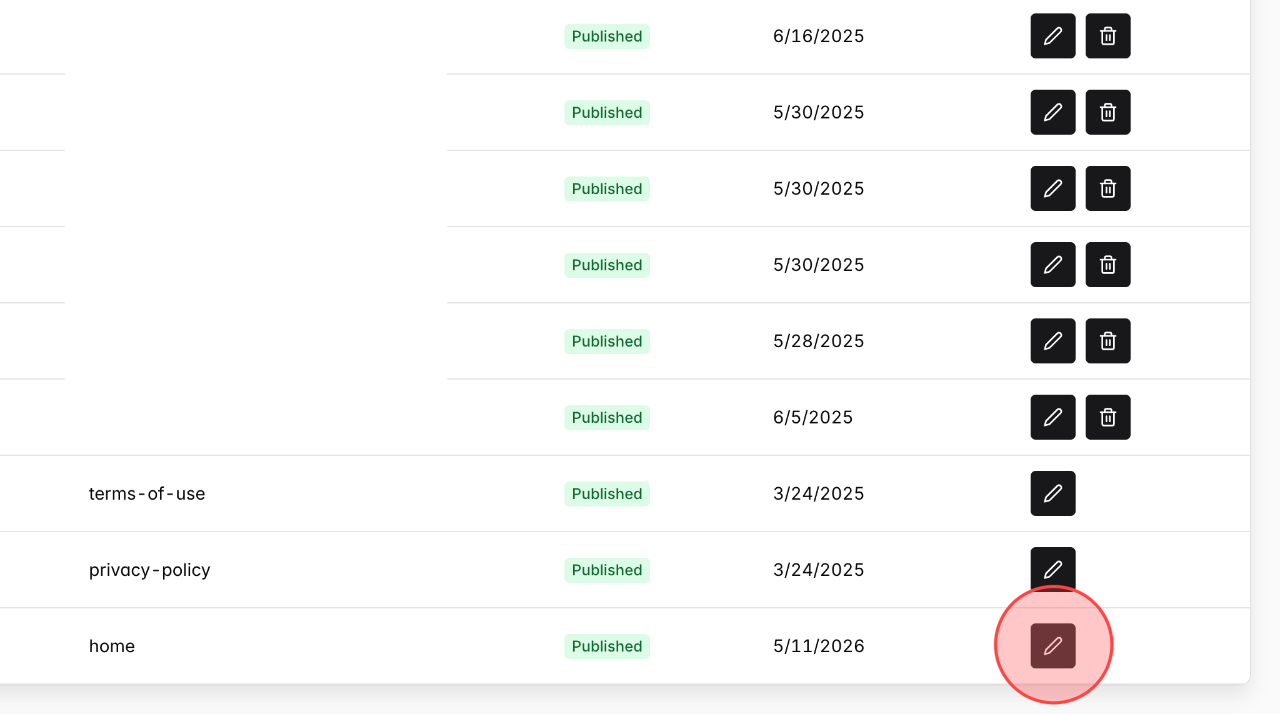
Click the Edit page input next to the Home page.
3
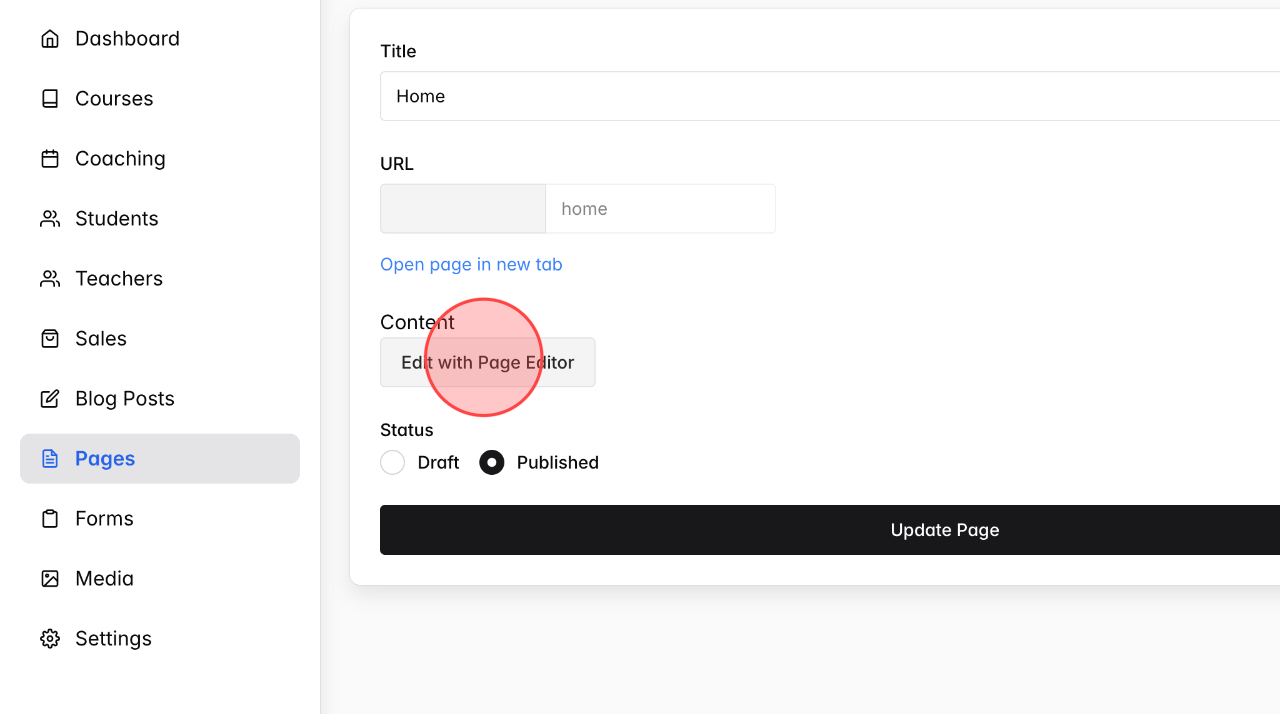
Click Edit with Page Editor to open the visual page builder.
4
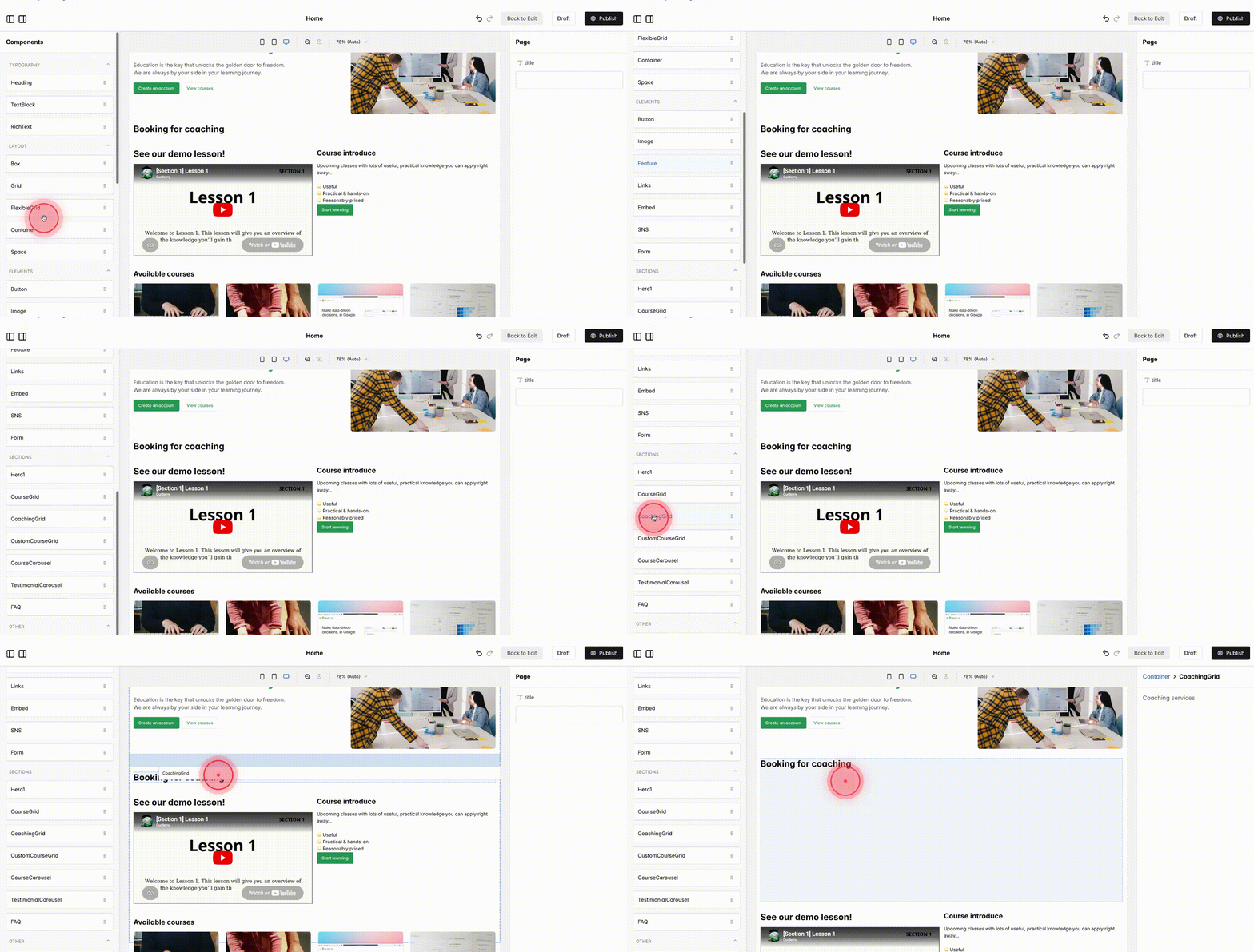
Scroll down in the components list, then drag and drop the CoachingGrid into the place on your page where you want.
5
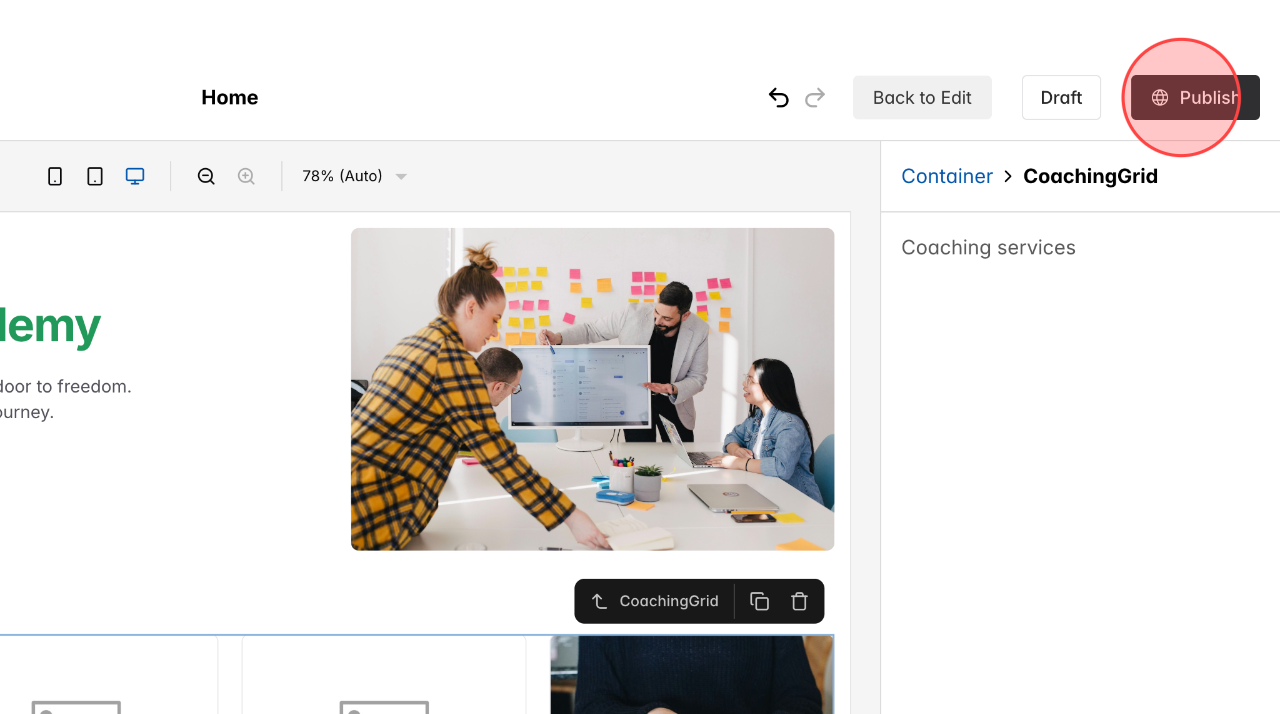
Click Publish to make your changes live on the site.
 English
  日本語
日本語