
1
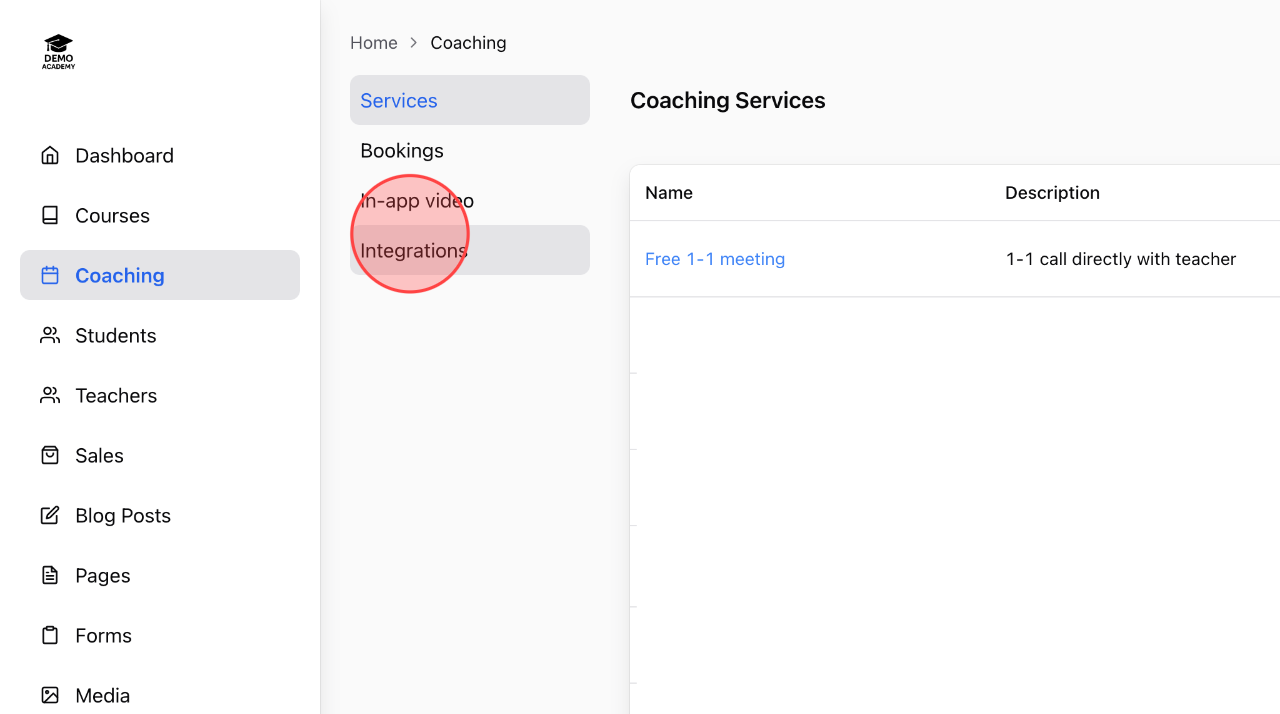
In the Coaching menu, click Integrations to start the integration process.
2
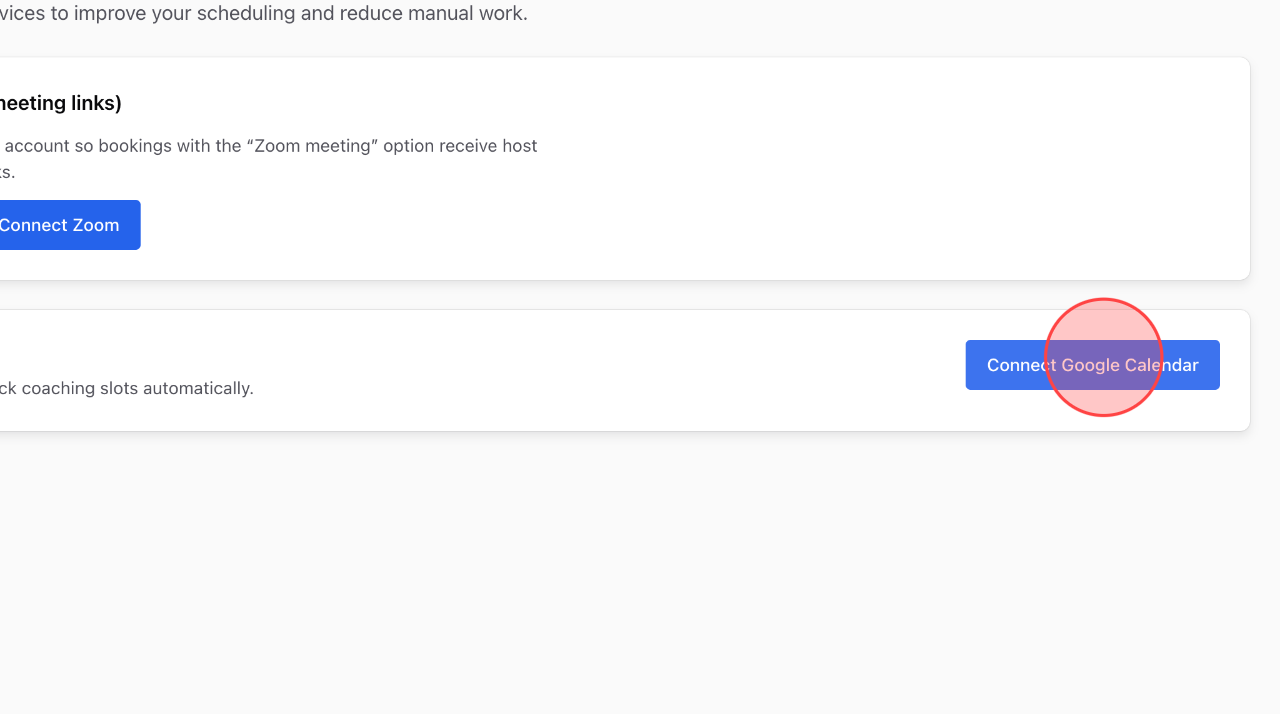
Click Connect Google Calendar to start the process.
3
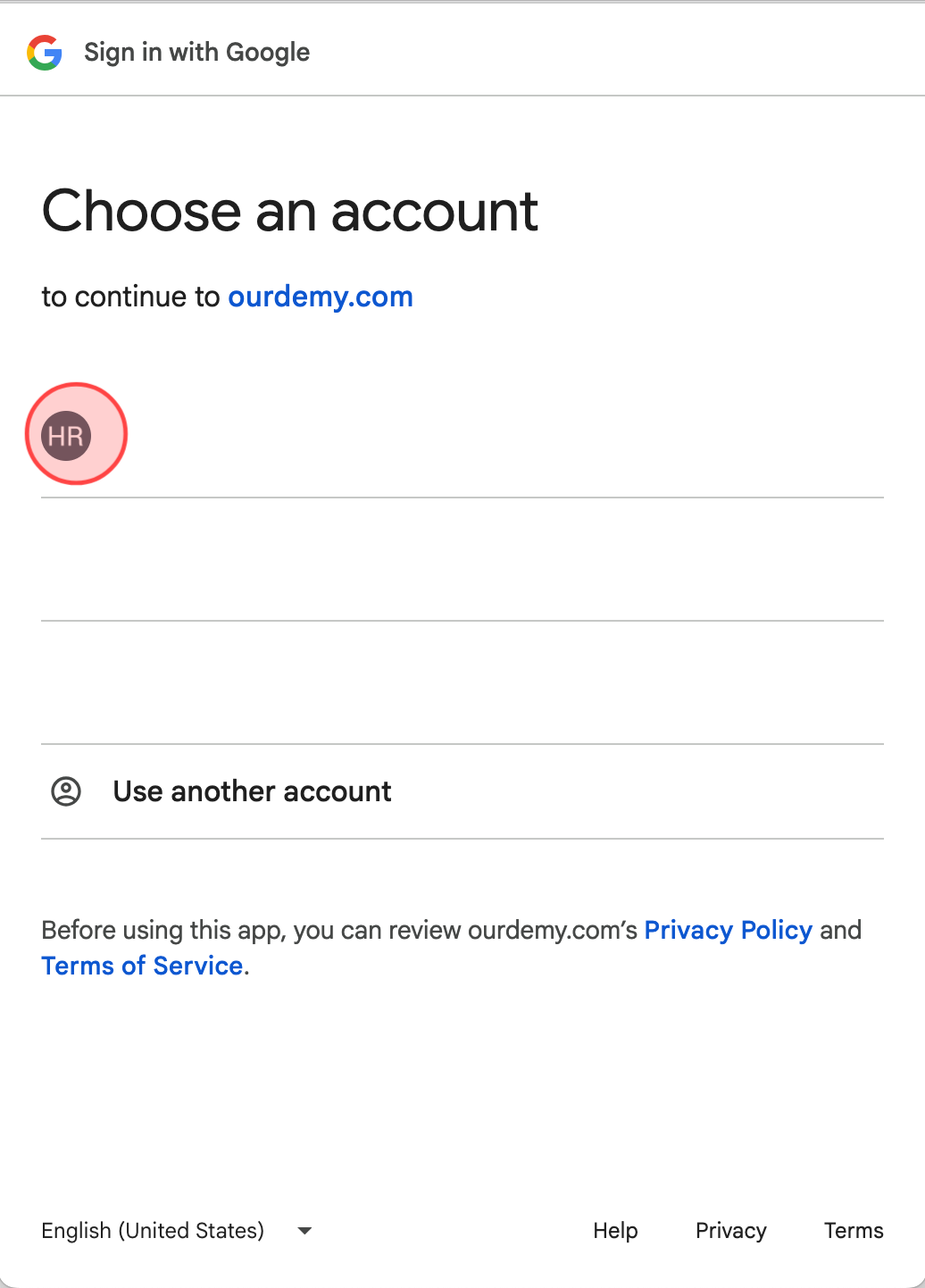
Select the Google account you want to integrate with the system calendar.
4
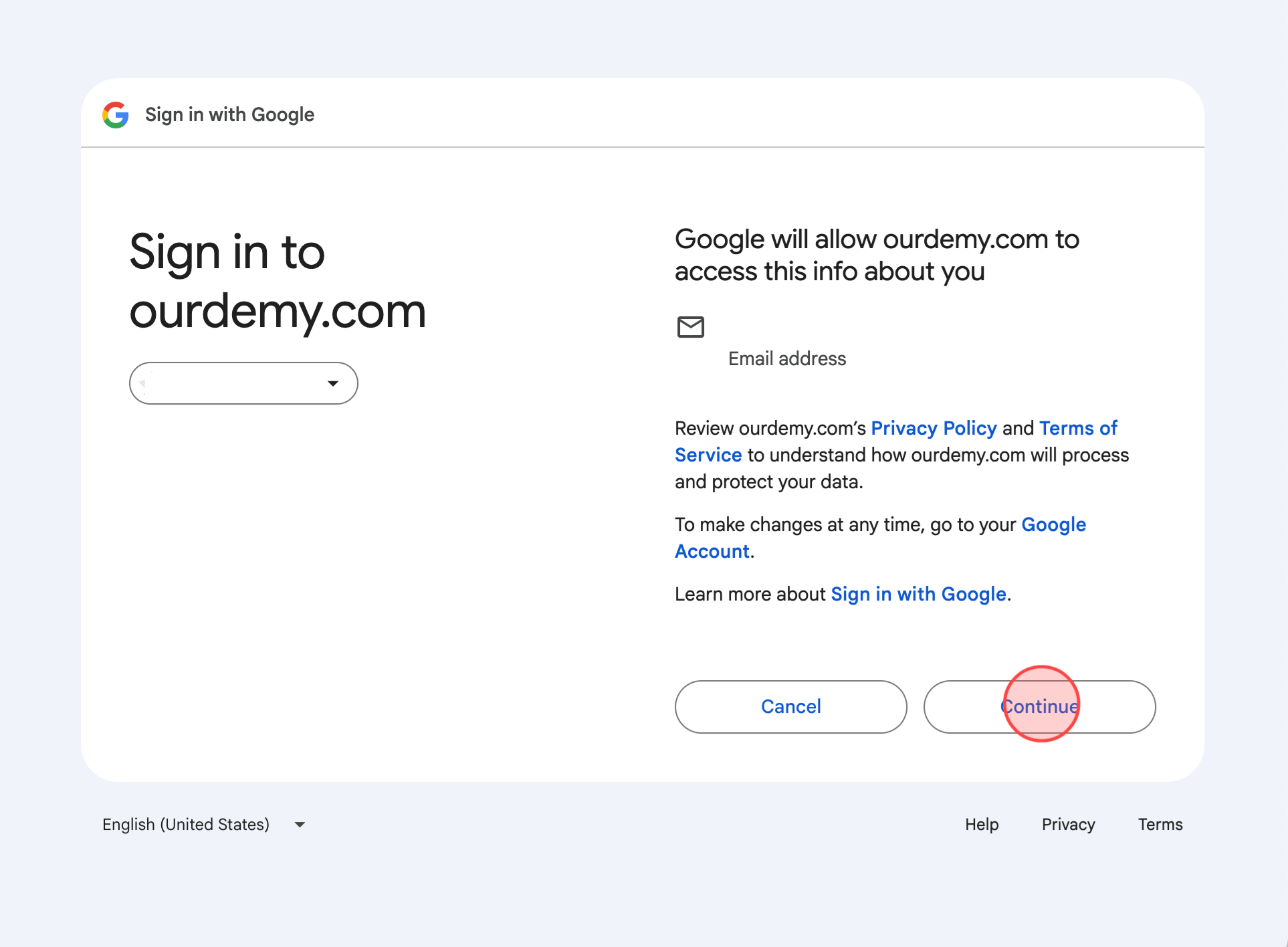
Click Continue to sign in the Google account.
5
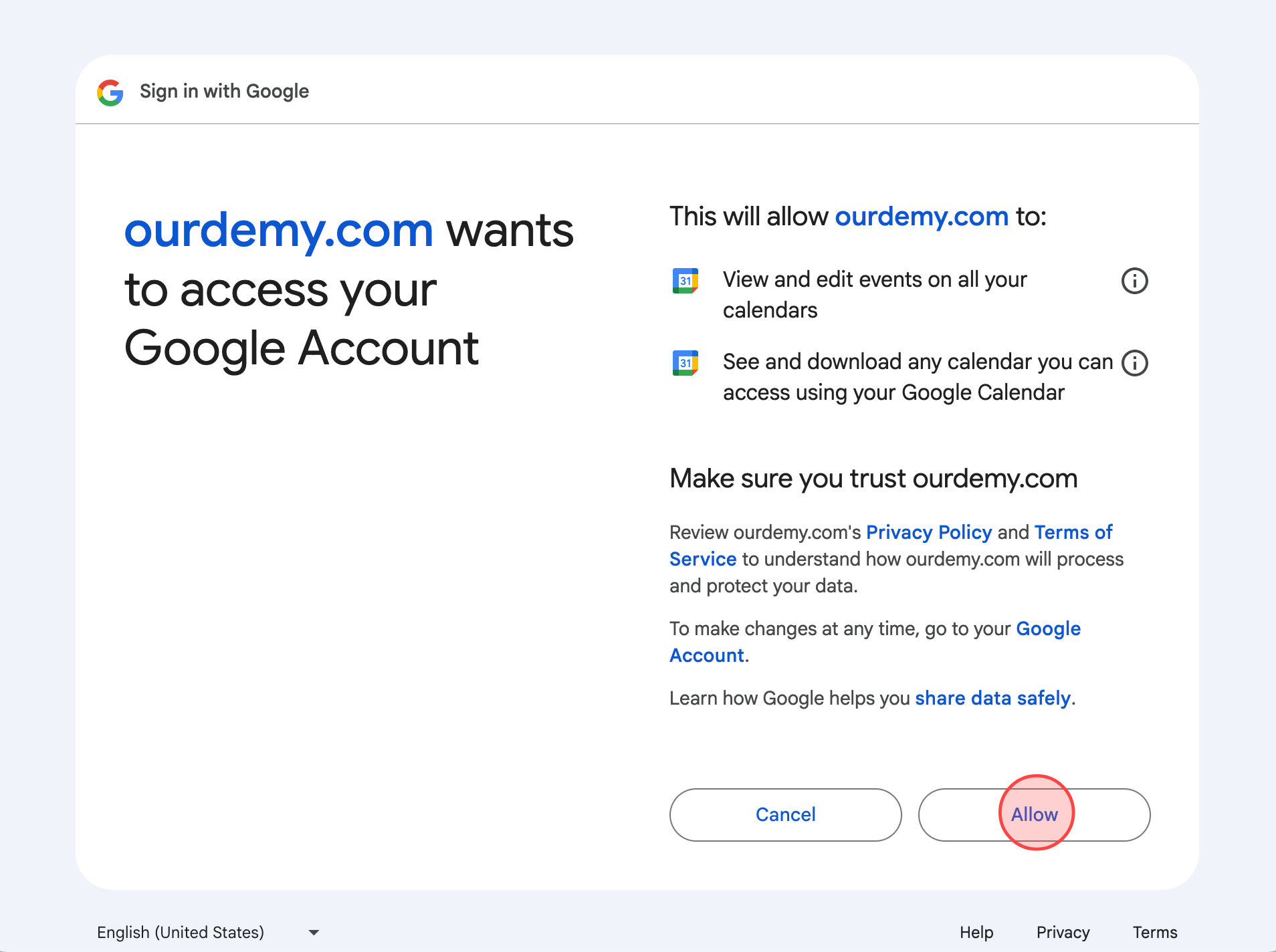
Click Allow to continue the process.
6
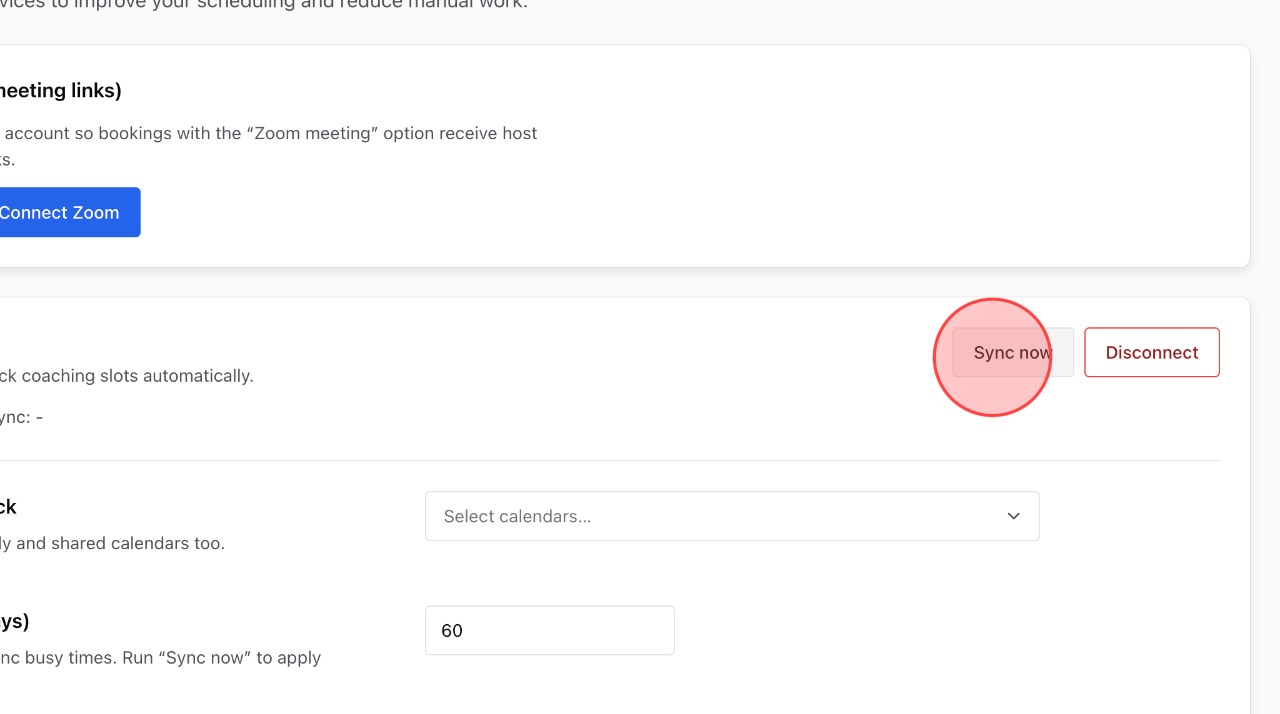
At this point, you’ve completed the Google Calendar integration. Click Sync Now to sync your calendar with Ourdemy.
7
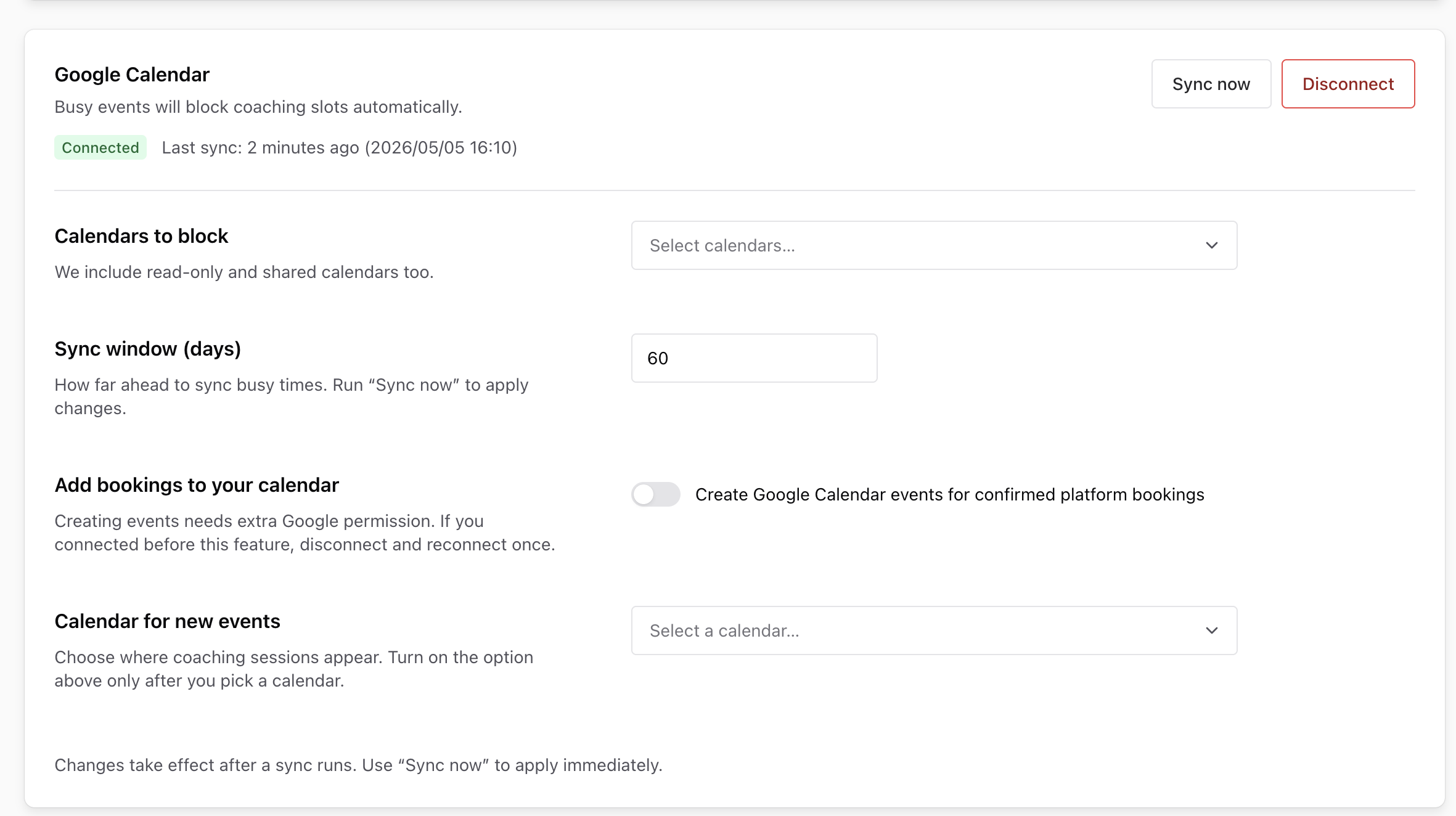
After syncing, you can further customize additional settings for the integration.
 English
  日本語
日本語