
1
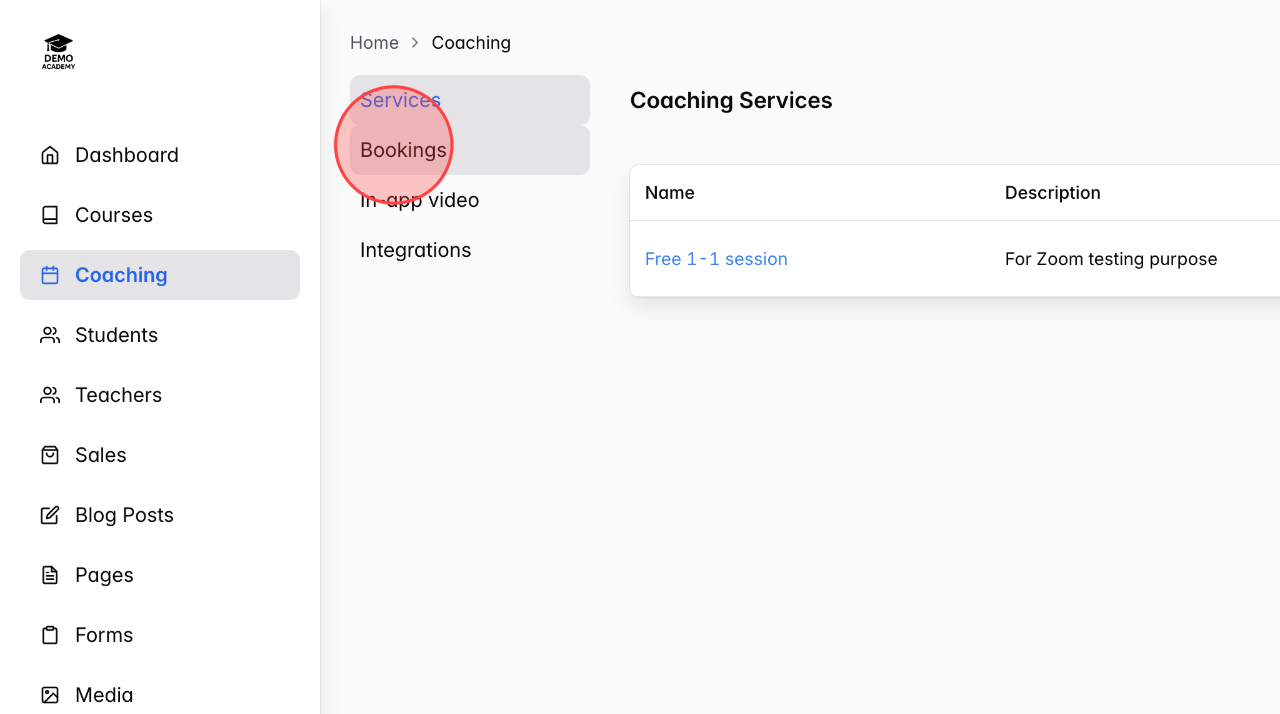
In the Coaching menu, select Bookings to view the list of all your bookings.
2
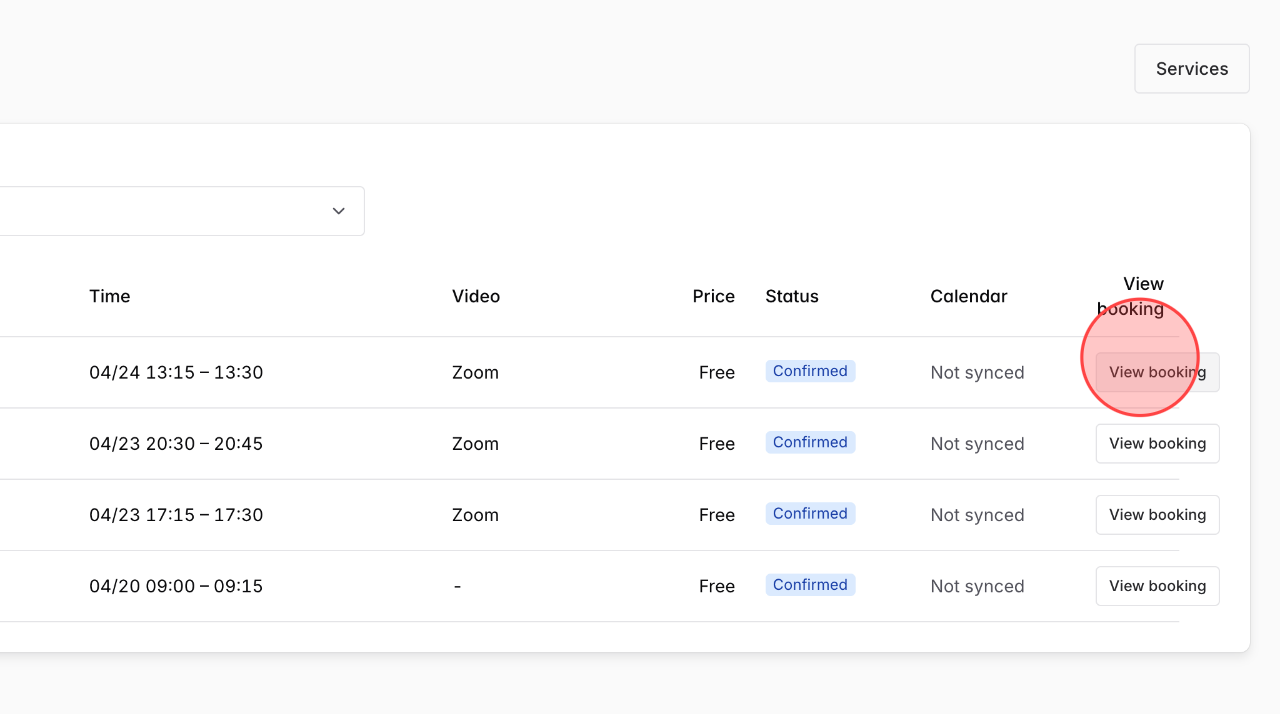
Click View booking to view the detailed information of that booking.
3
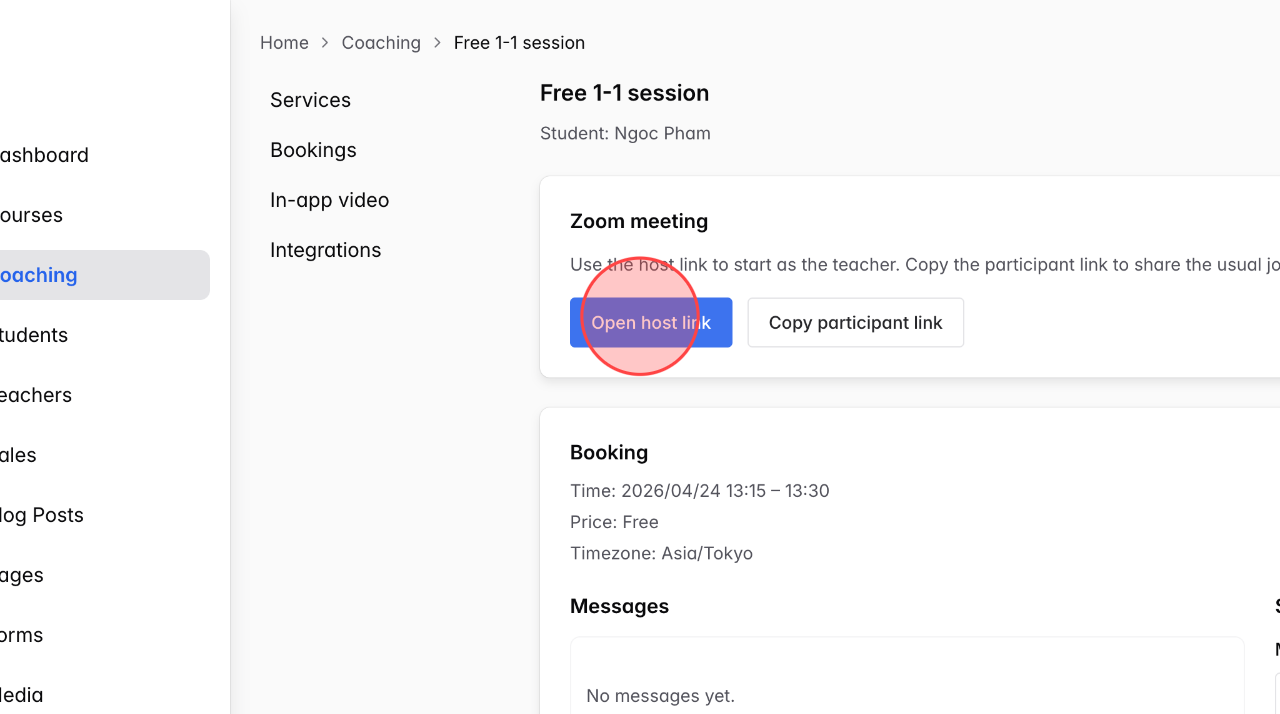
Here, click Open host link to join the call.
4
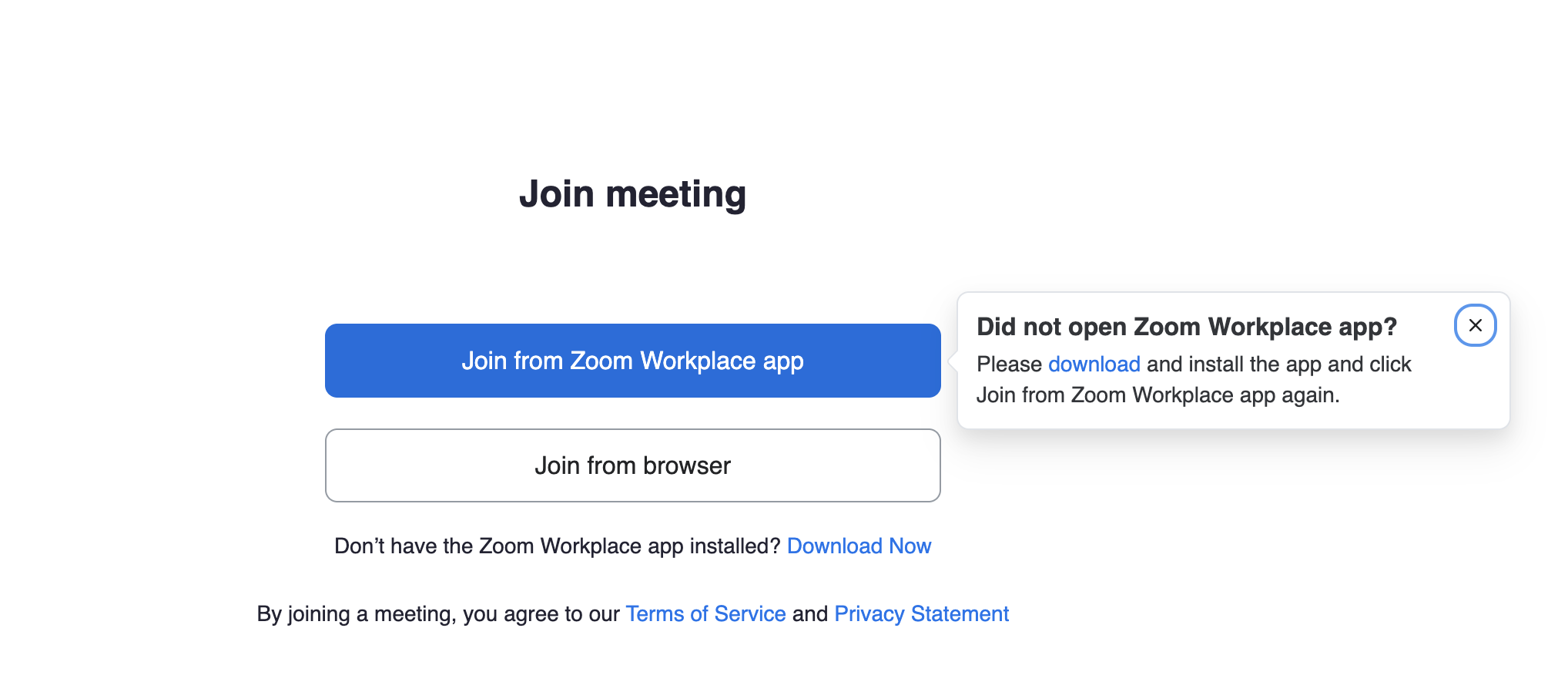
Click the option that shows how you want to join: via the Zoom app or through your browser.
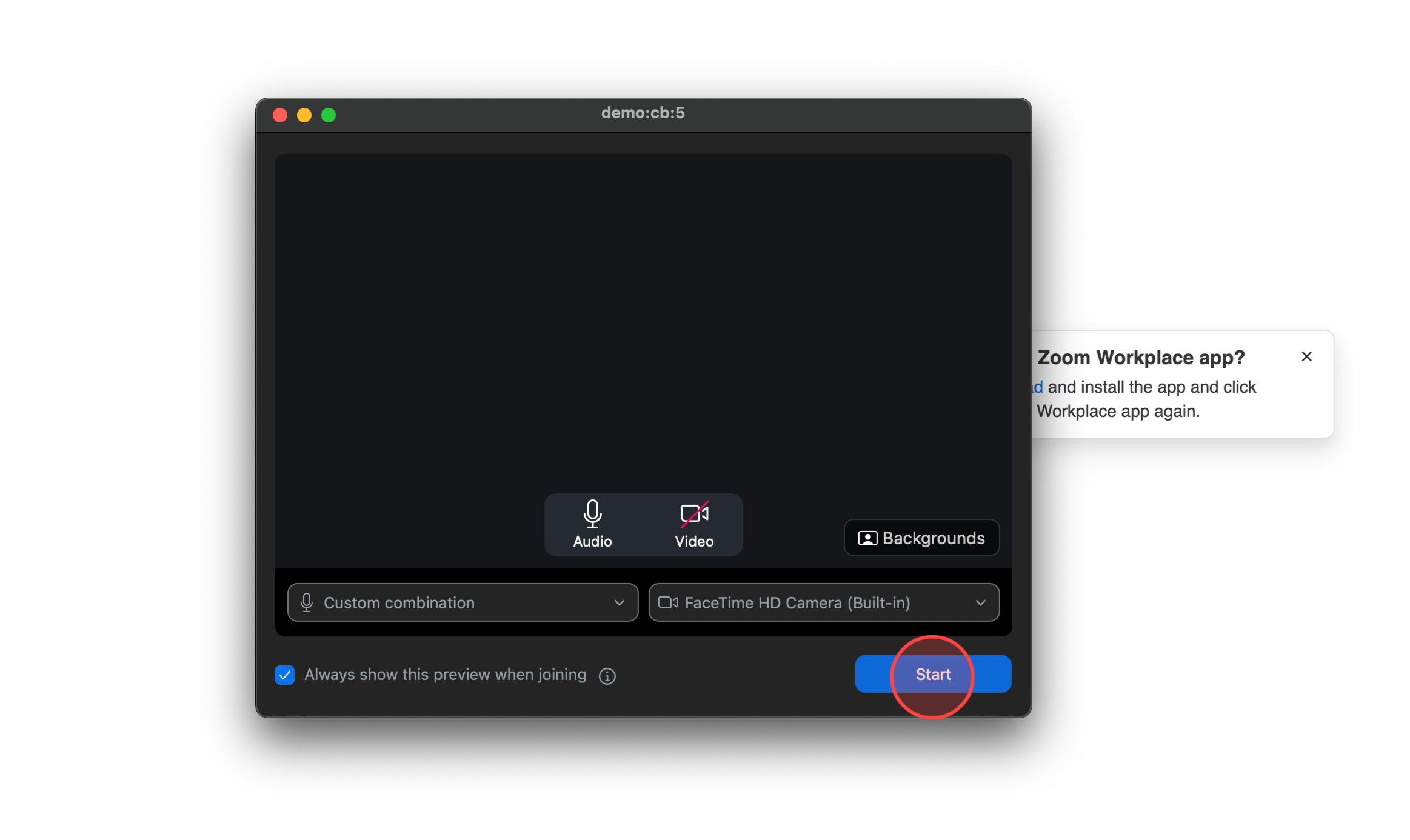
5
Click Start to begin the call with the student.
 English
  日本語
日本語