
1
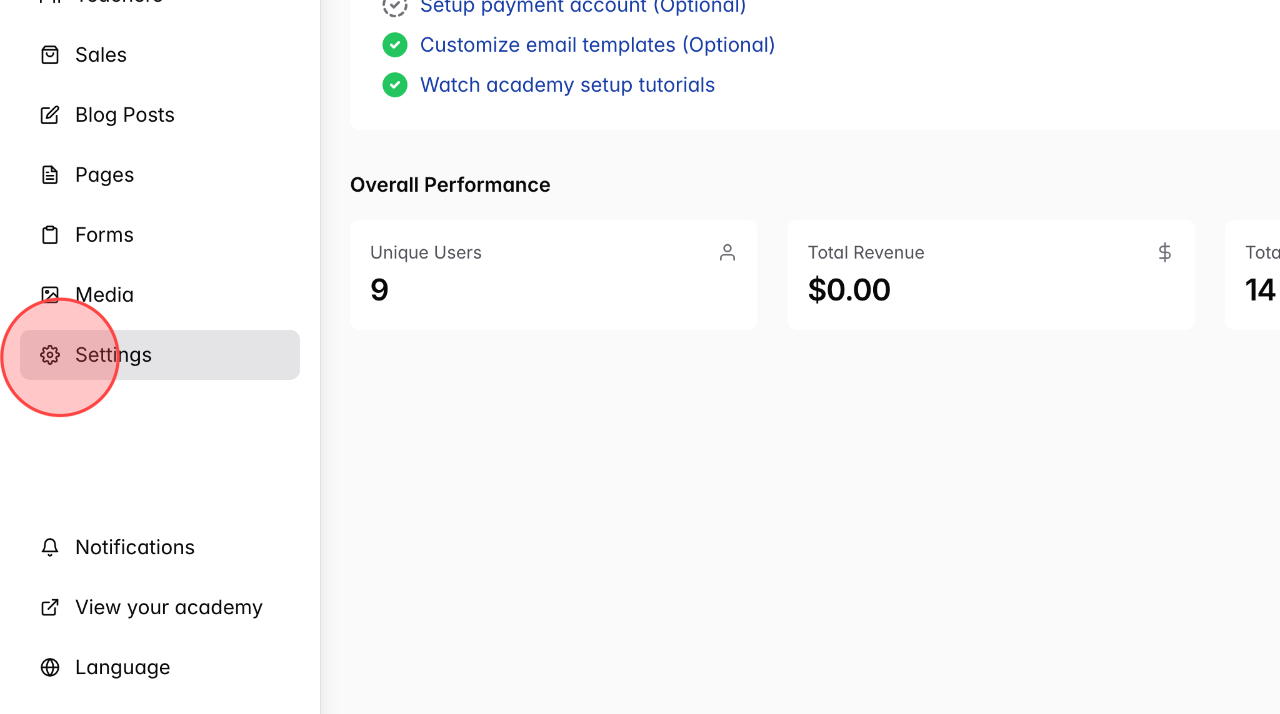
From the admin dashboard, click on Settings to open the setting management section.
2
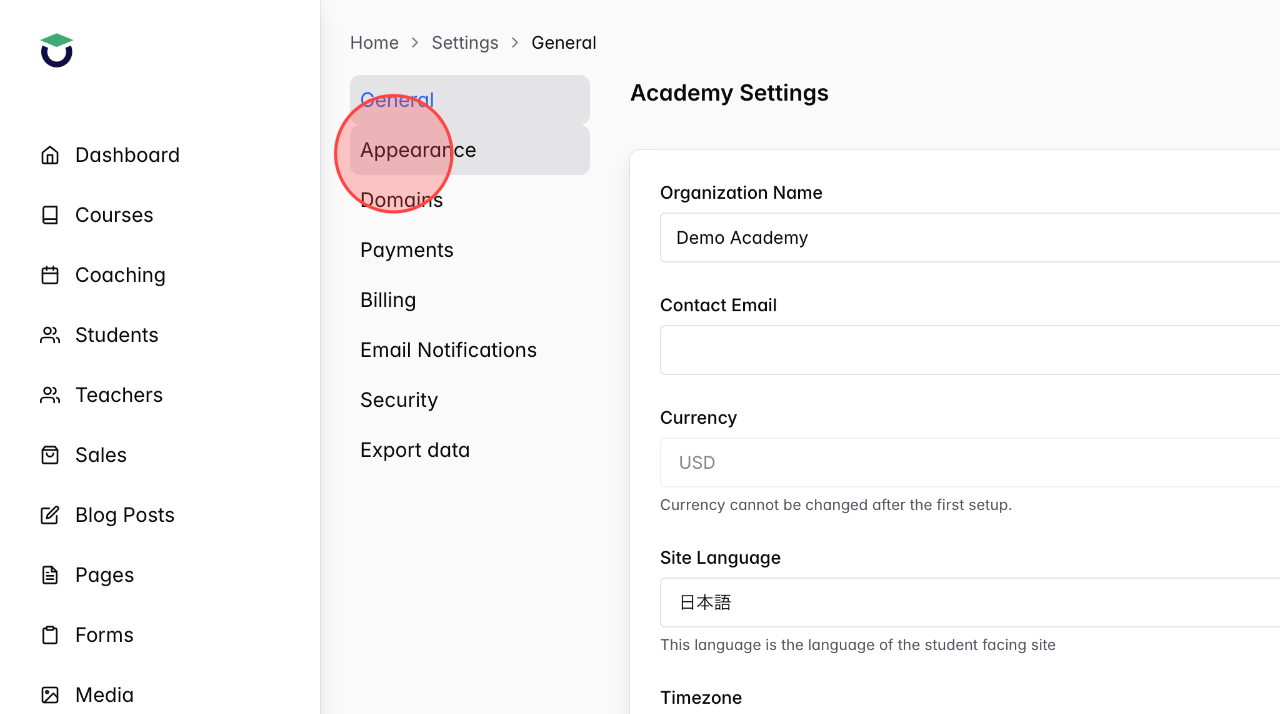
Click Appearance
3
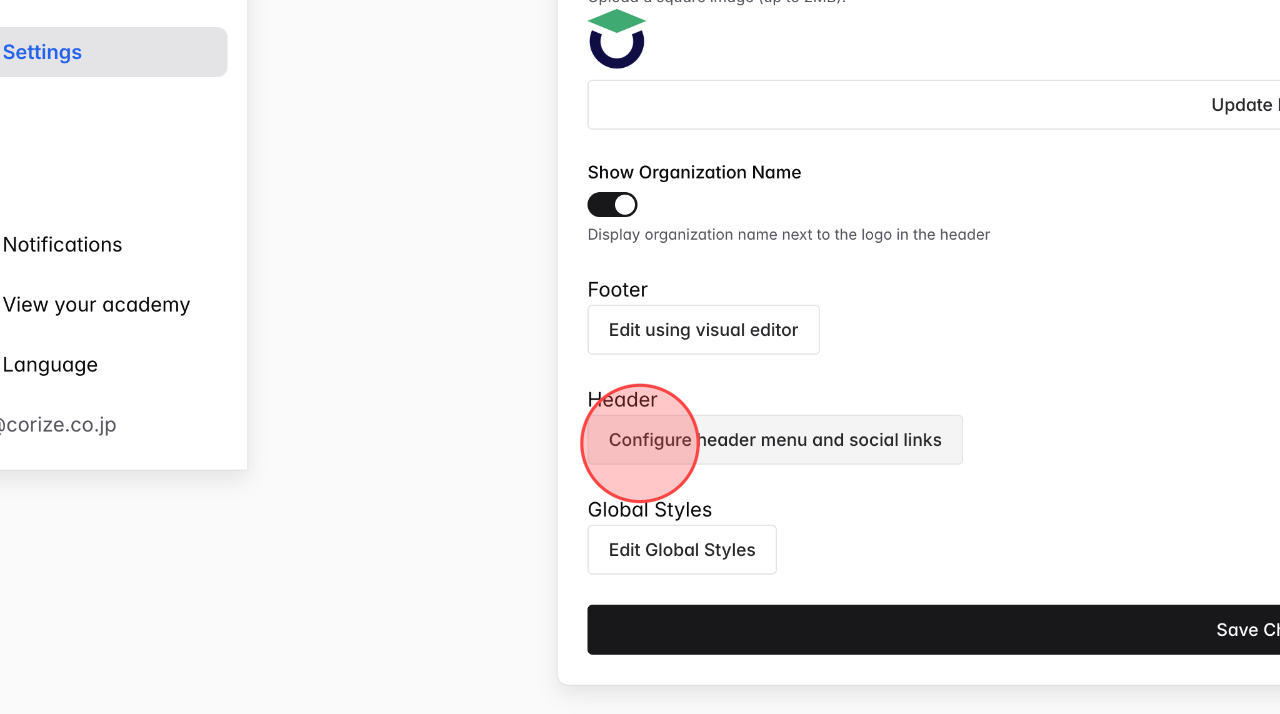
Click Configure header menu and social links to edit header menu.
4
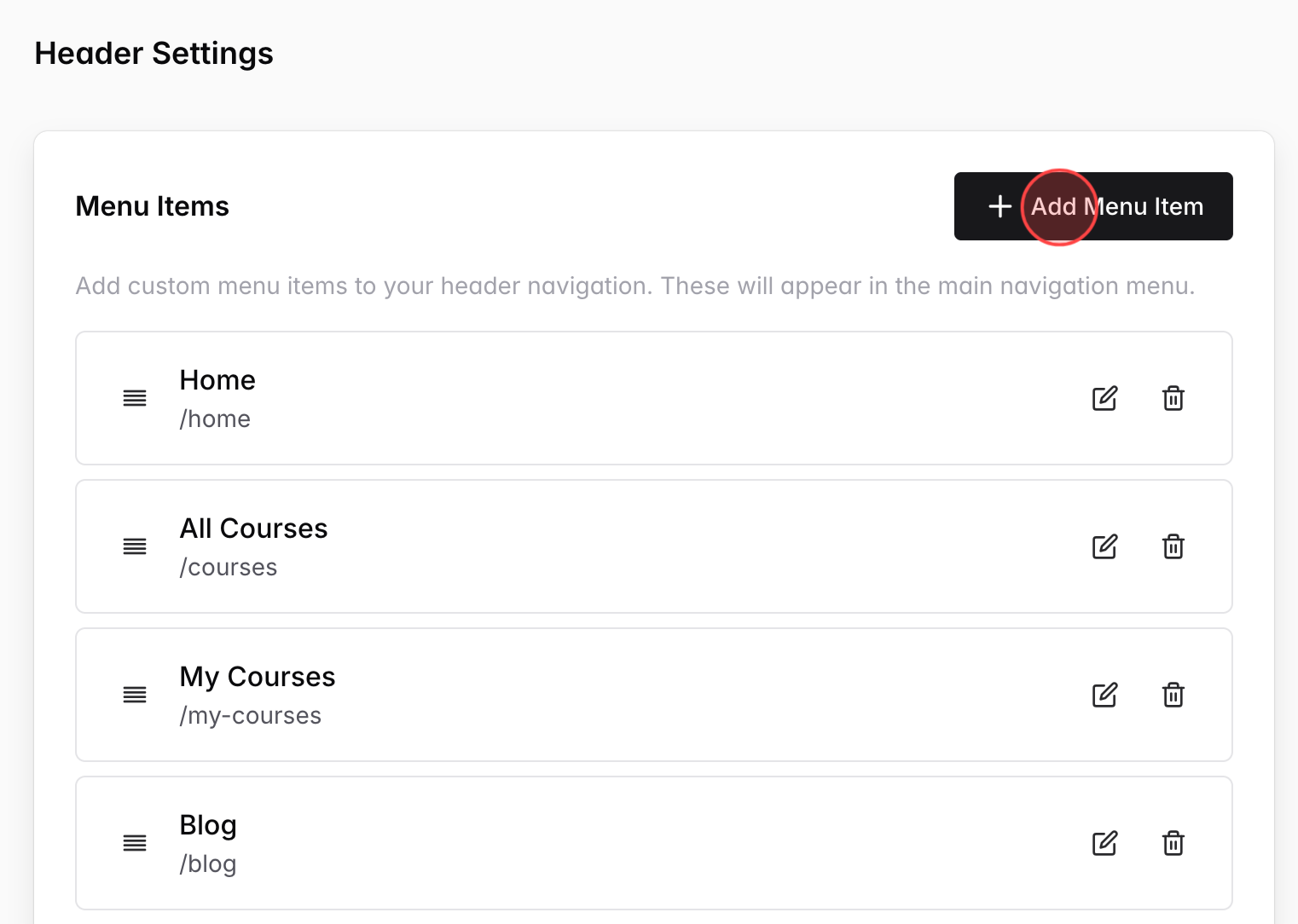
Click Add Menu Item
Note: When adding the Coaching menu to the header, it is required to set all default items: Home, All Courses, My Courses, Blog
5
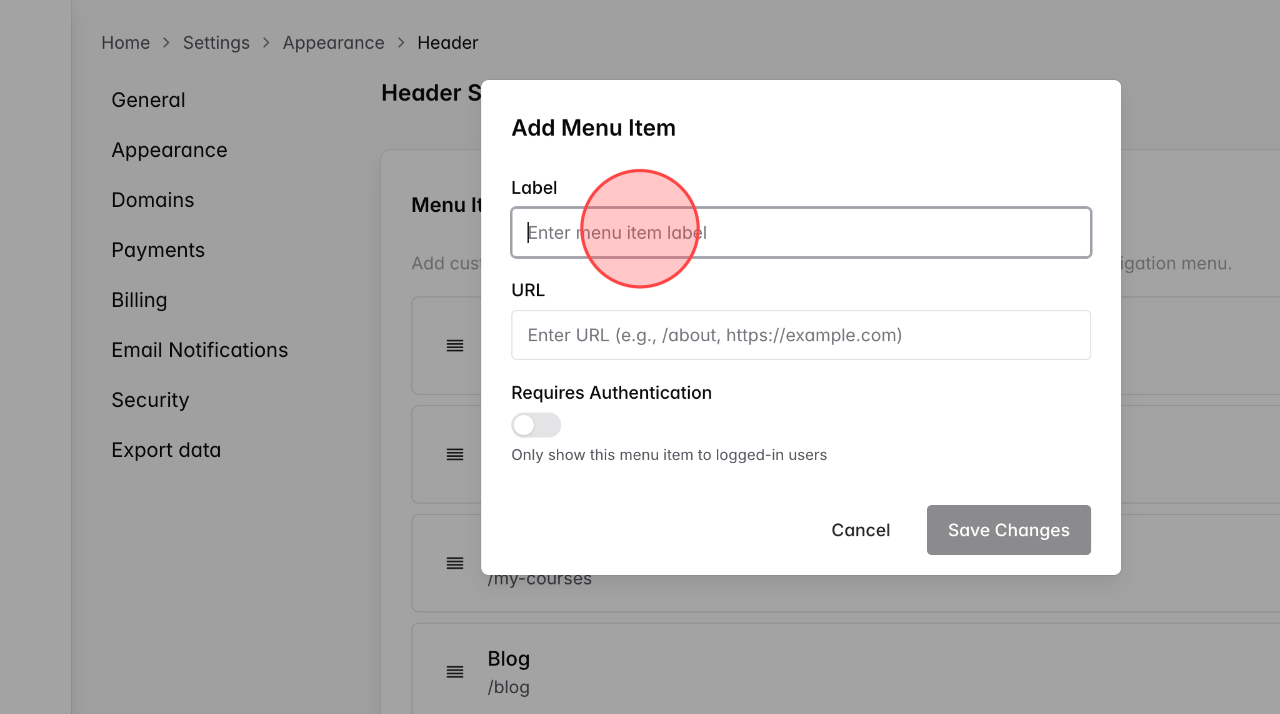
Click and enter the name of menu what you want on this field. E.g, Coaching
6
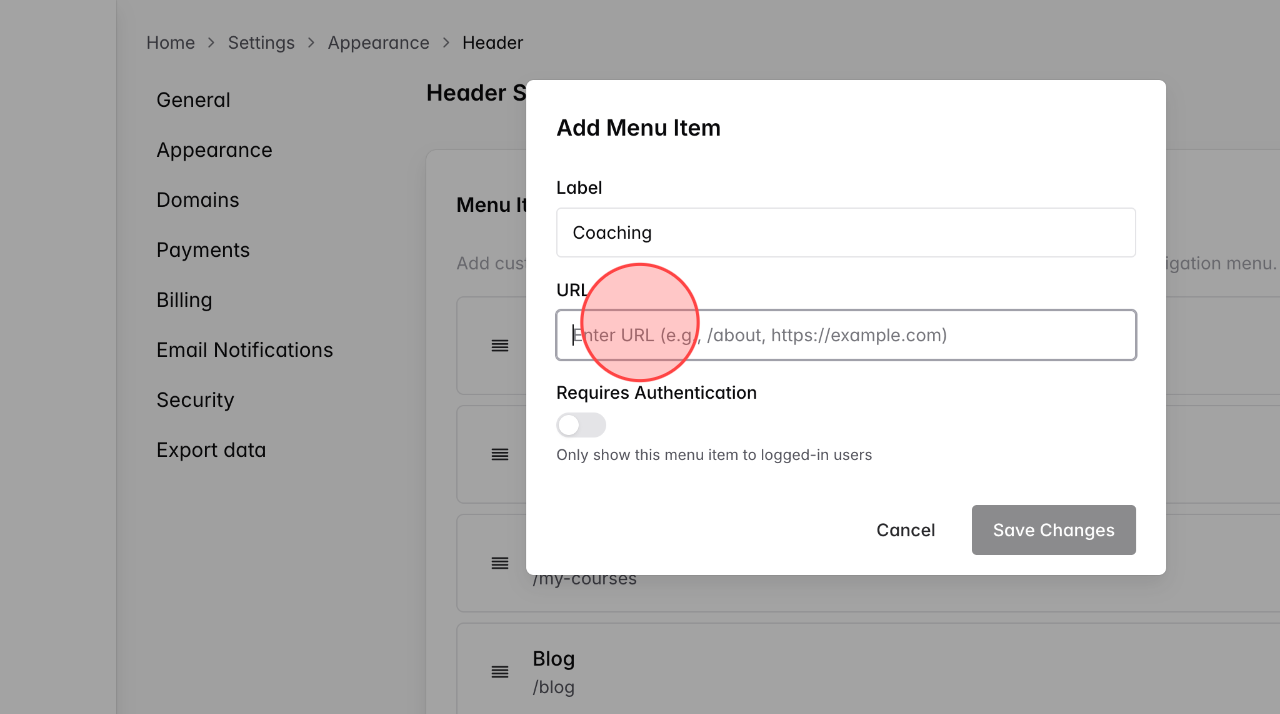
Add the URL of coaching services on this field (/coaching/services)
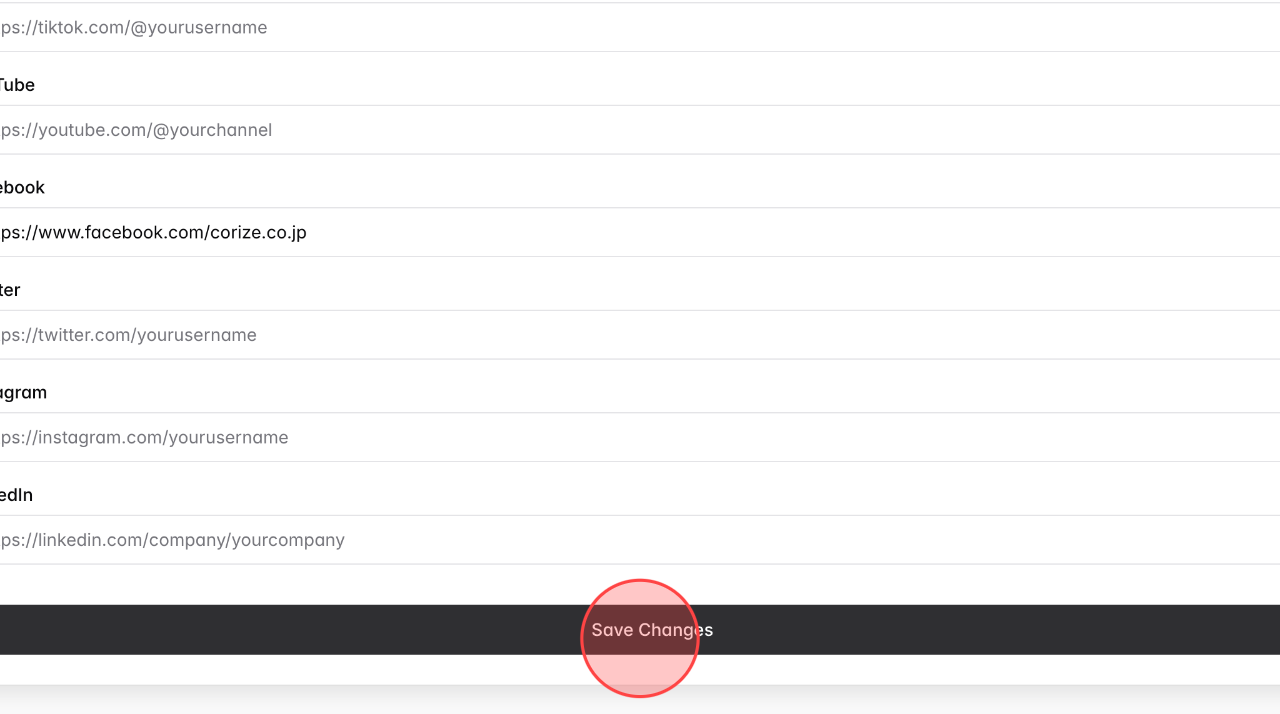
7
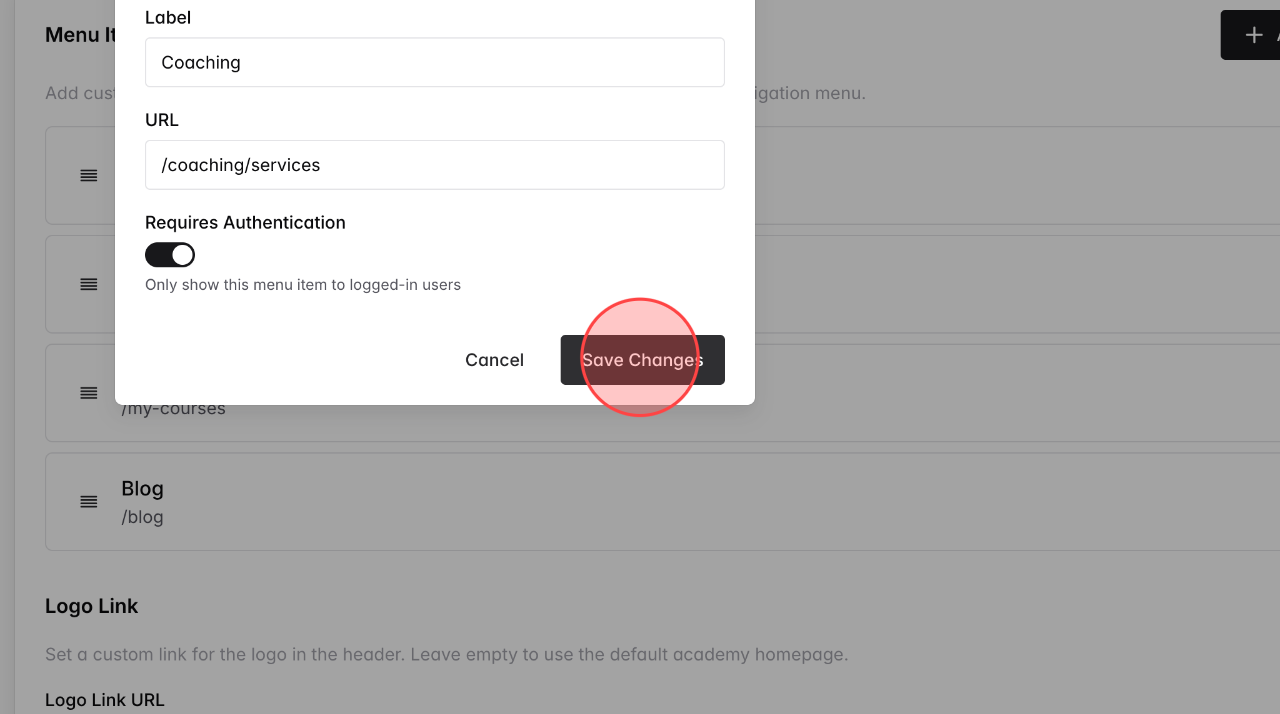
Click Save Changes to complete adding a new item.
8
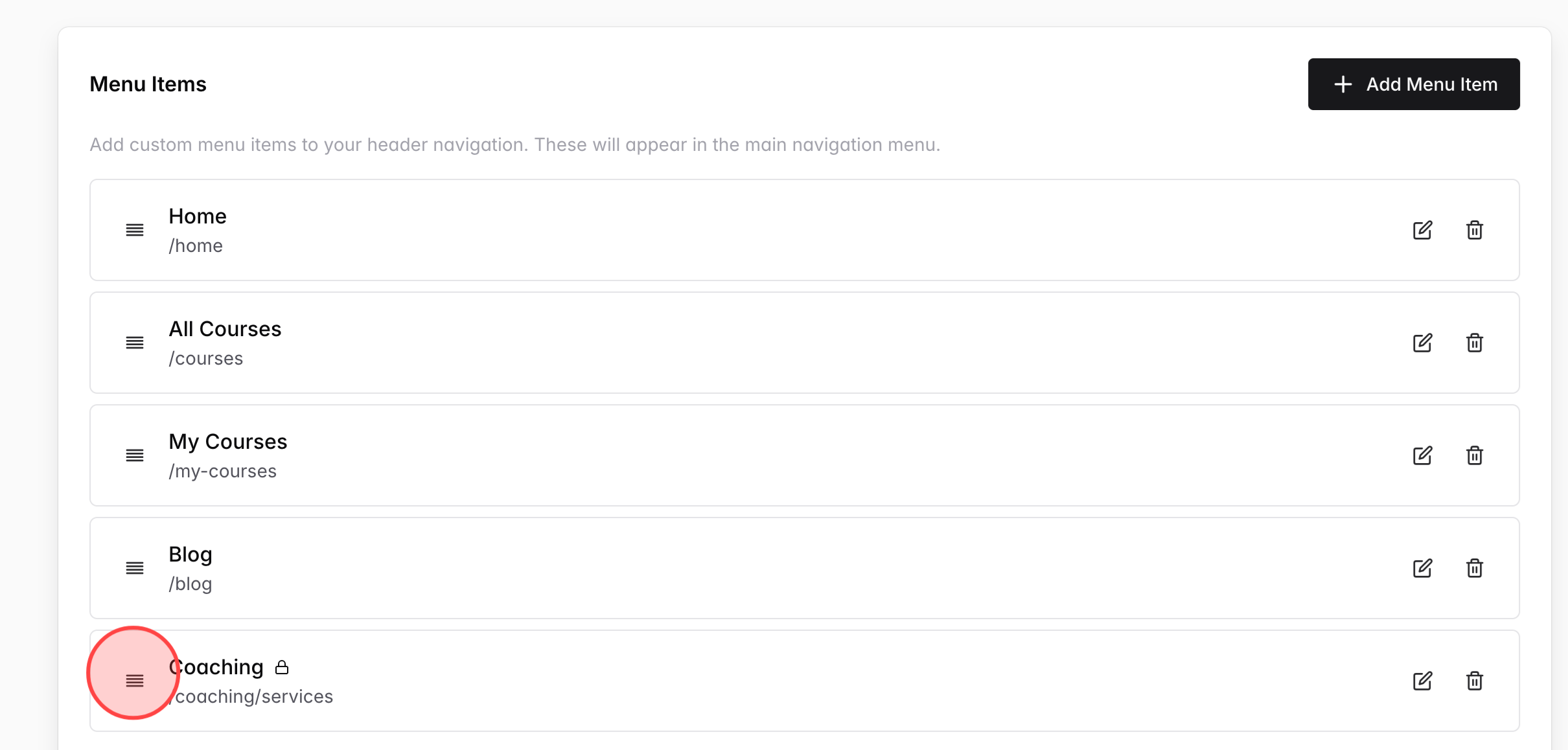
Using this icon, drag to position you want to arrange the menu header.
9
Click Save Changes to finish the process.
 English
  日本語
日本語