
1
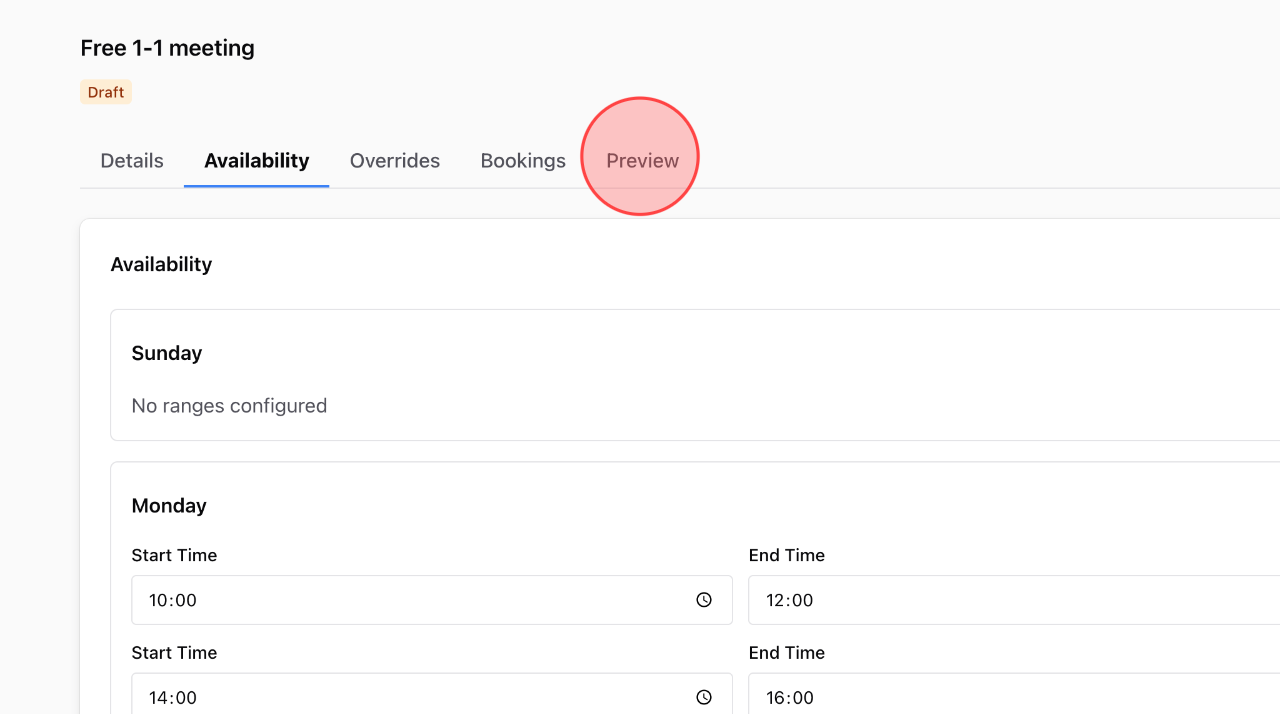
In the service detail settings, click the Preview tab.
2
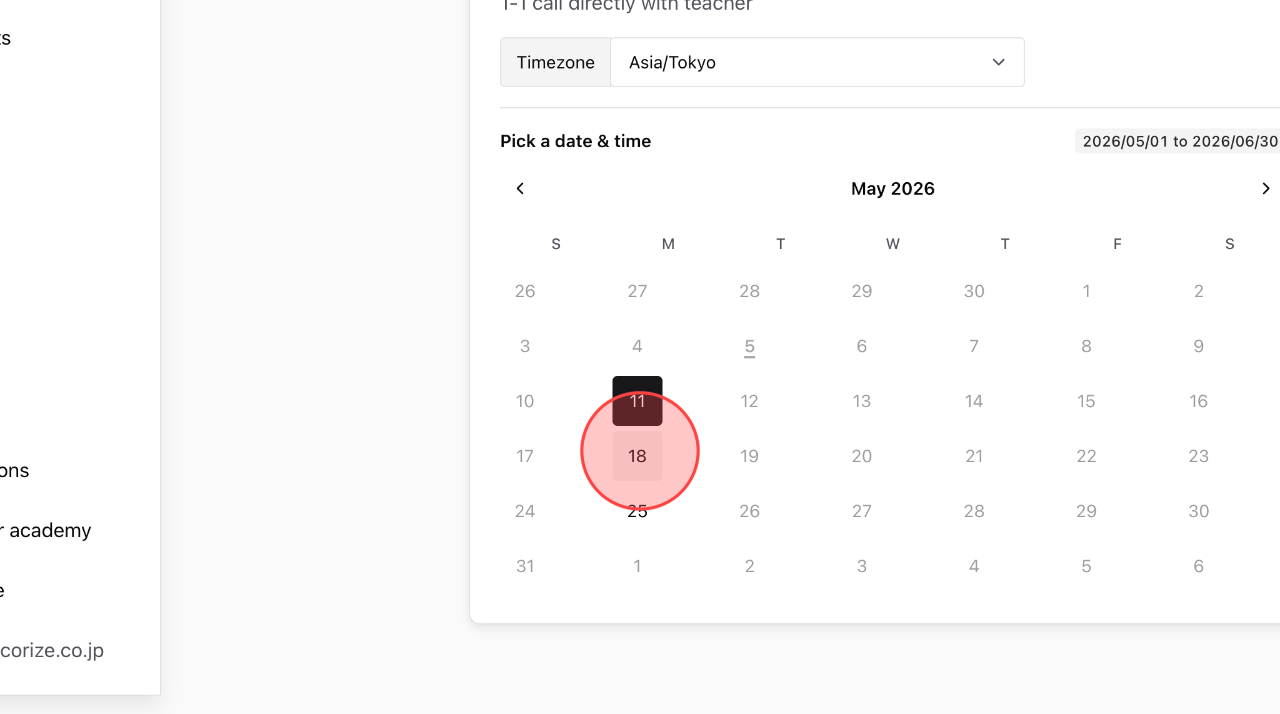
To view the schedule for a specific day, click on that day to check the details.
3
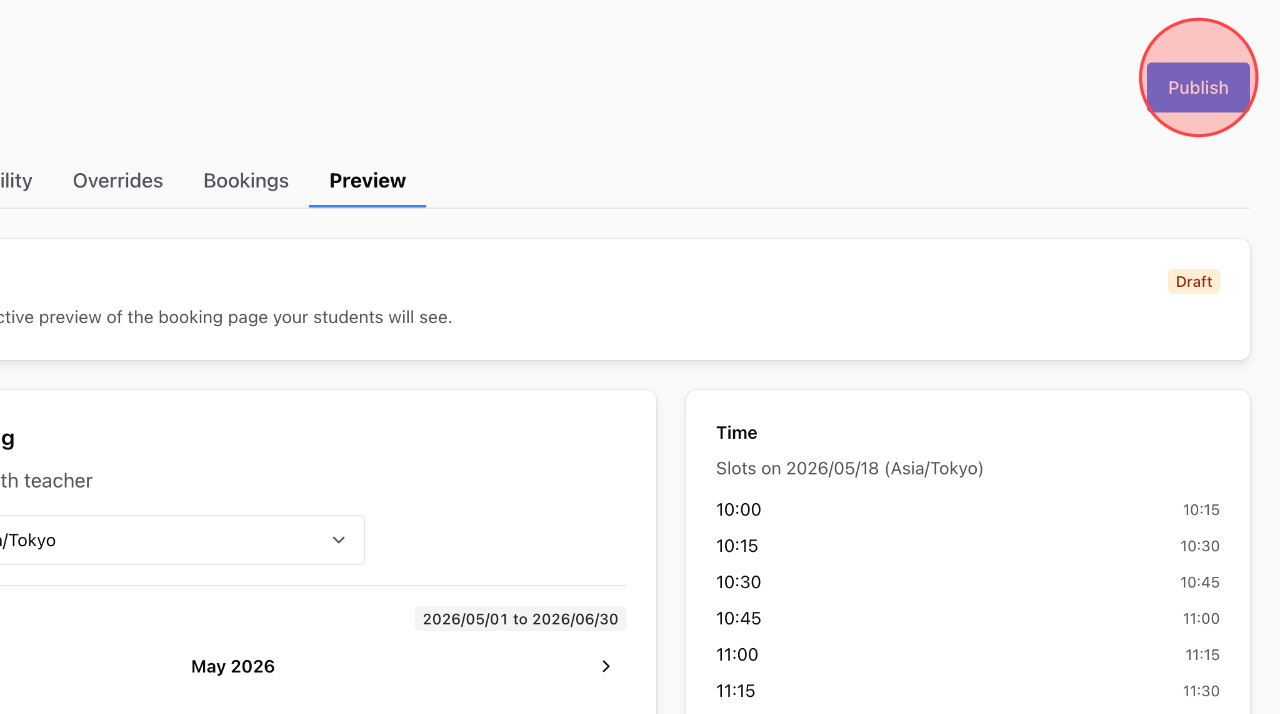
After reviewing your schedule, click Publish to make it available for students to start booking.
 English
  日本語
日本語