
1
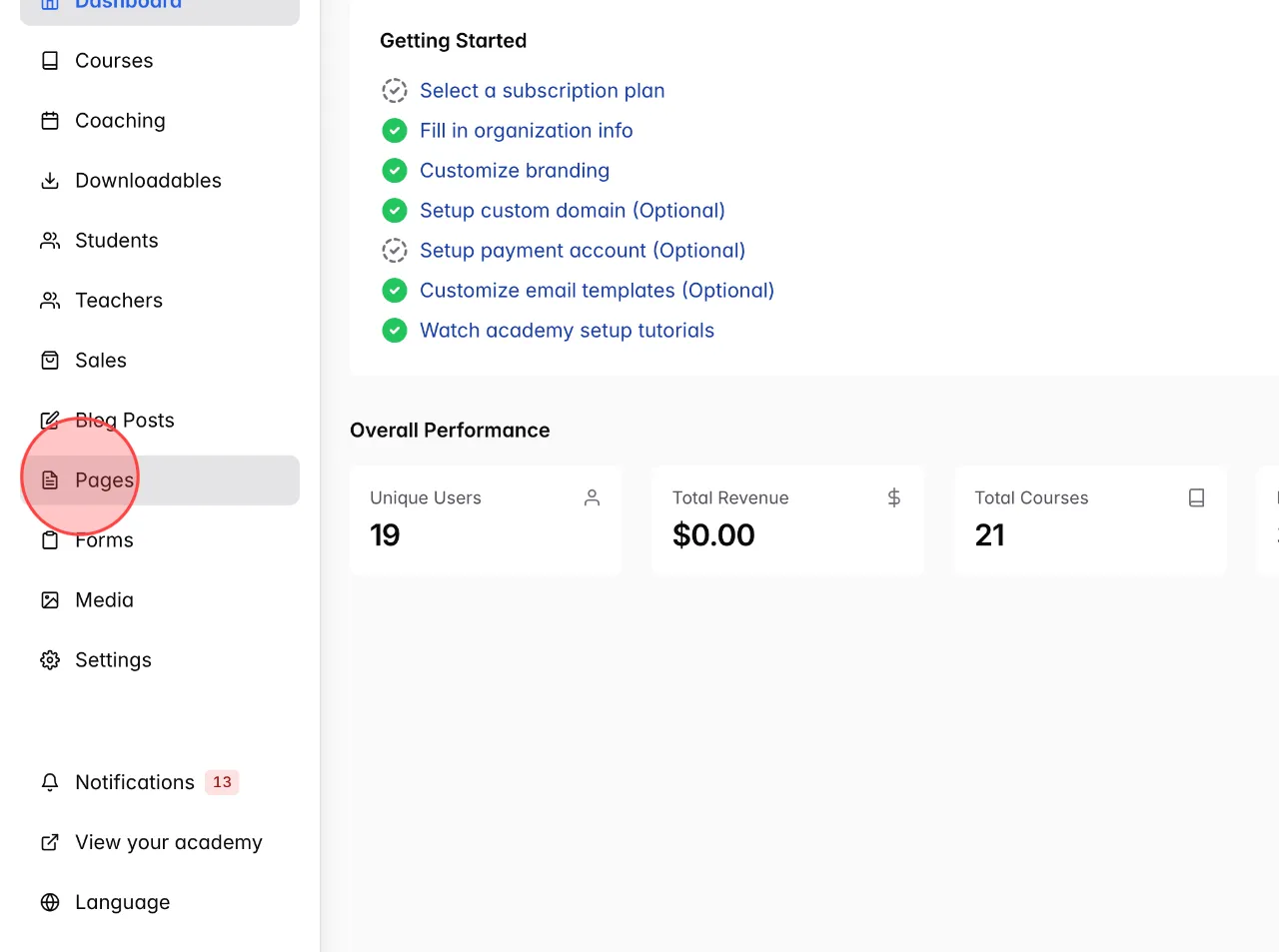
In the dashboard admin menu, Click Pages.
2
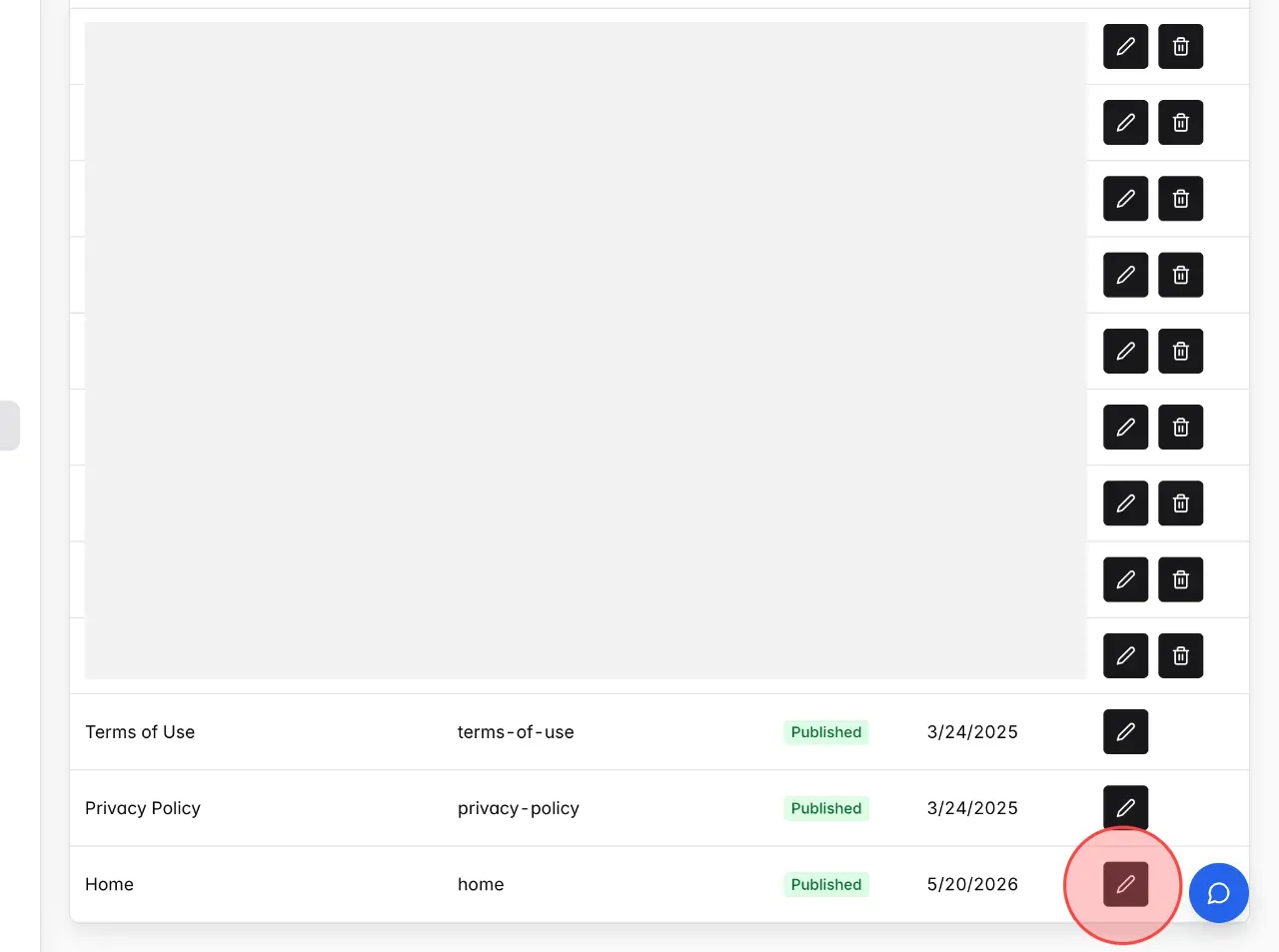
Choose a page you want to add Coaching list and click edit icon to open the page.
3
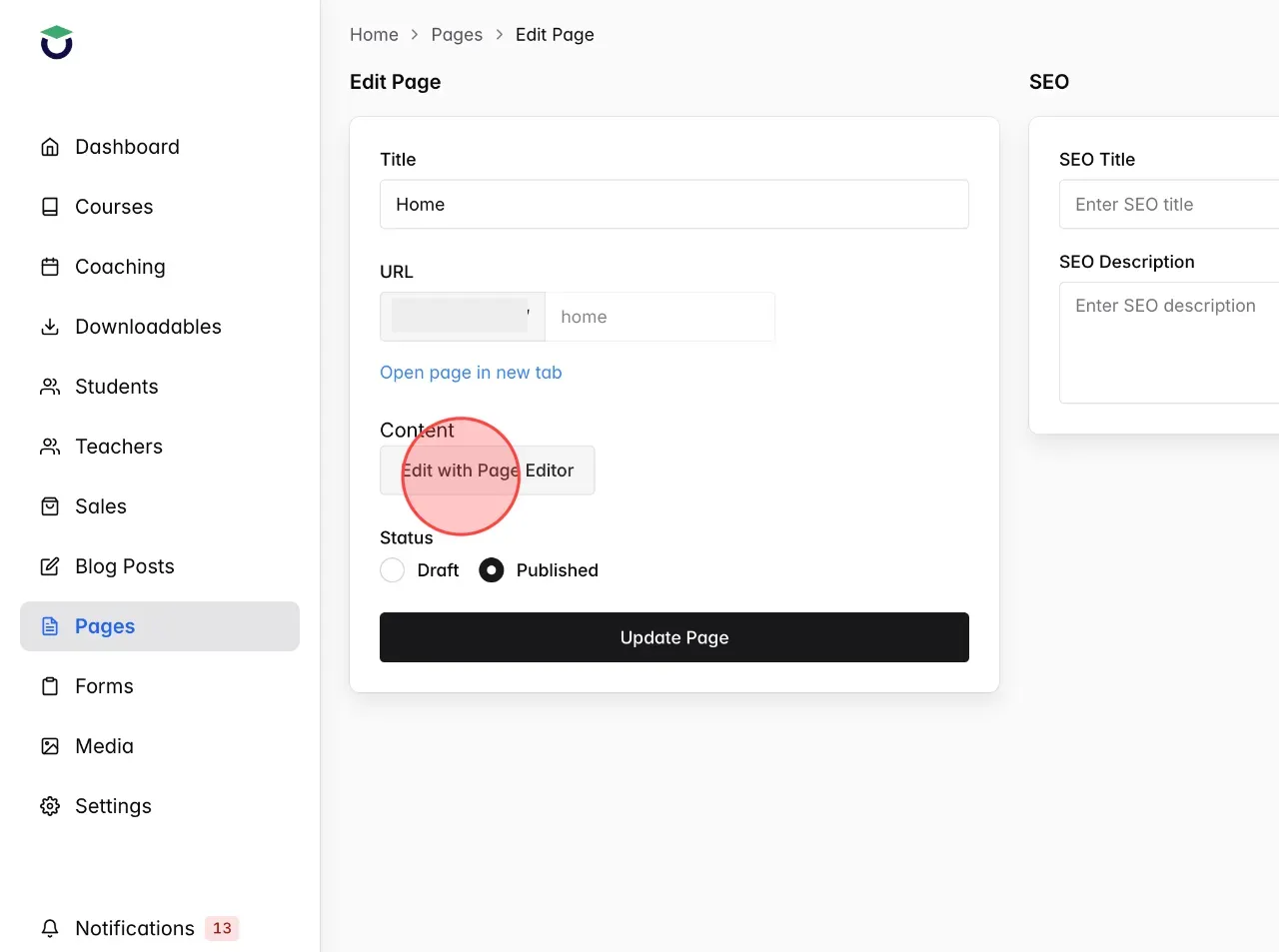
Click Edit with Page Editor to open the page editor.
4
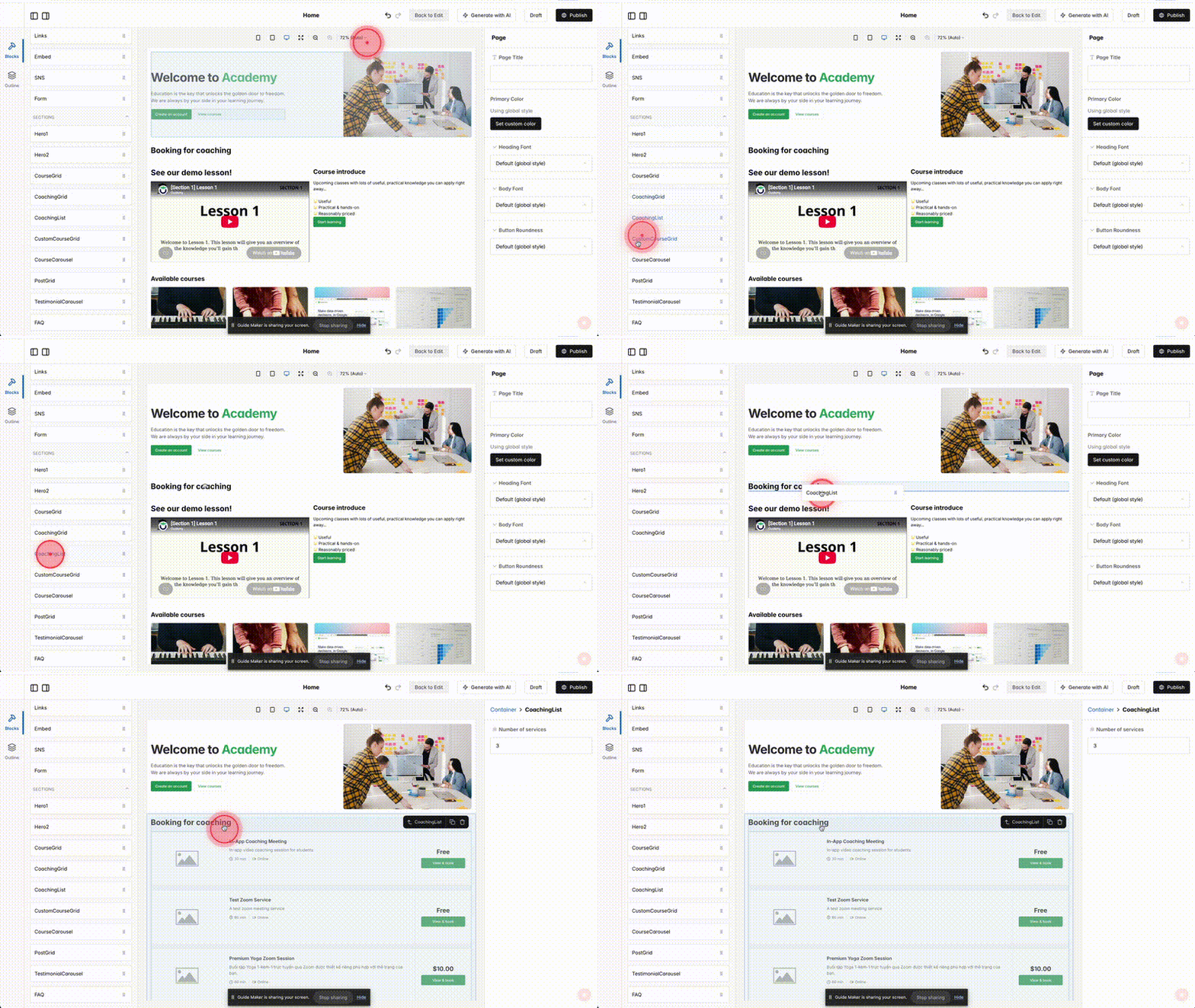
In the Blocks panel, select Coachinglist. Drag and drop it into the section, row, or column where you want to display.
 English
  日本語
日本語