
1
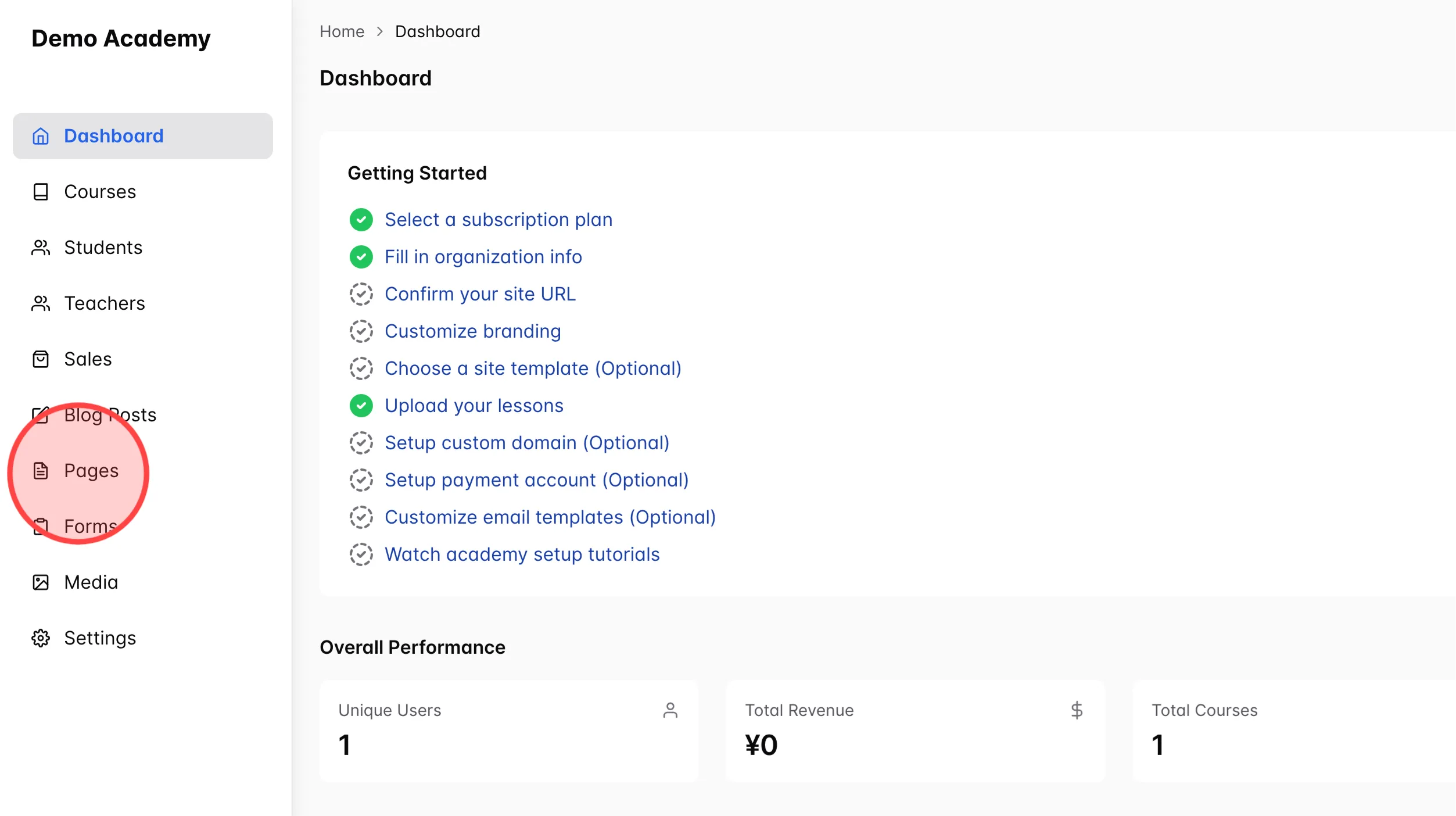
Click Pages in the dashboard to access your pages list.
2
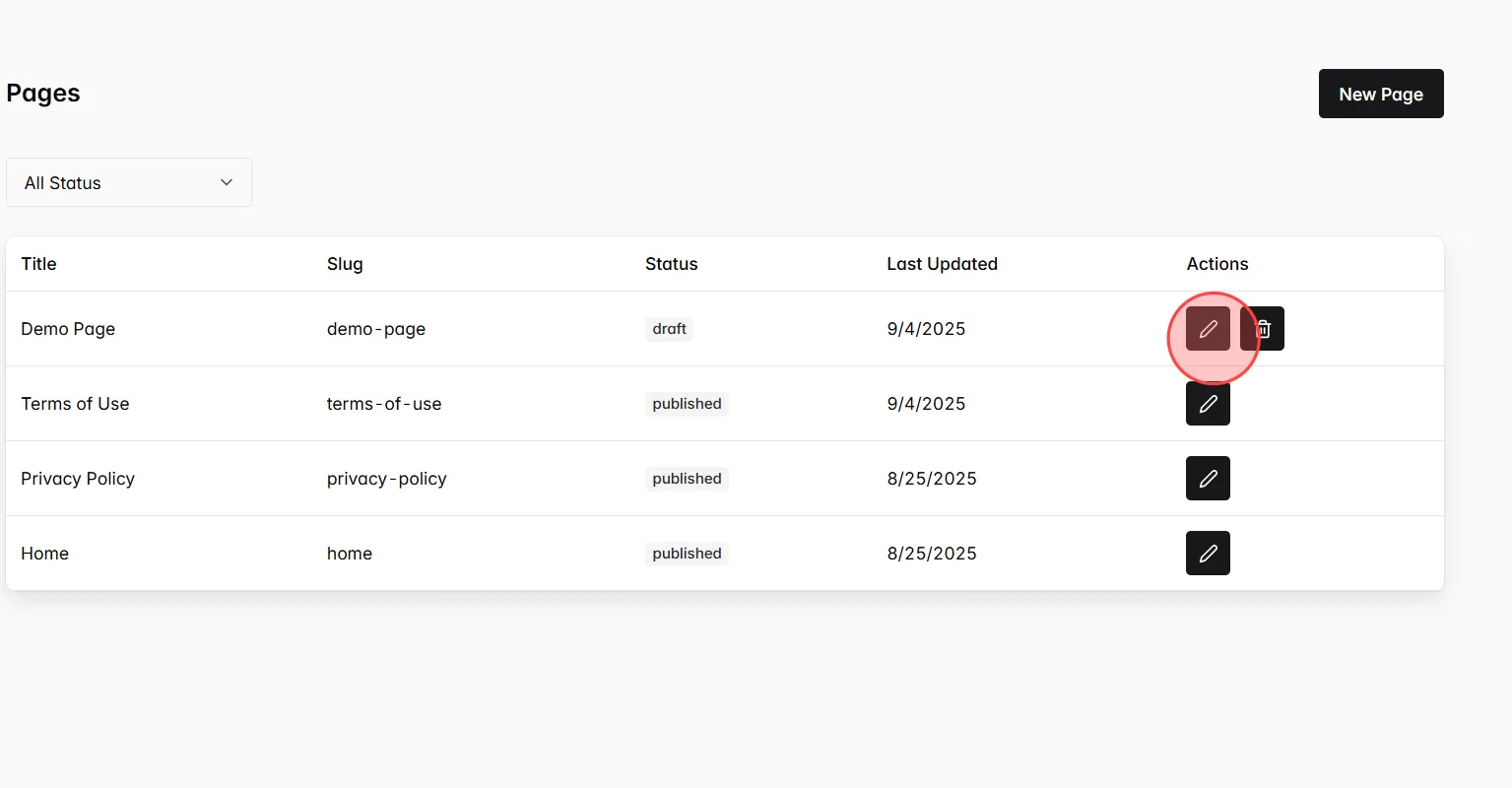
Click the Edit page input next to the page you want to customize.
3
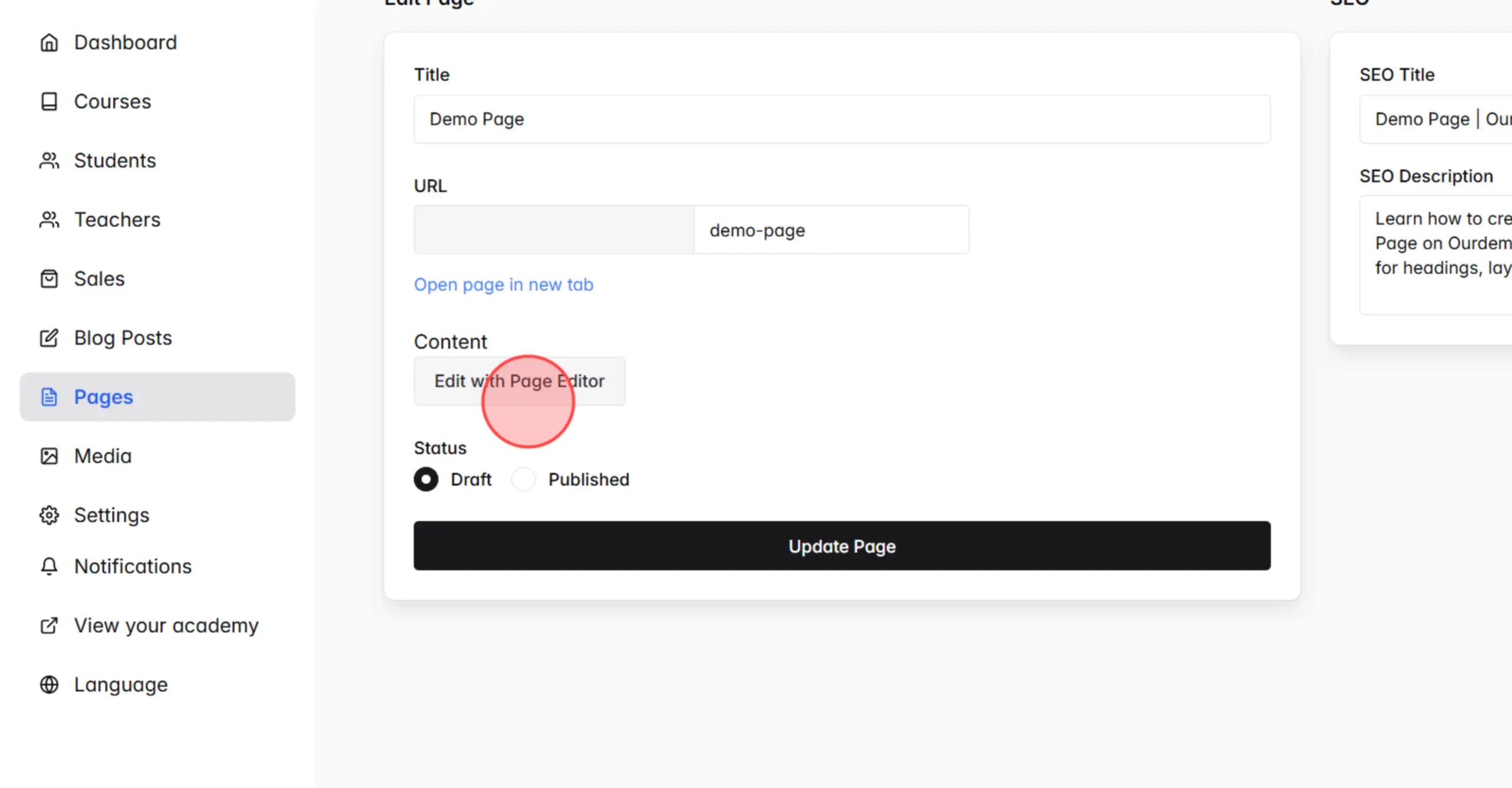
Click Edit with Page Editor to open the visual page builder.
4
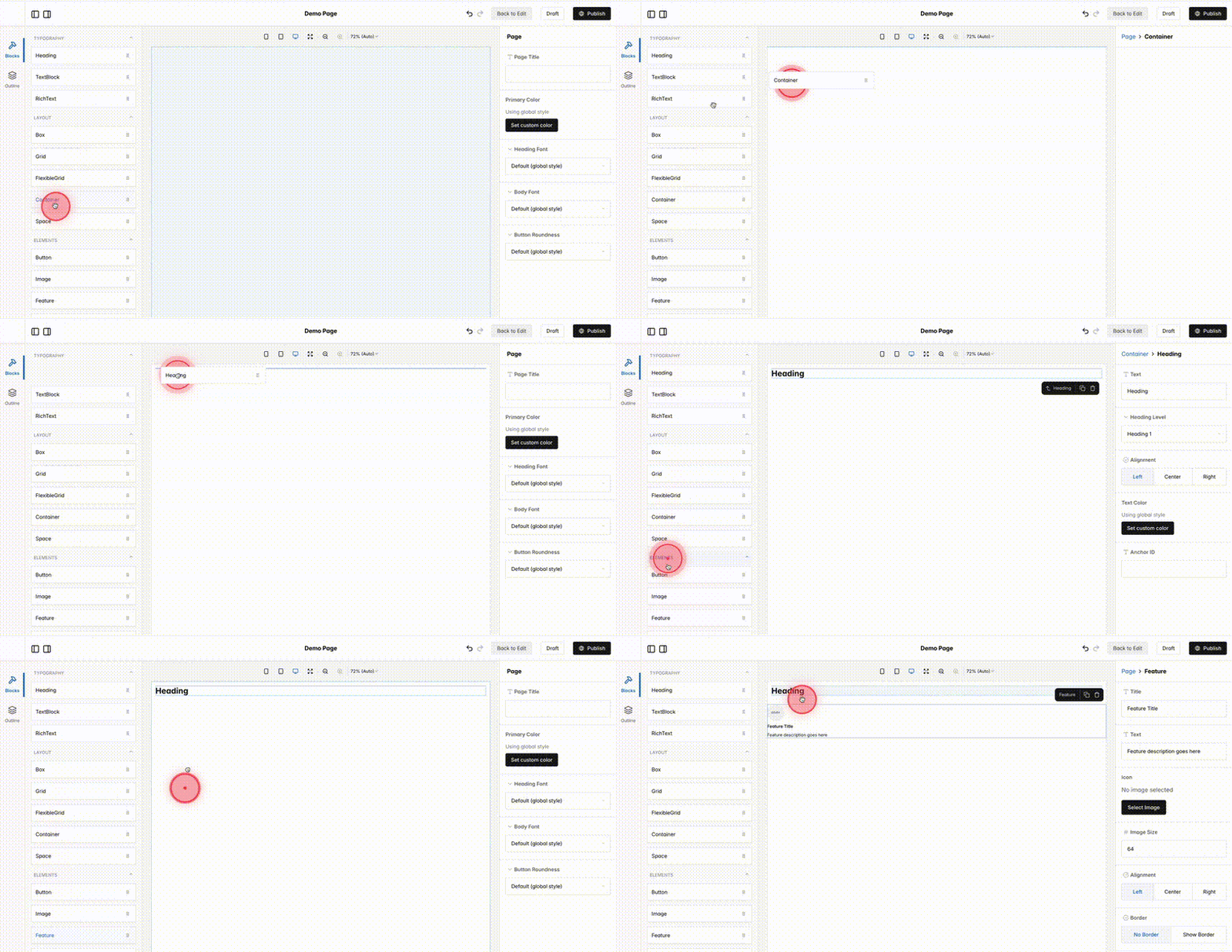
Within the Page Editor, drag each component from the list and drop it into the desired position on the page (e.g., Container, Heading, Feature, etc.).
5
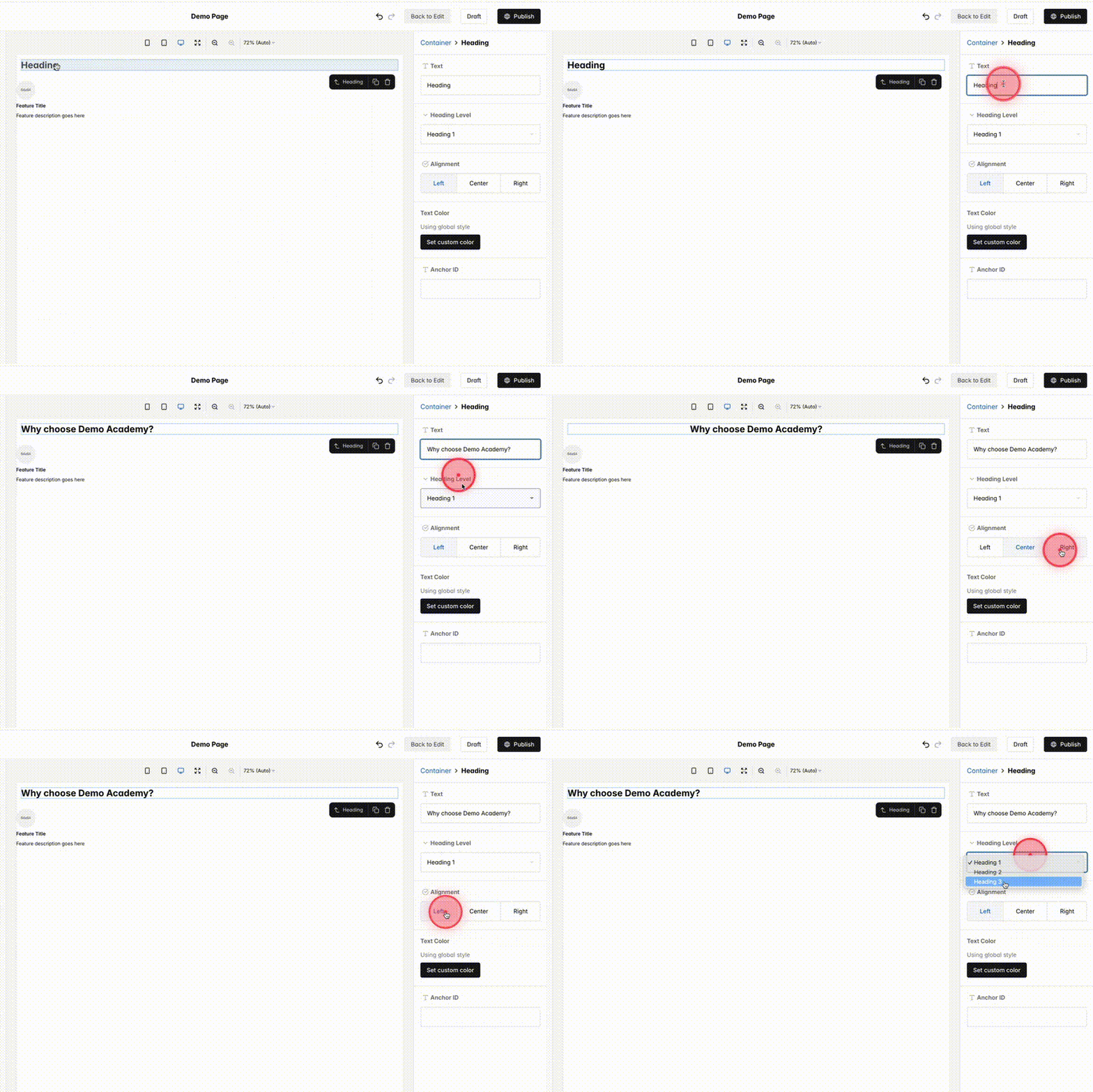
Change the properties of the selected block using the settings panel on the right.
6
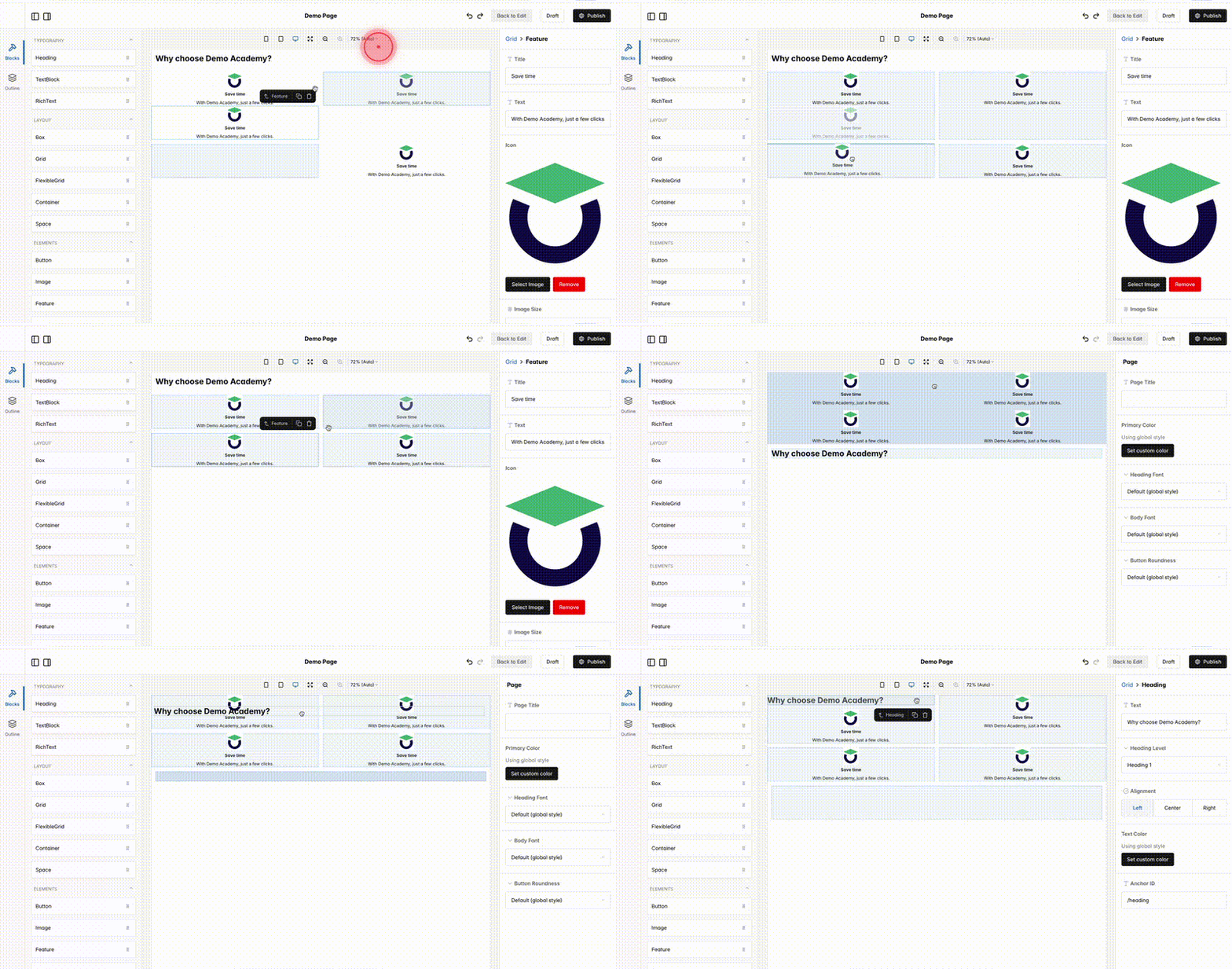
To change the order of the blocks, simply drag and drop them into the desired position.
7
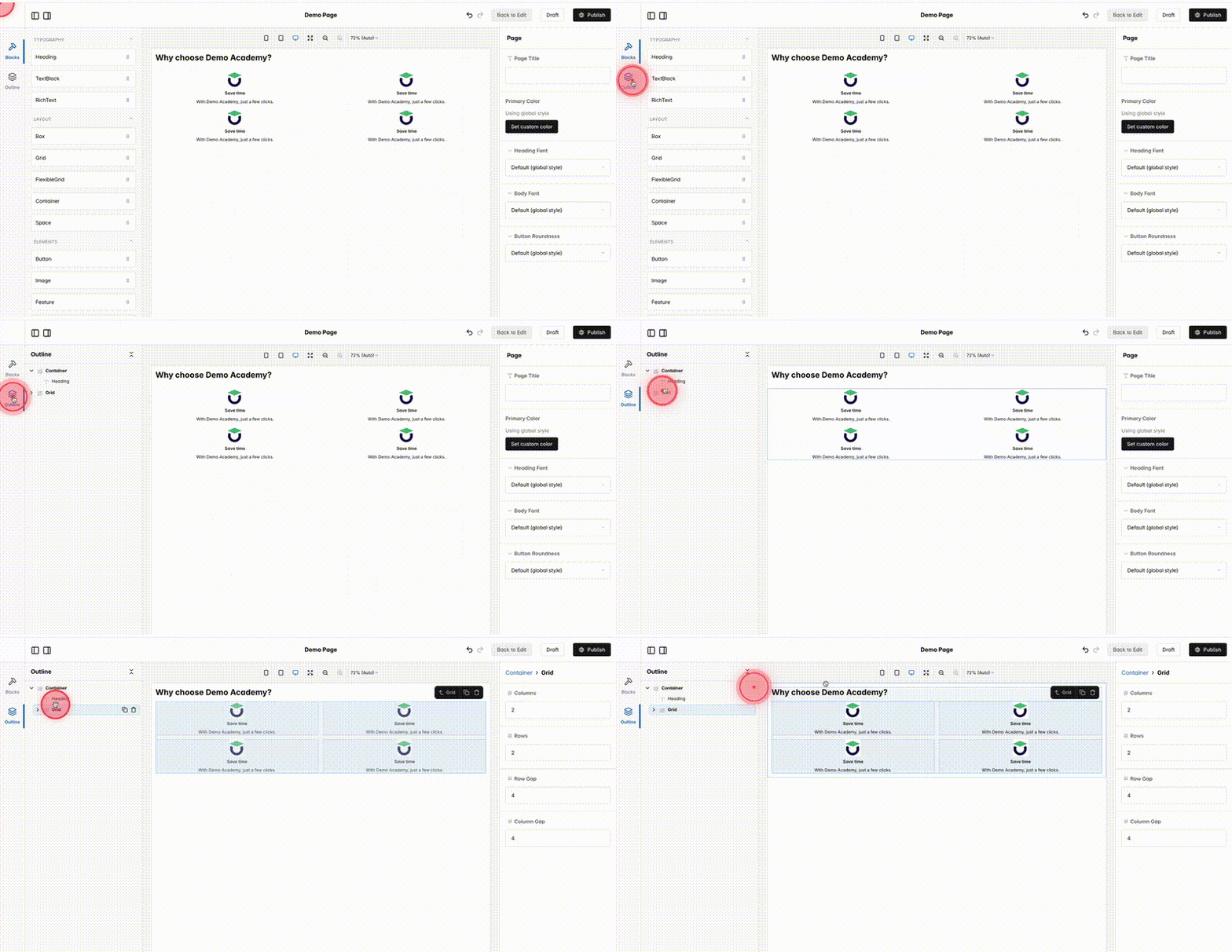
If your page contains many blocks, use the Outline feature in the left-hand menu to easily drag and drop blocks into the desired order.
8
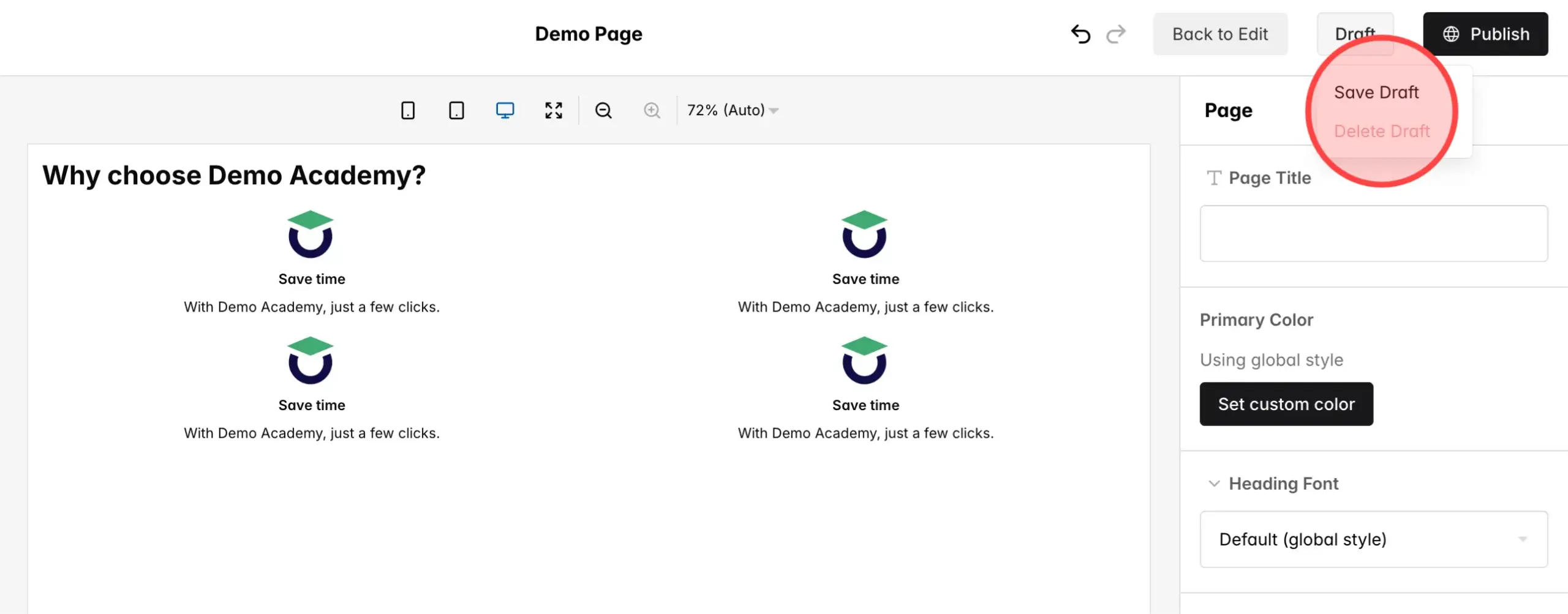
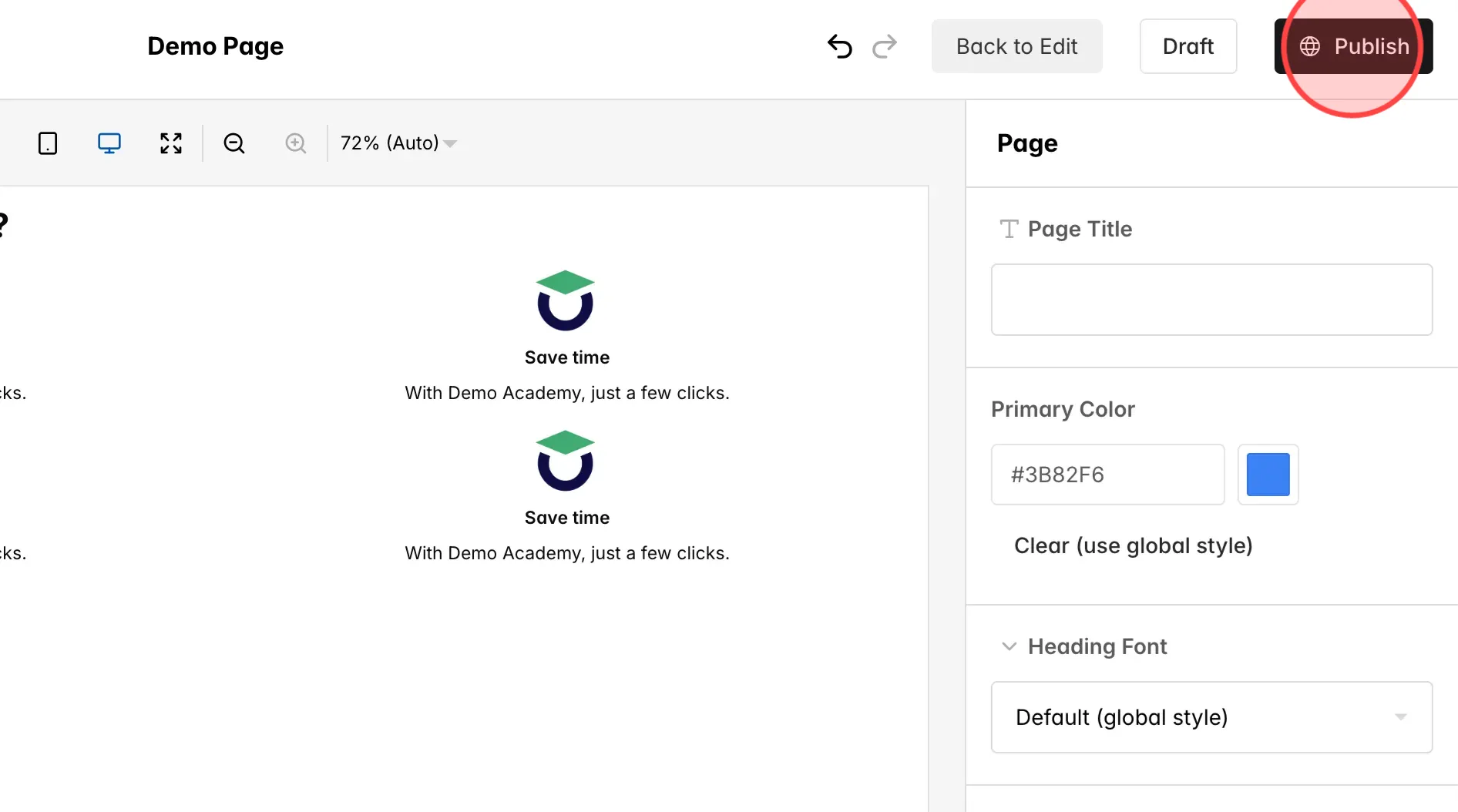
Click Draft and then click Save Draft to save your changes without publishing them live.
9
Click Publish to make your changes live on the site.
 English
  日本語
日本語