
1
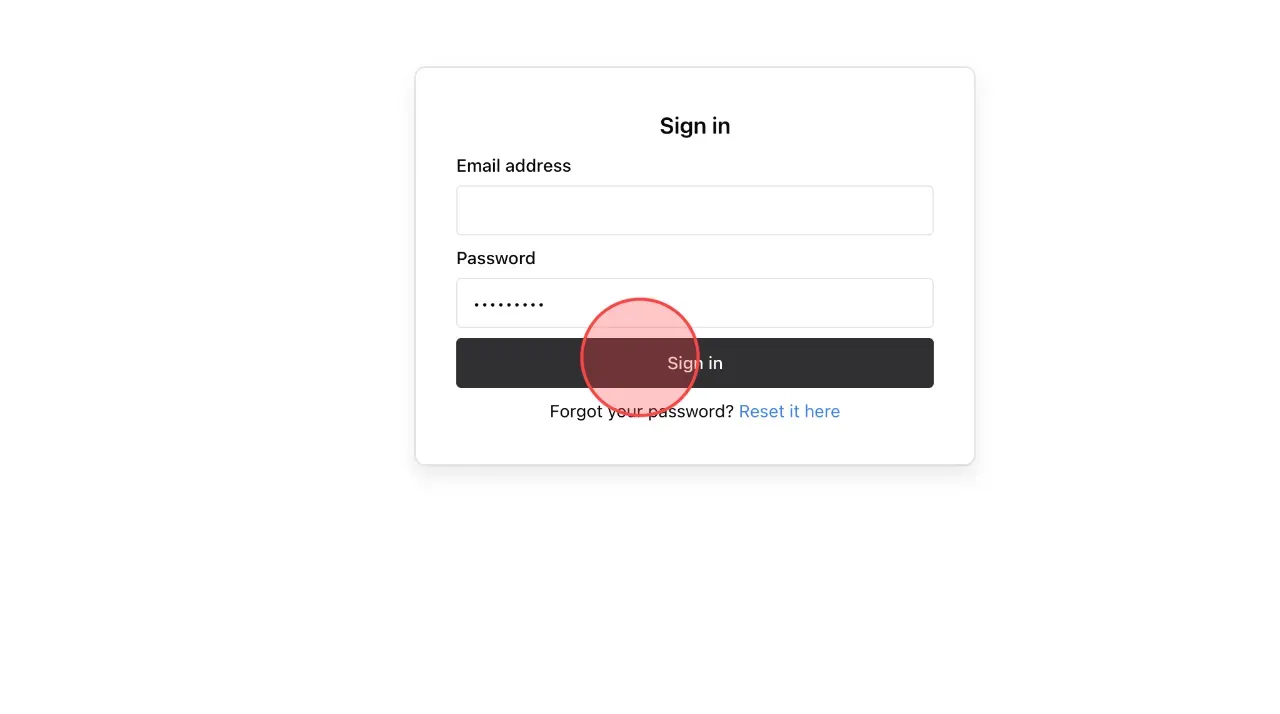
After activating your account, log in to the system admin page using the link you received via email. Click Sign in
2
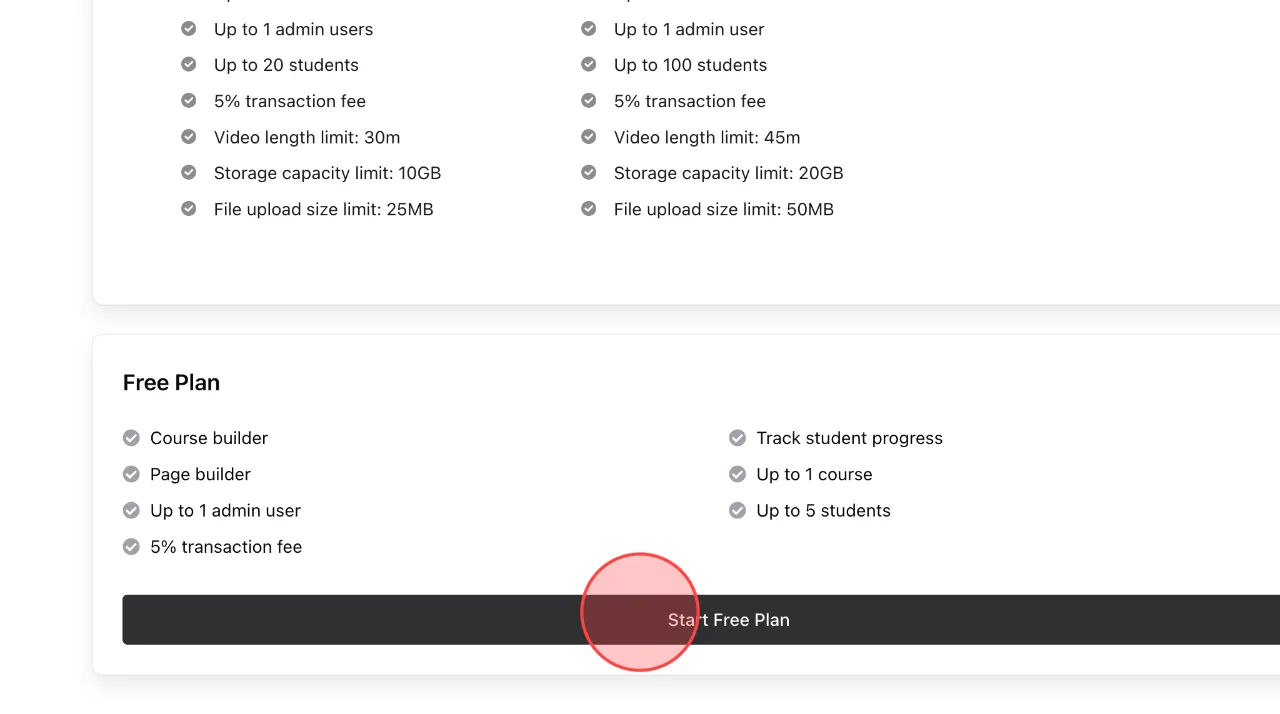
Select the subscription plan you want, for example, the Free Plan.
3
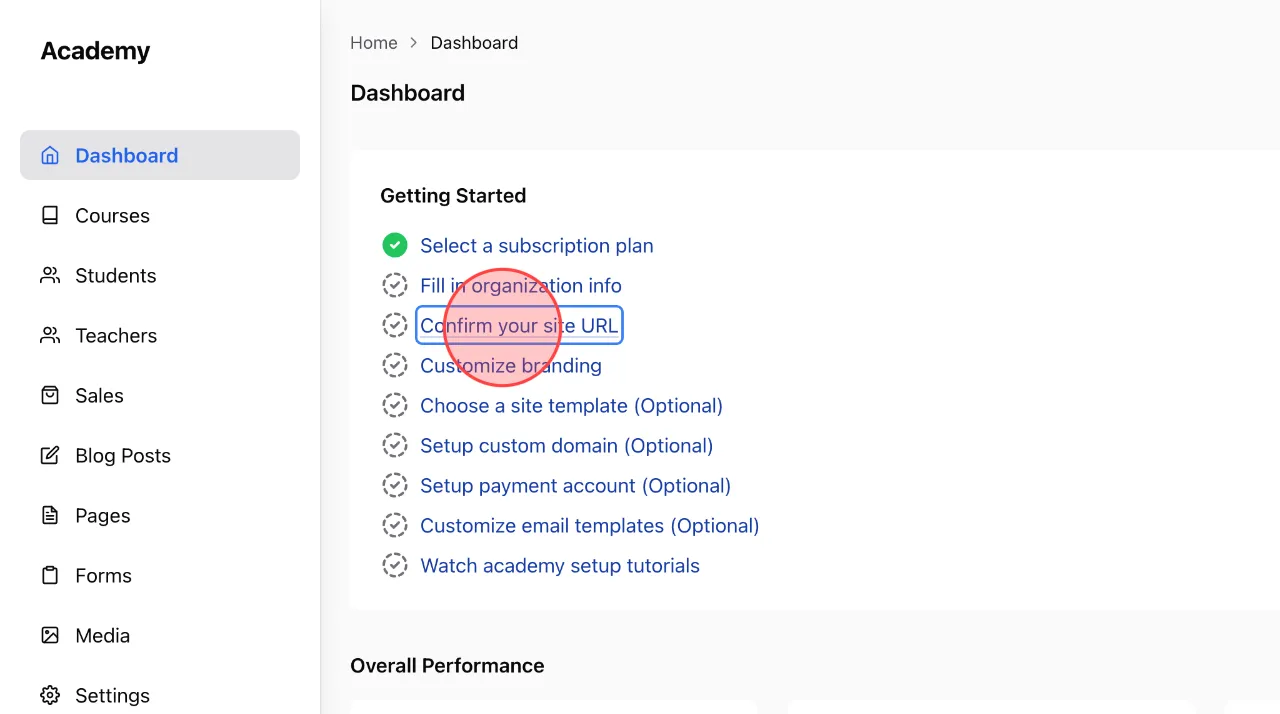
On the Admin Dashboard, select Confirm your site URL to make the change.
4
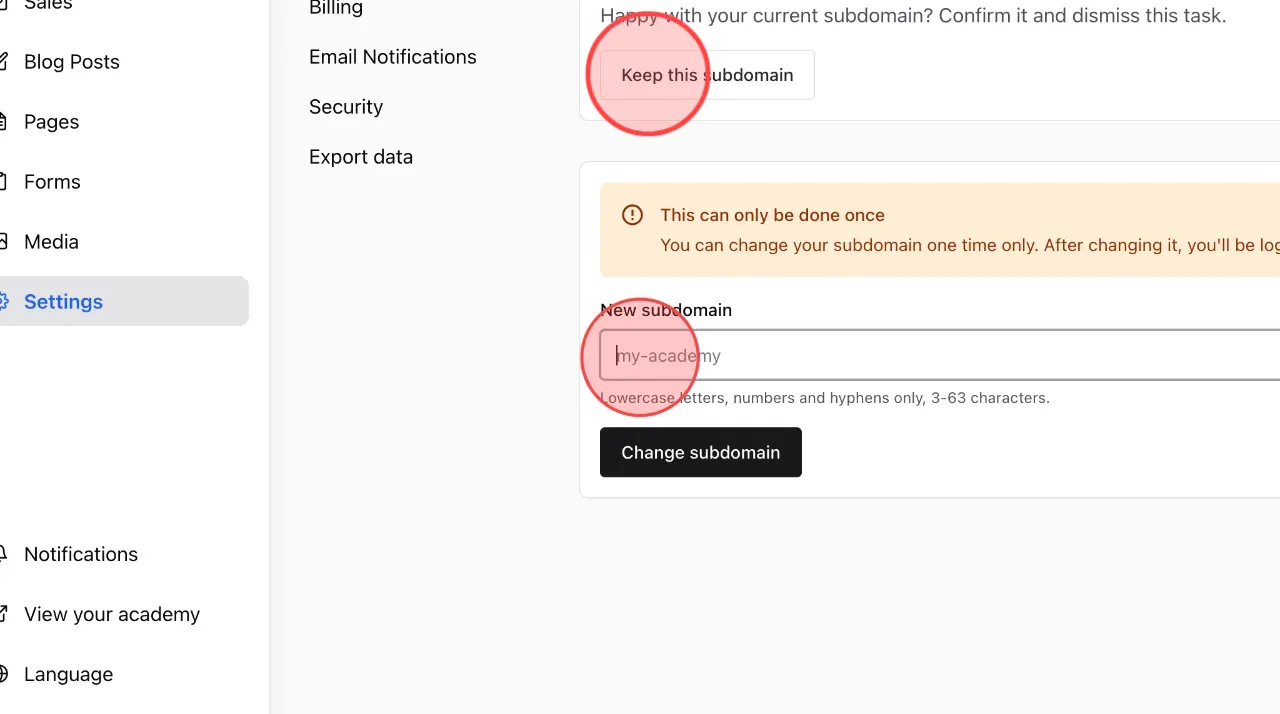
If you are satisfied with the automatically generated URL, click Keep this subdomain.
If you would like to customize your URL, click the below field to make changes.
If you would like to customize your URL, click the below field to make changes.
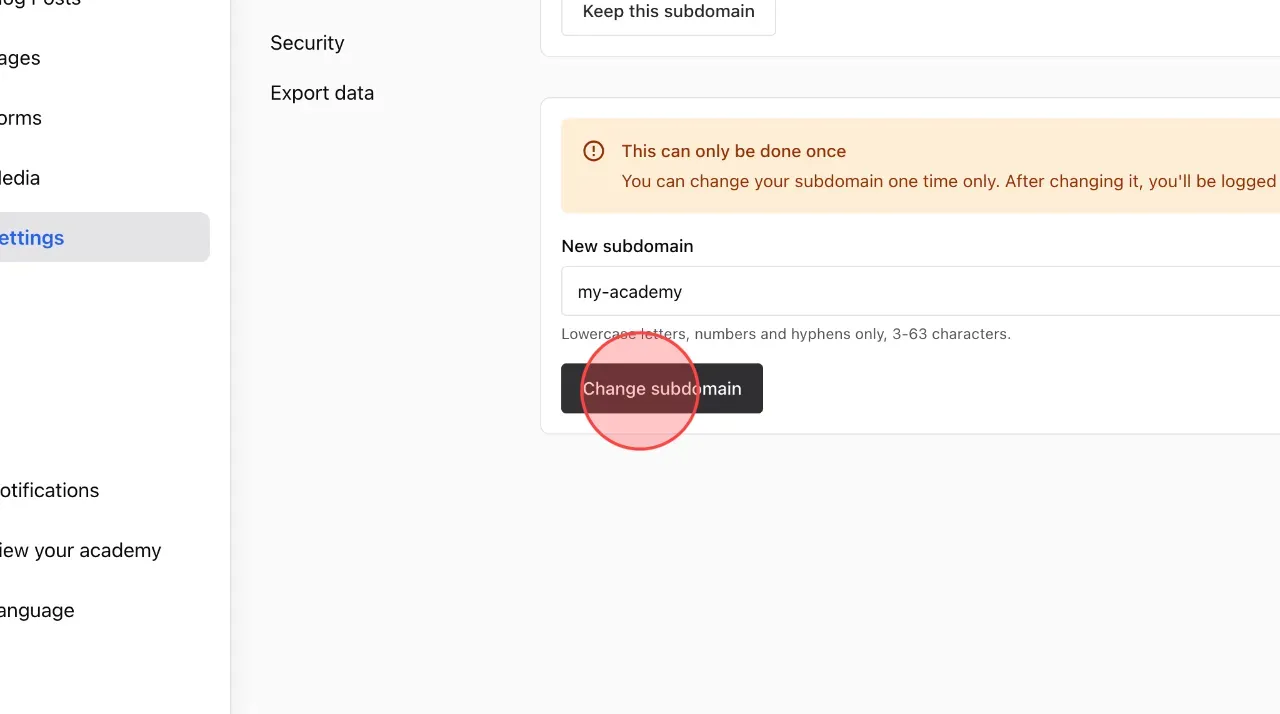
5
Enter the new subdomain and then click Change subdomain.
Note: The subdomain can only be changed once. Please review it carefully before confirming.
Note: The subdomain can only be changed once. Please review it carefully before confirming.
6
Click Yes, change it to complete the process.

 English
  日本語
日本語