
1
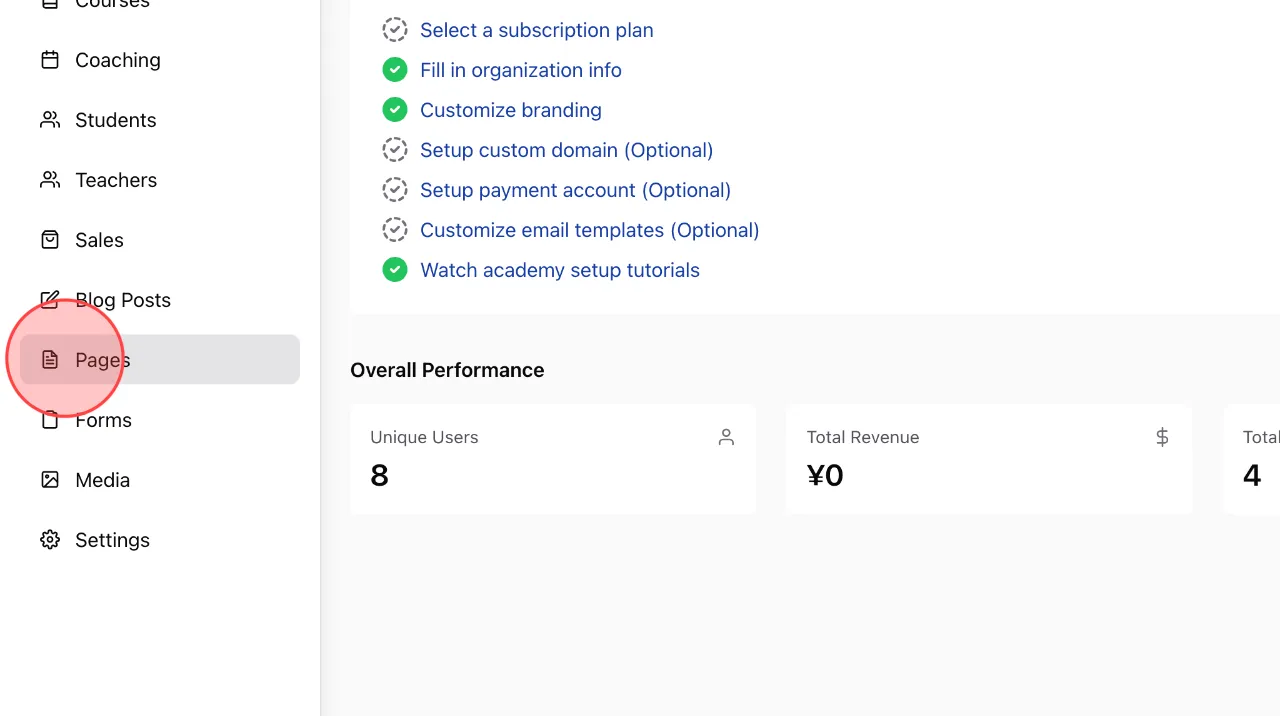
At the admin dashboard screen, click on Pages to open the list of pages in the academy.
2
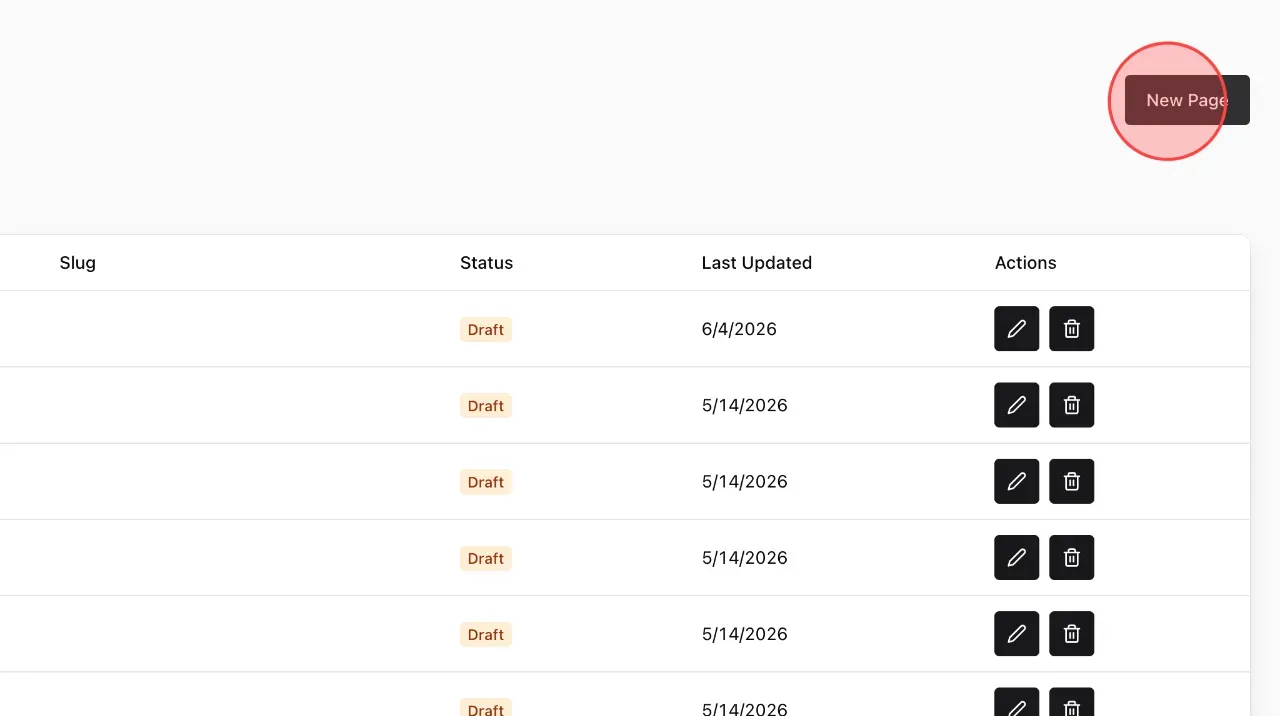
Create a new page by clicking the New Page button.
3
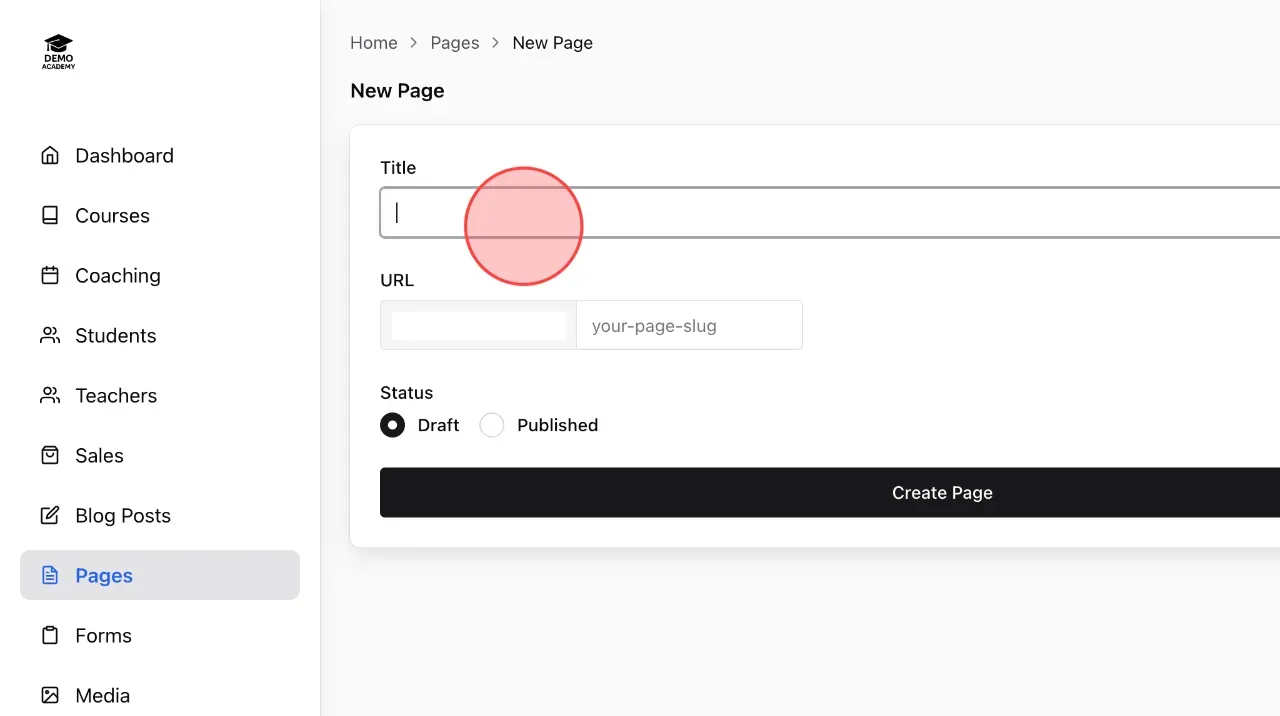
Set up the name of page in this field.
4
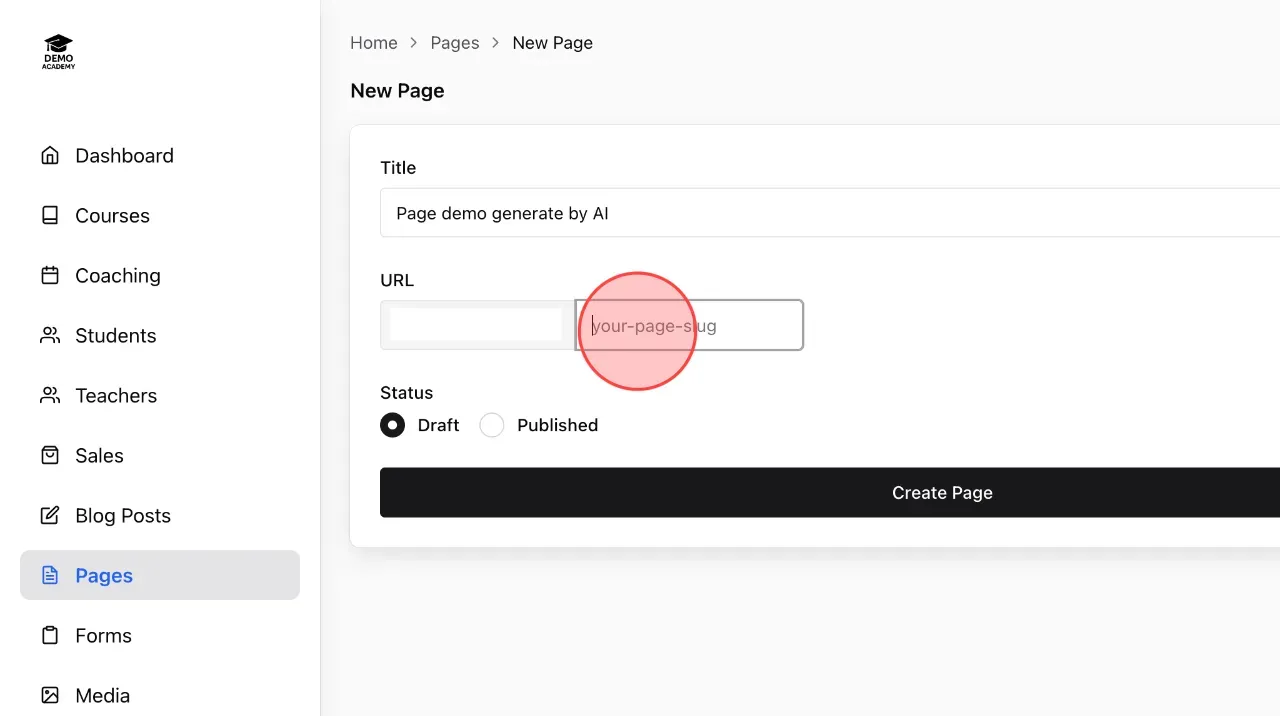
Set the link for the new page by entering the URL you want in this field.
5
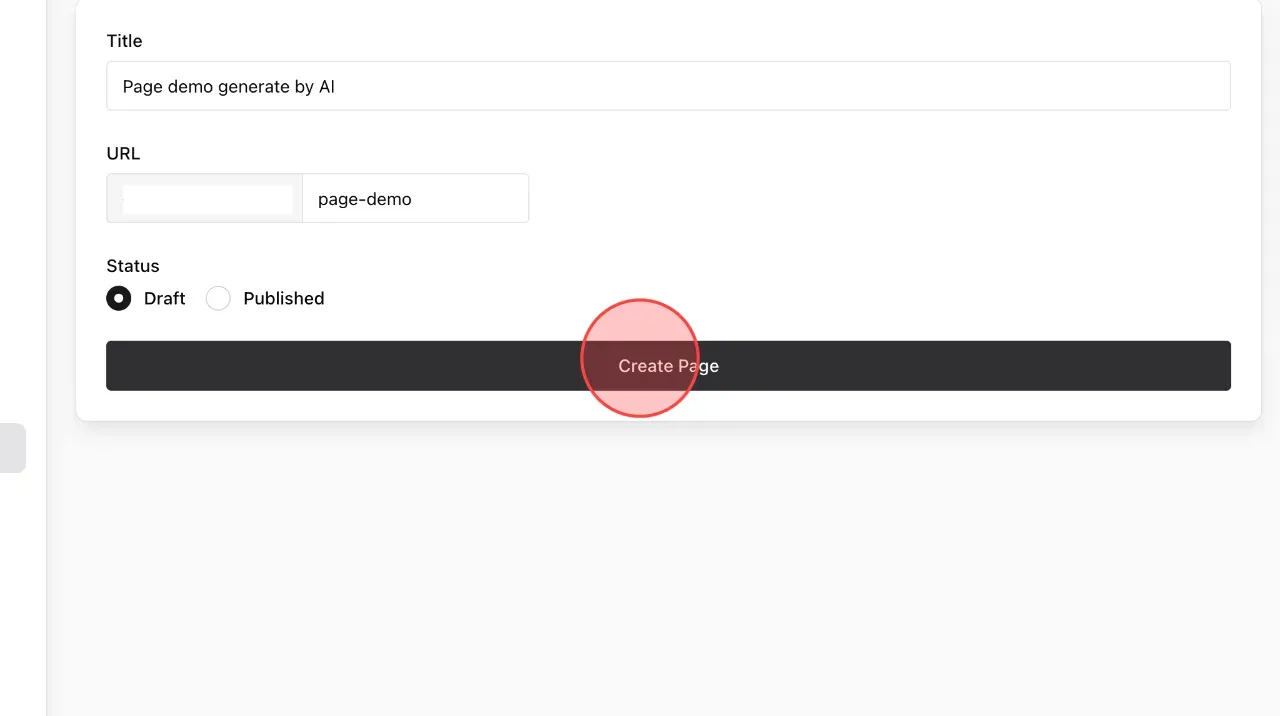
Click Create Page to complete the process of creating a new page.
6
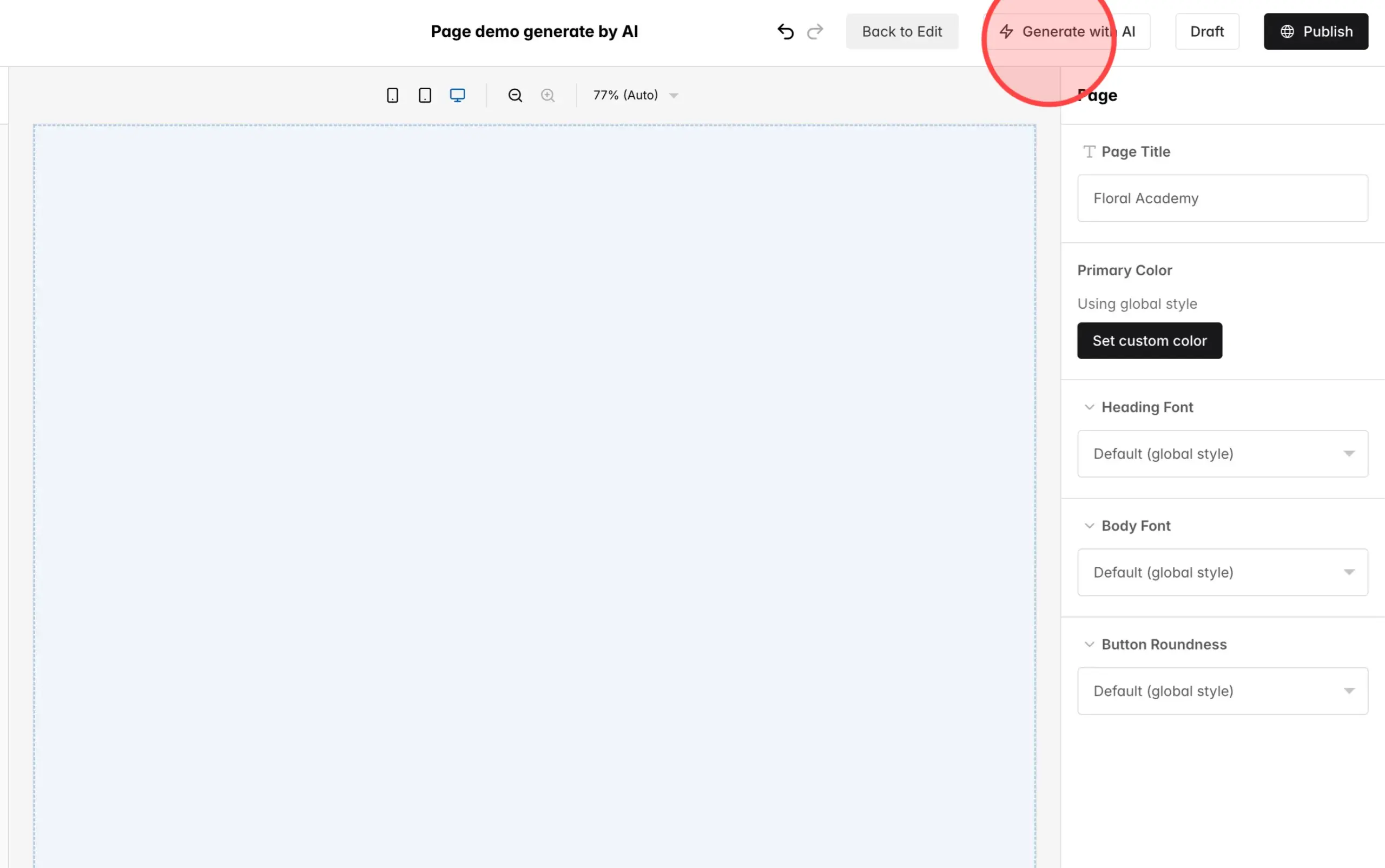
Click Generate with AI to start the page creation process from the AI prompt.
7
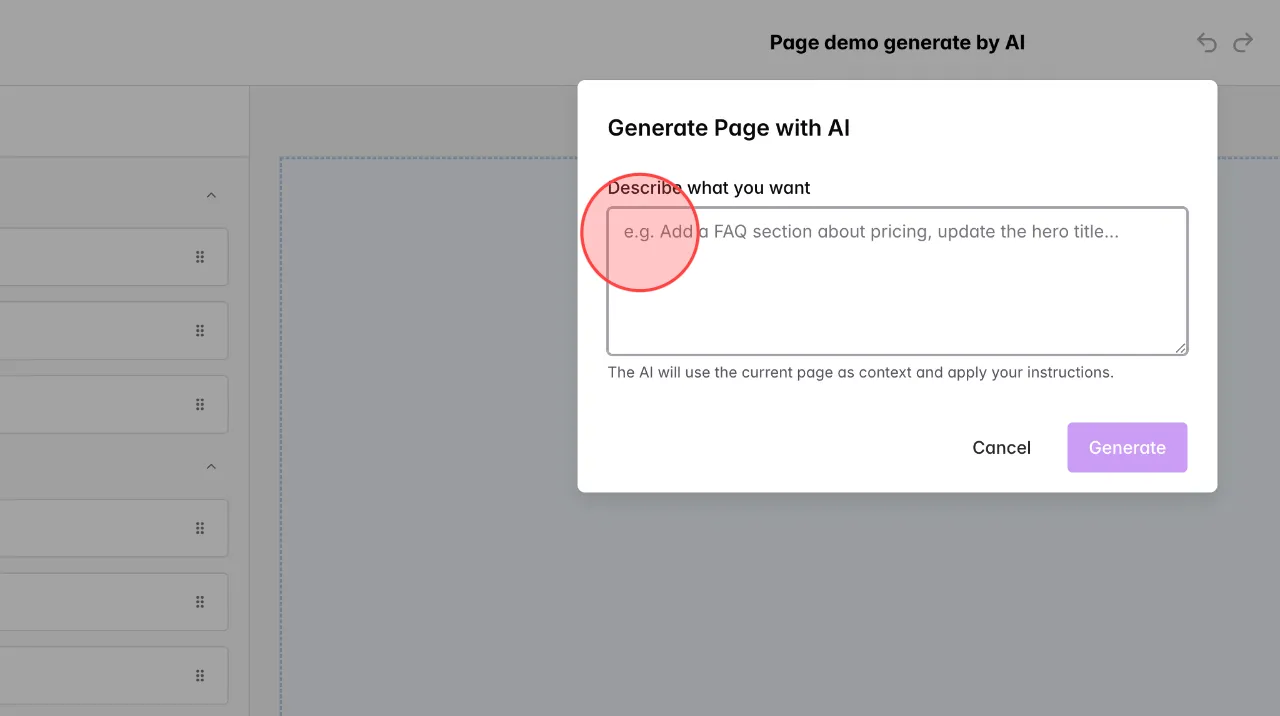
Enter prompt in this box.
Note: In order for the page to have high perfection, you should enter the prompt as detailed as possible.
Note: In order for the page to have high perfection, you should enter the prompt as detailed as possible.
8
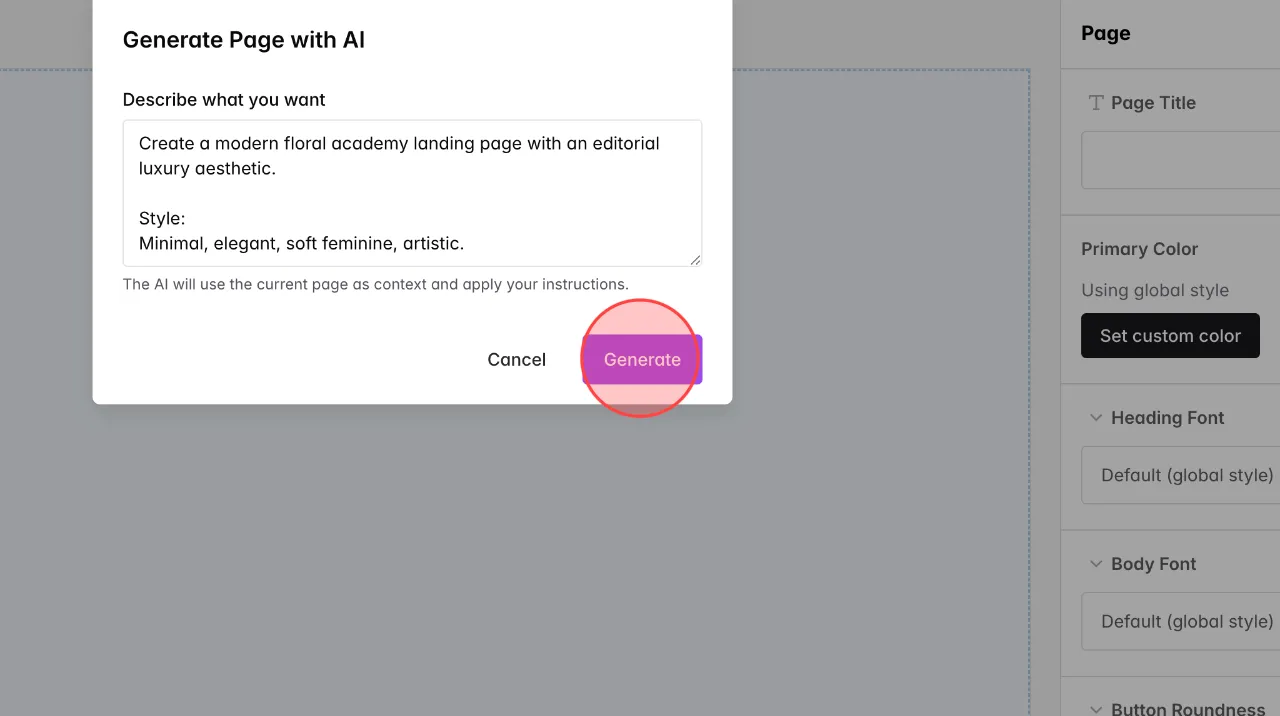
Click Generate to let the AI start generating the page.
9
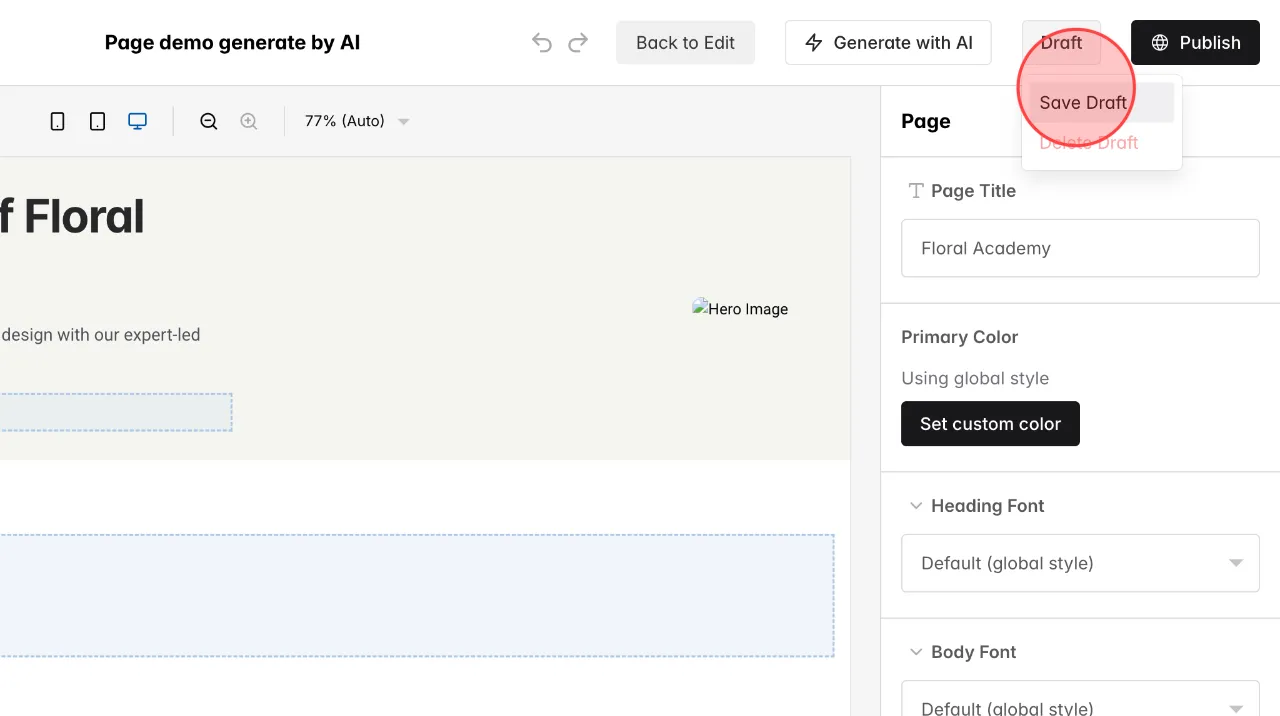
Edit the details in the new page as you like. Click Save Draft to temporarily save the page.
10
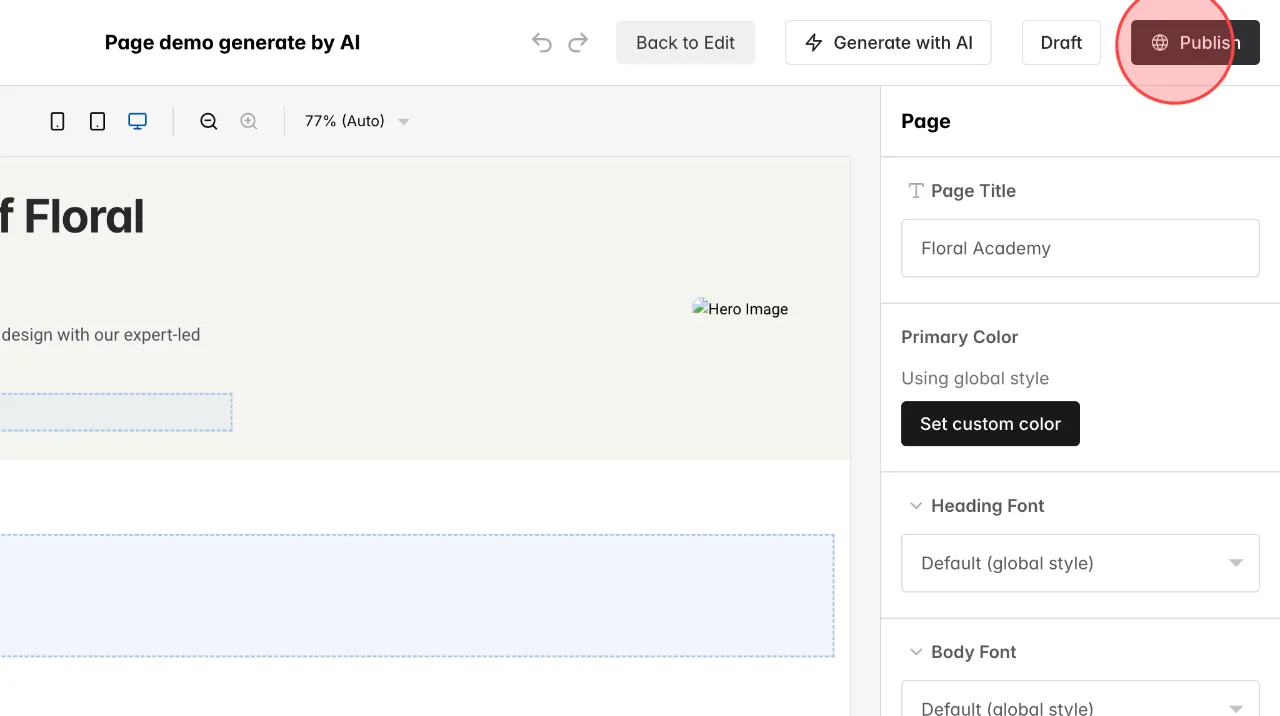
Click Publish to make the page public.
 English
  日本語
日本語