
1
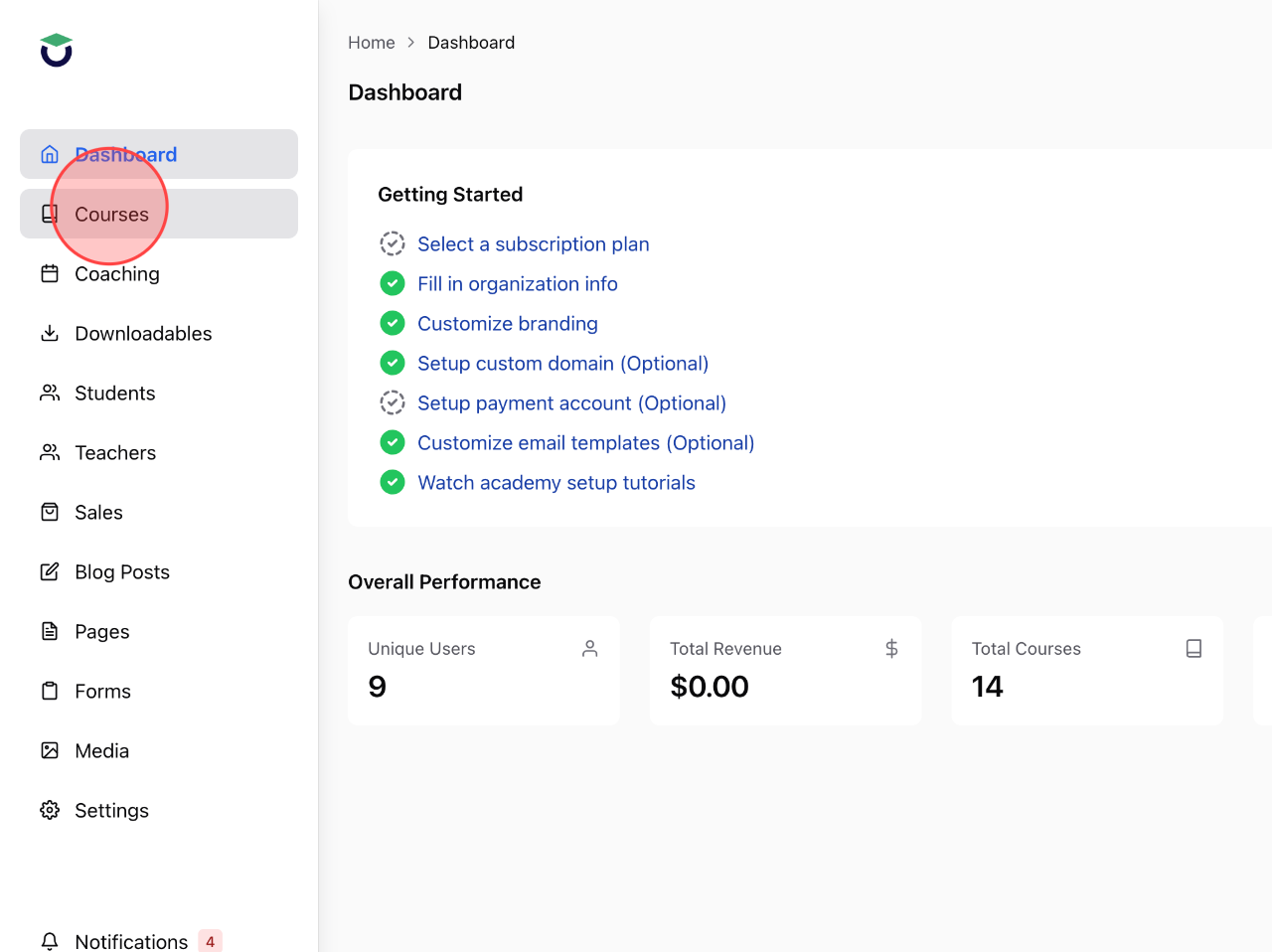
Click Courses from the admin dashboard.
2
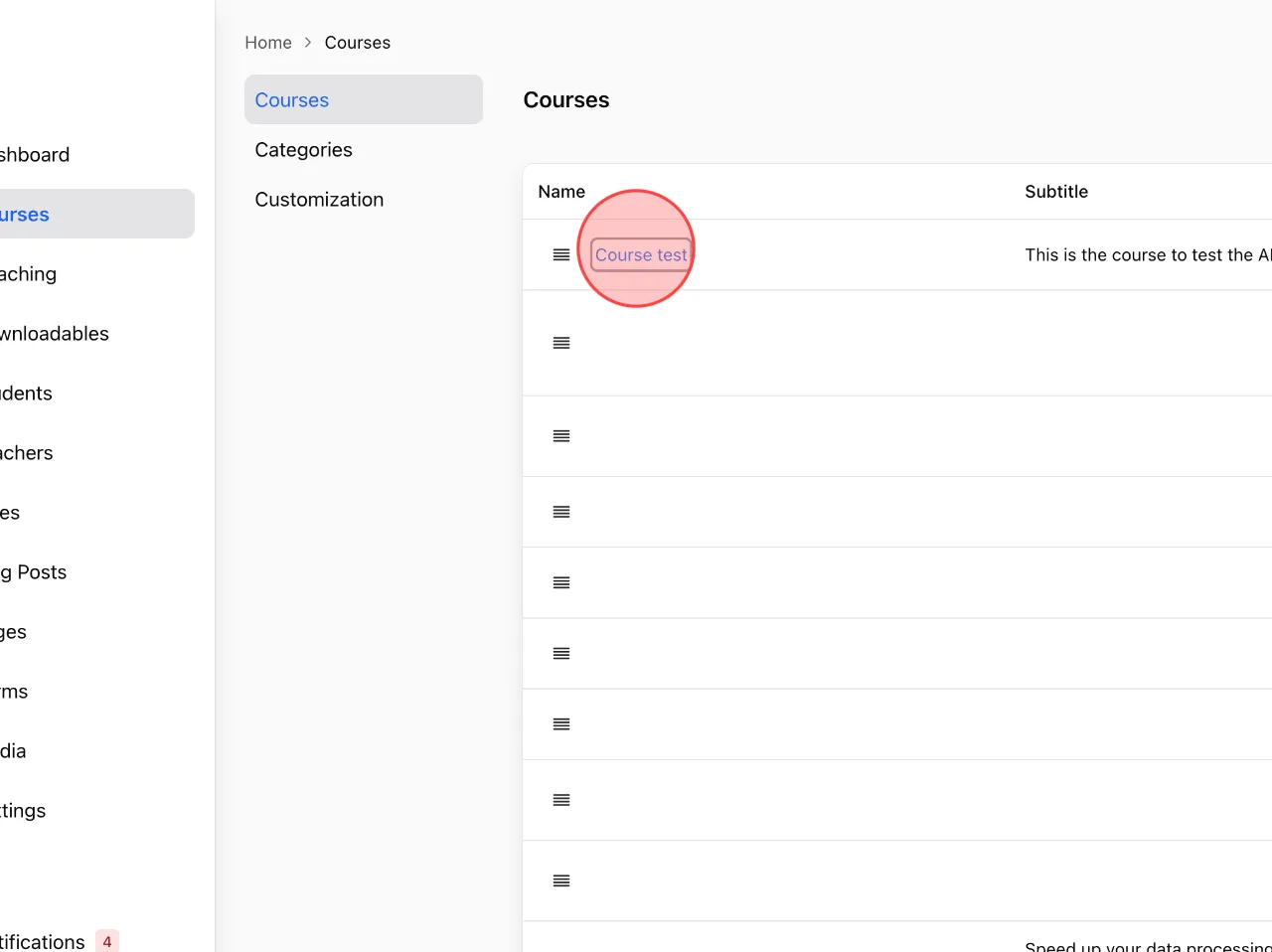
Click on the name of course what you want to create a quiz. E.g, Course test
3
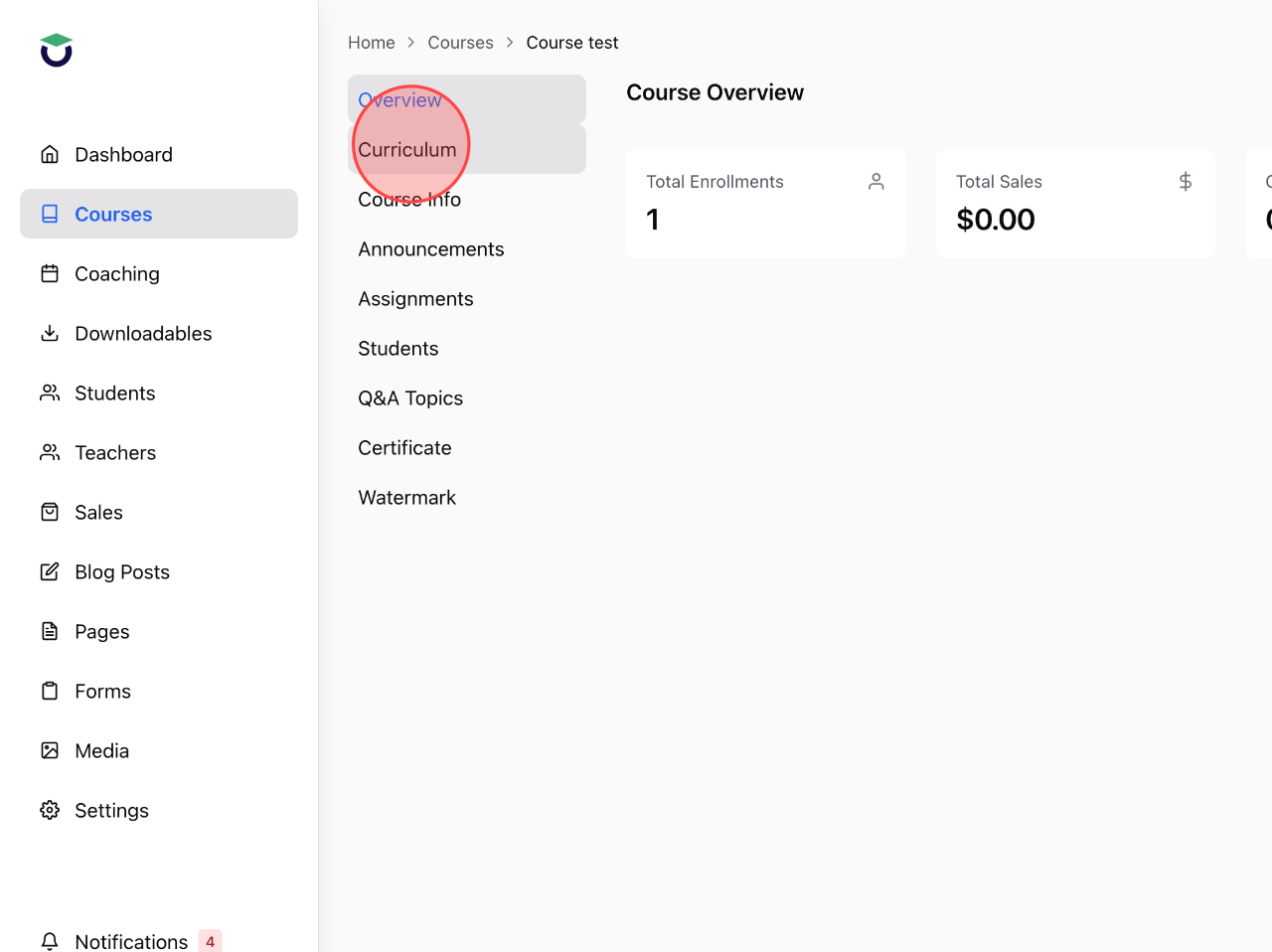
Click Curriculum to open the lecture list.
4
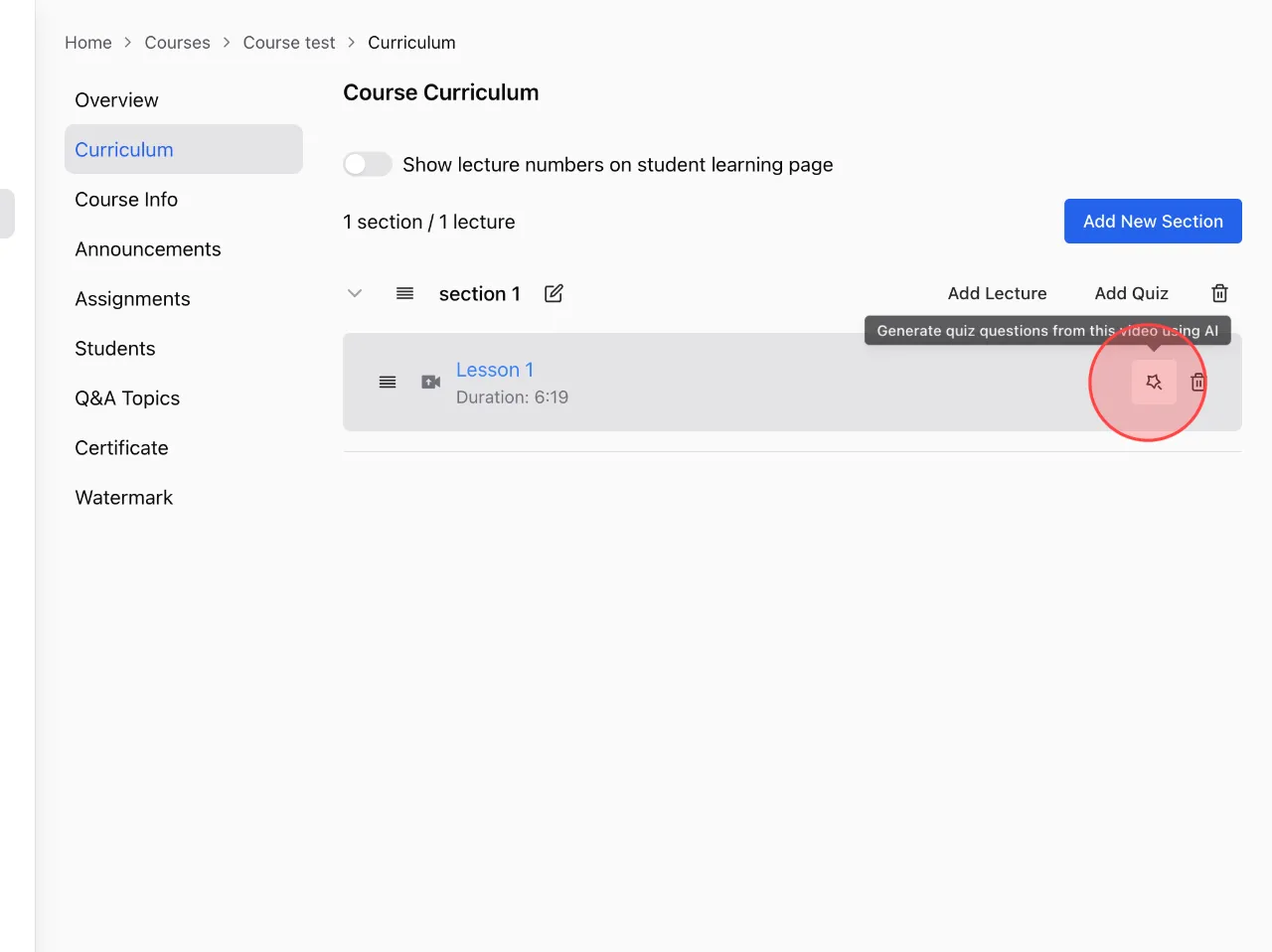
Click icon to open the Generate quiz using AI feature.
Note:
You can only create quizzes using AI after uploading the lecture in video upload format.
Note:
You can only create quizzes using AI after uploading the lecture in video upload format.
5
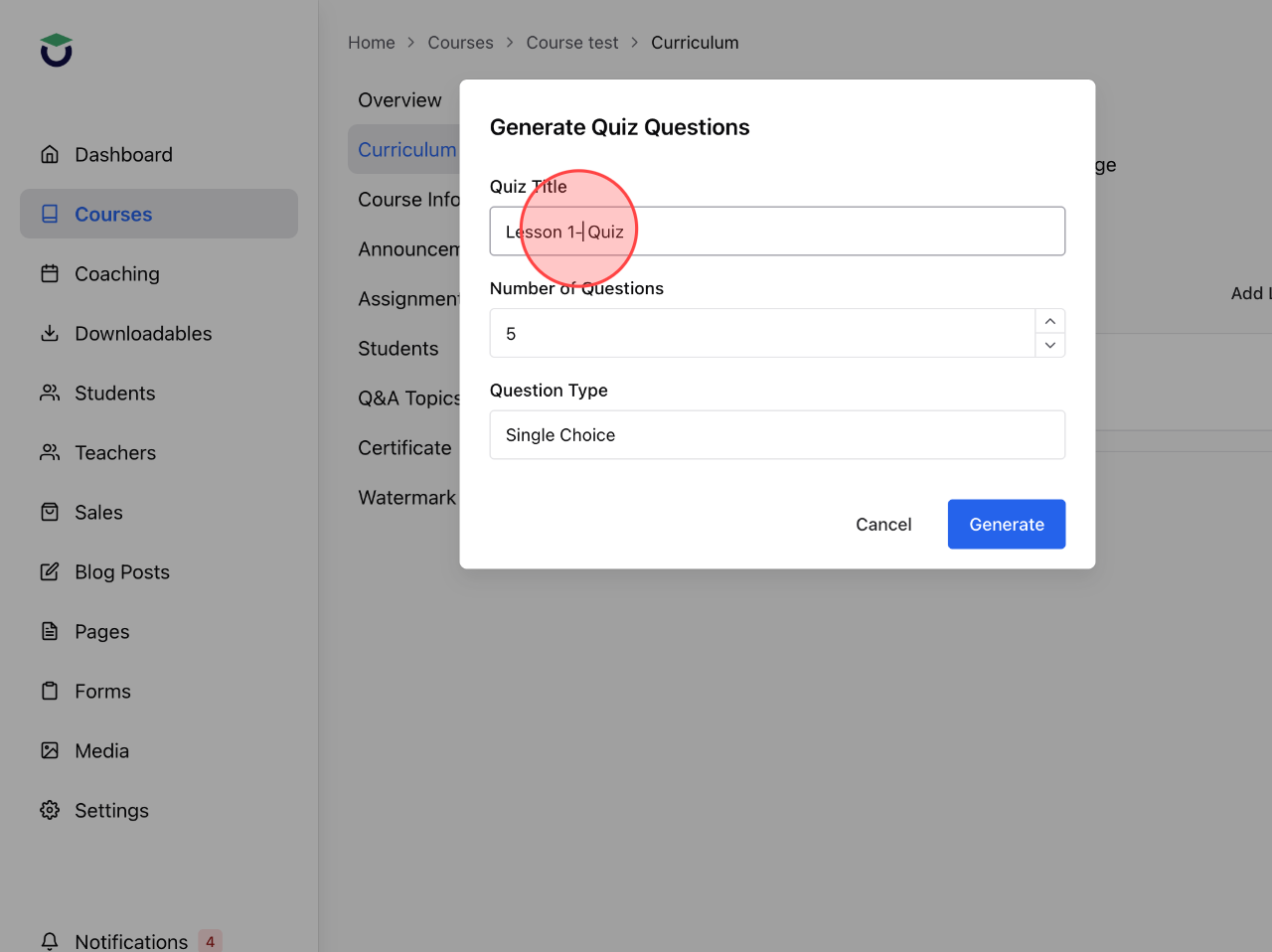
Set up the quiz title in this field.
6
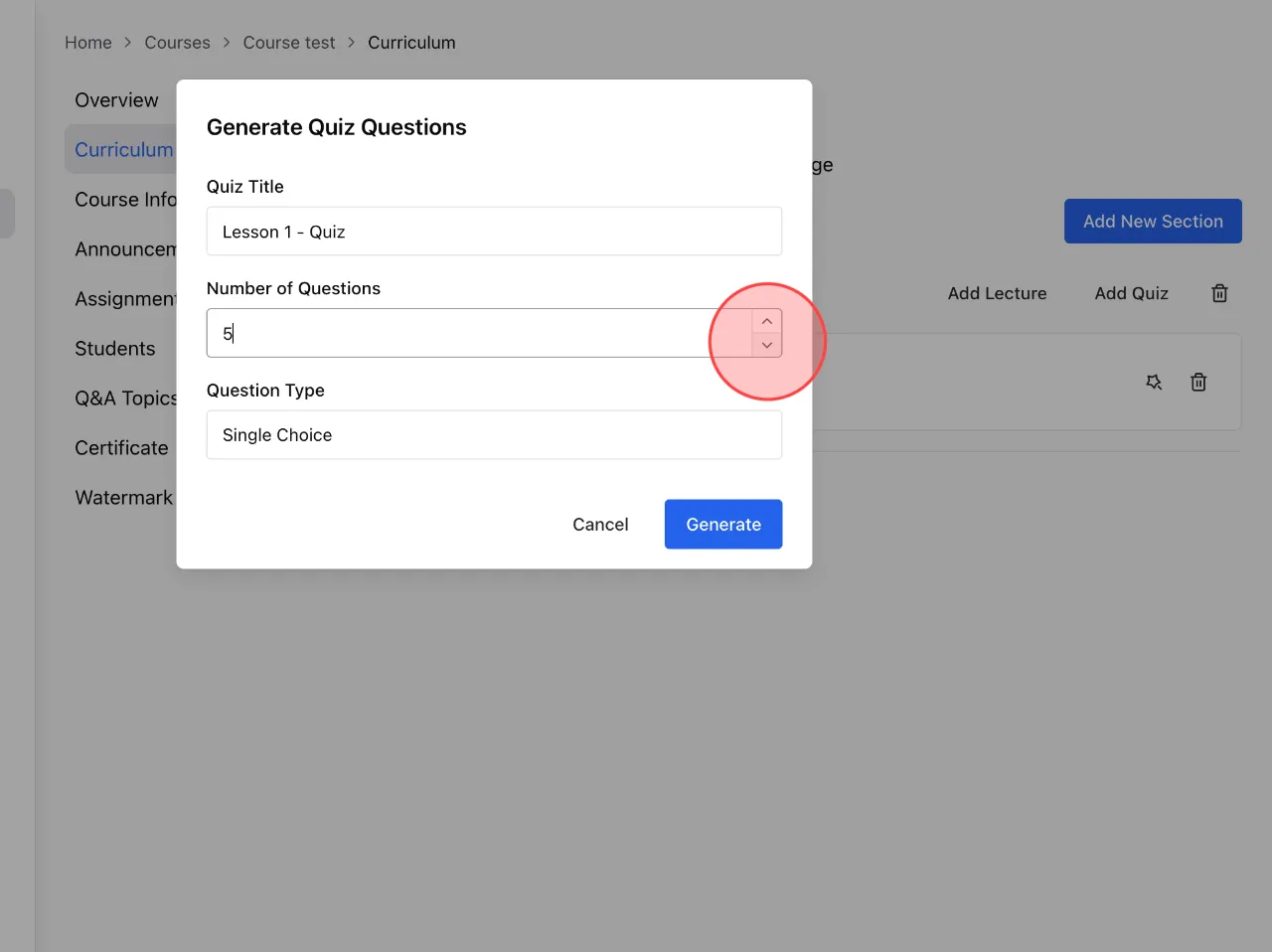
Click icon to change the number of questions.
7
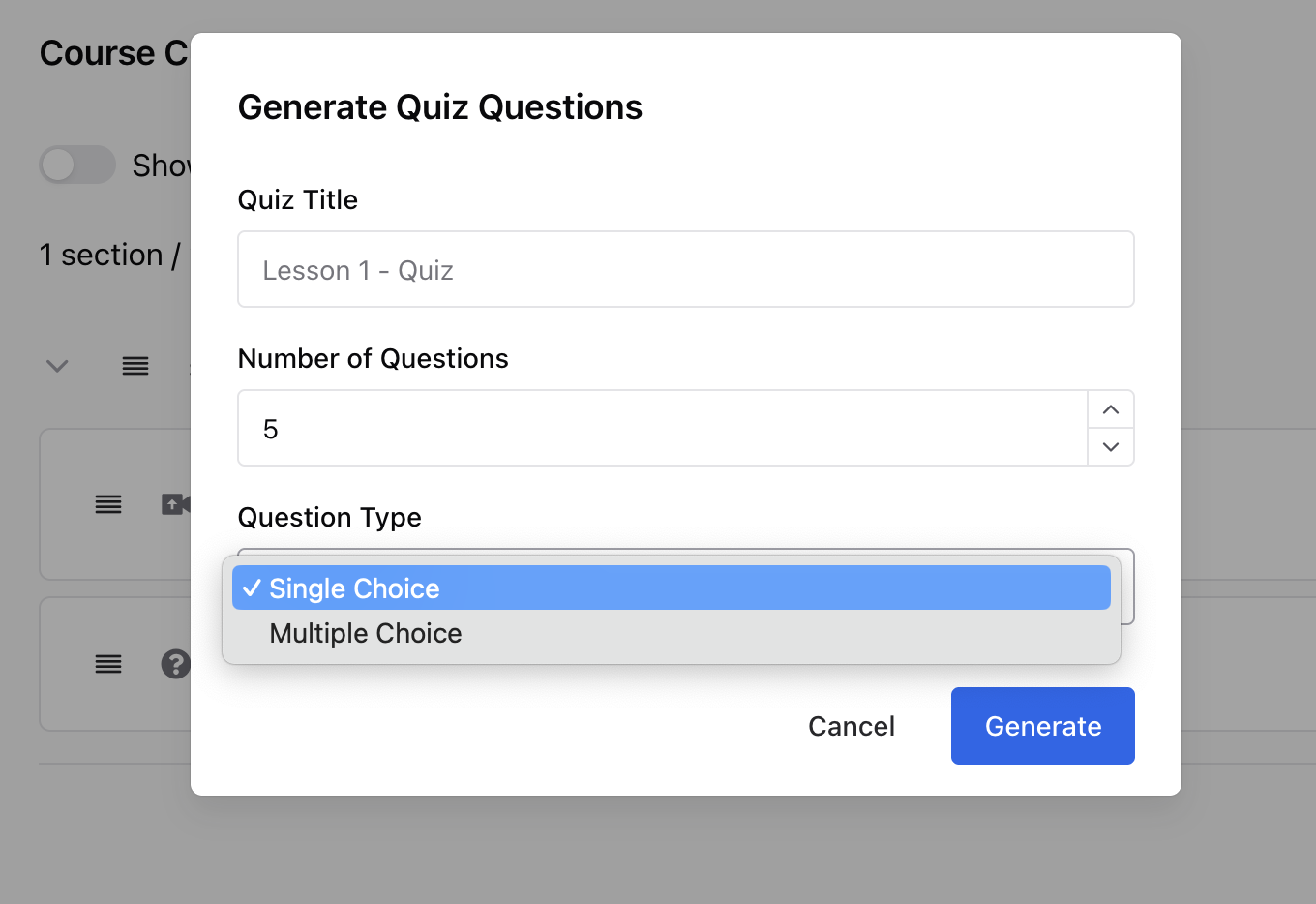
Click Single Choice to choose the type of quiz.
8
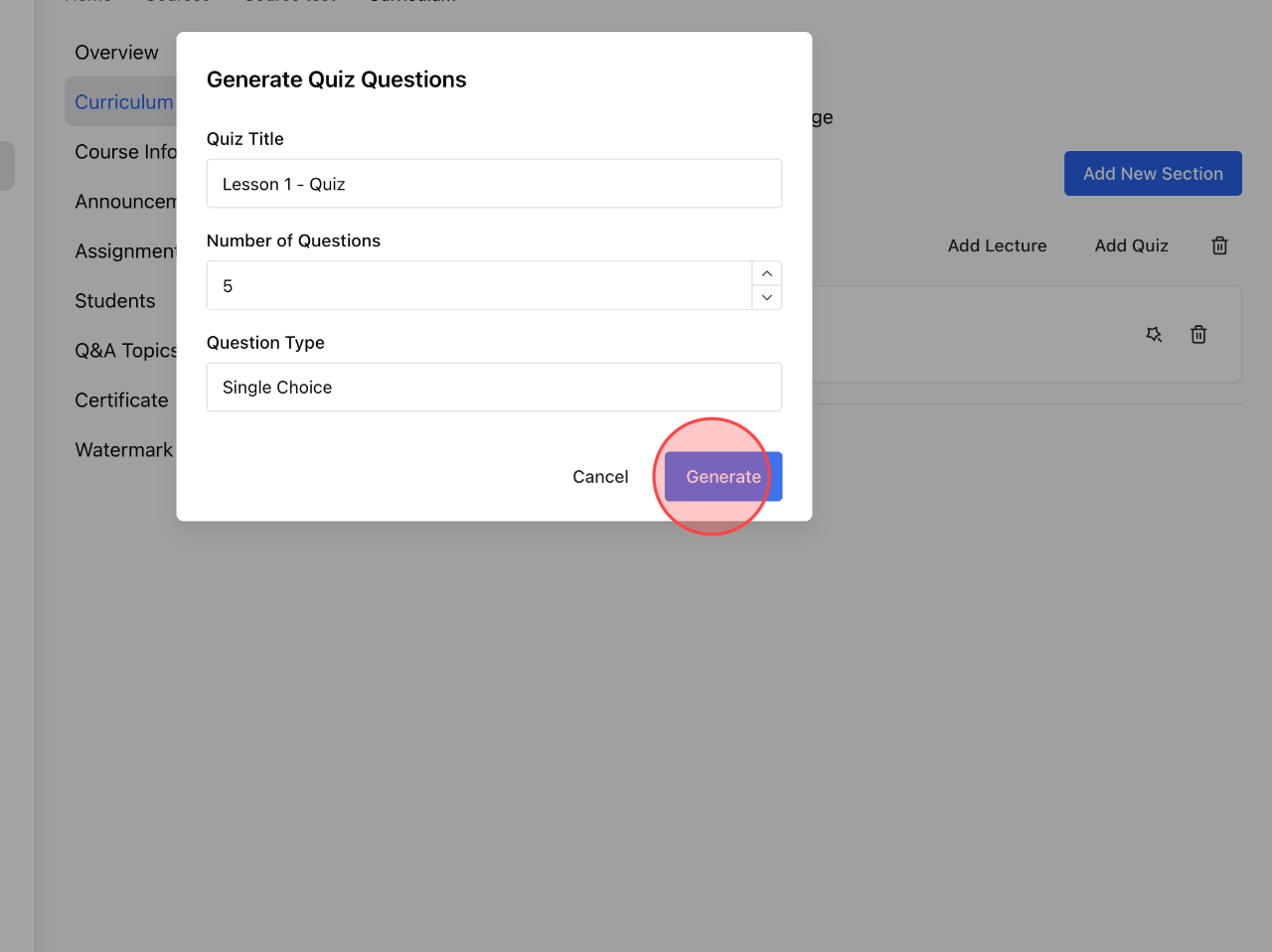
Click Generate to AI starting to create quiz.
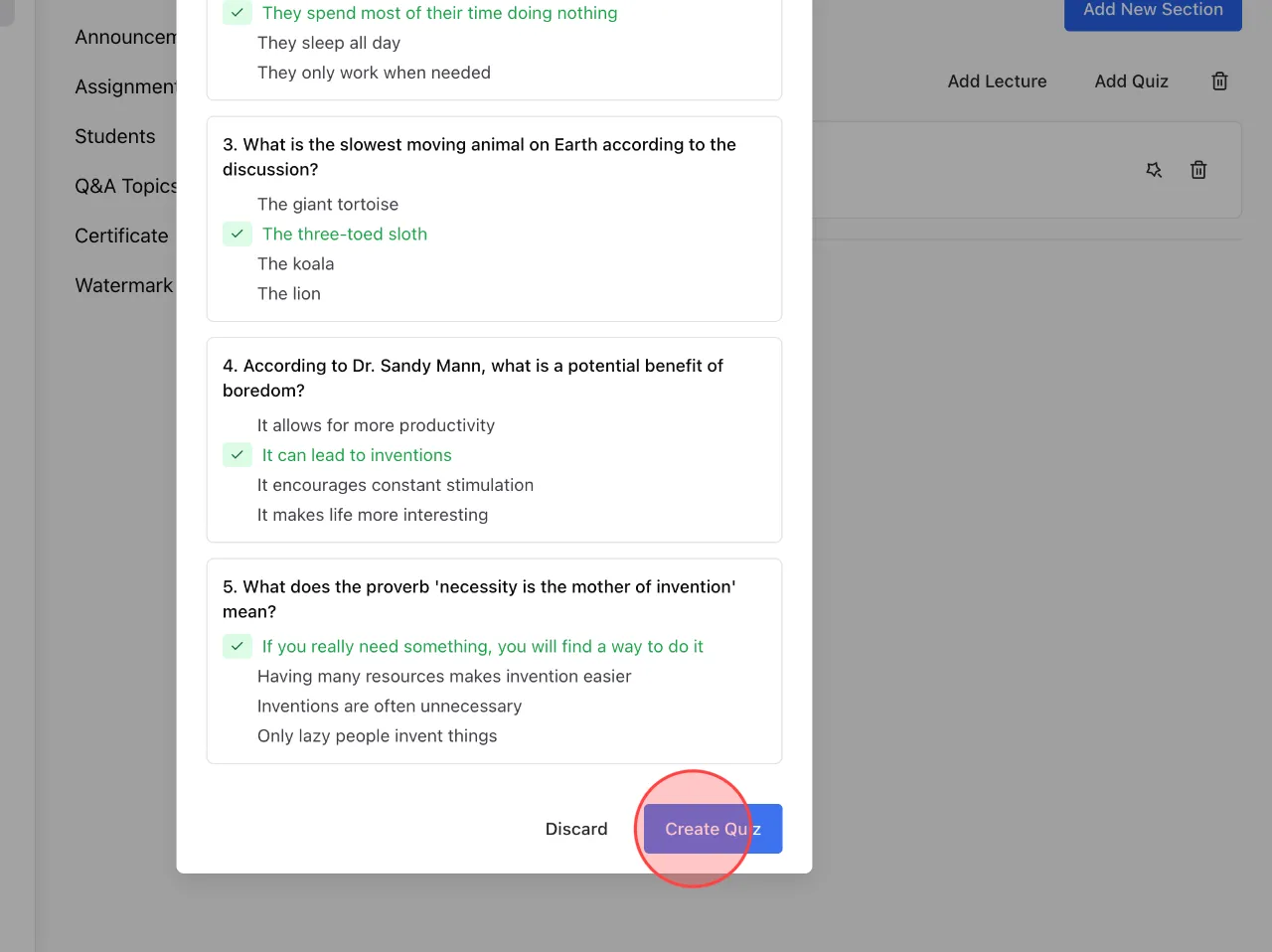
9
Wait for AI to automatically create the quiz. Review all of questions. Click Create Quiz to complete the process.
 English
  日本語
日本語