
1 In the Coaching menu, select Bookings to view the list of all your bookings. 2 Click View booking to view the detailed information of that booking. 3 Here, click Open host link to join the call. 4 Click the option that shows how you want to join: via the Zoom app or through your […]
How do I set up a coaching service that participants can join via Zoom?
1 Click Services at the Coaching menu. 2 Click on the service what you want to set up. 3 In the Details of service, scroll to Meeting delivery, click on Zoom meeting – join link per booking. 4 Click Save to complete the setup.
How do I integrate Zoom into the Ourdemy system?
1 From the Admin Dasboard, click Coaching to open the coaching menu. 2 Click Integrations to start integrating other software and platforms, such as Zoom, into the system. 3 Click Connect Zoom to start connecting. 4 Enter your Zoom account login details in the corresponding fields, then click Sign in to complete the process. Note: […]
How do I create and publish a coaching service for students to book?
1 From the Admin Dasboard, click Coaching to open the coaching menu. 2 Click Create Service to set up a new service. 3 Enter the service name in the Title field. 4 Set the call duration in the Duration (minutes) field. 5 Enter a Short Description* 6 Click Create Service to complete the initial setup. […]
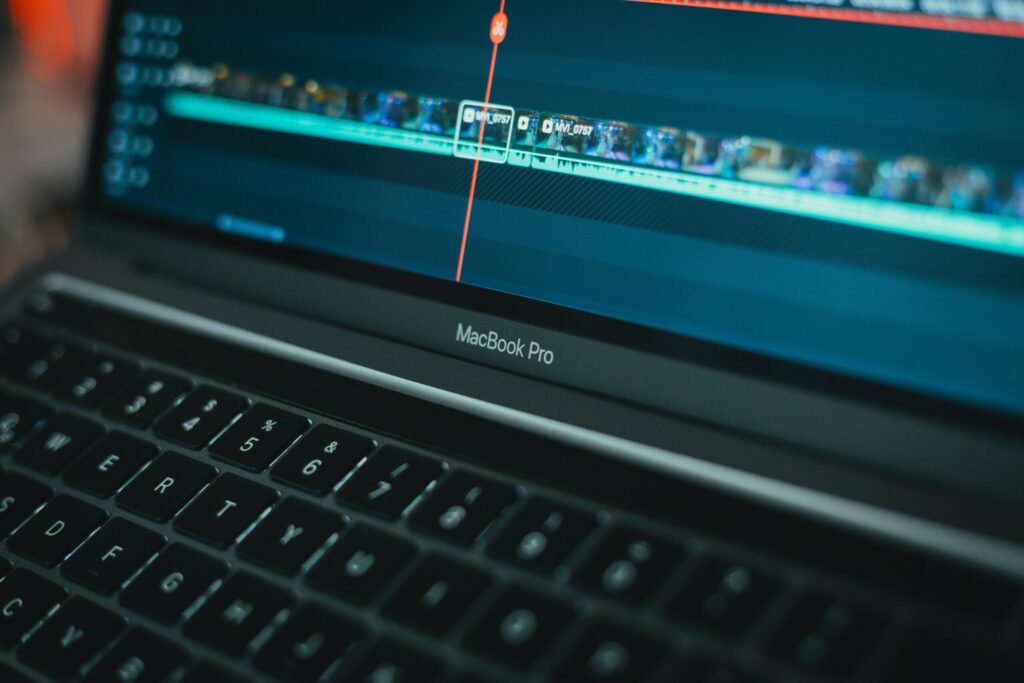
How to Break a Long Lecture into Smaller Videos Without Losing Students
In many online courses—especially professional or skill-based ones—long lectures (30–90 minutes) are still common because instructors want to deliver their full thinking process and knowledge in one complete flow. However, when that content is uploaded to an online learning platform, overly long videos often become one of the biggest reasons students drop out before finishing […]
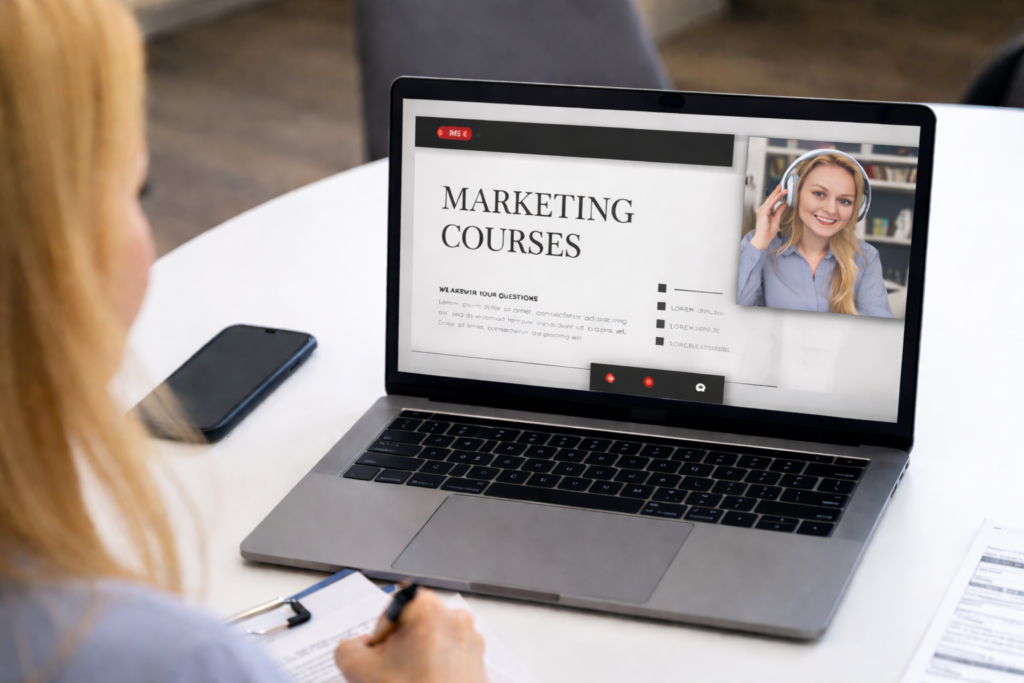
Recording Slides + Your Face: When Should You Turn On the Webcam?
Whether you turn on your webcam depends on the goal of the lesson, the learning stage, and the learning experience you want to create. This article will help you: What Benefits Does Turning on the Webcam Bring? 1. Increases Presence & Trust When learners can see the instructor’s face: 2. Conveys Emotion & Attitude Some […]
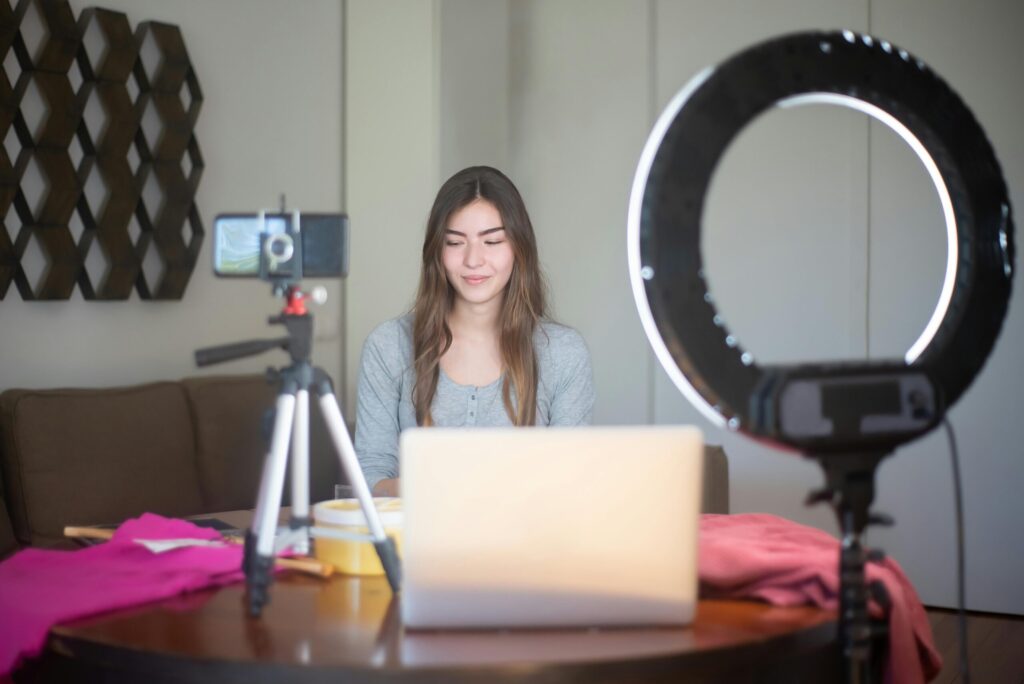
Recording Lecture Videos at Home: What Is “Enough” to Get Started?
When starting an online course, many instructors struggle with: 👉 The real question is not “what equipment should I buy?”, but: “What level of preparation is enough to start recording serious lecture videos?” This article will help you clarify: What does “enough” mean for lecture videos? Lecture videos are not promotional videos. Their purpose is […]
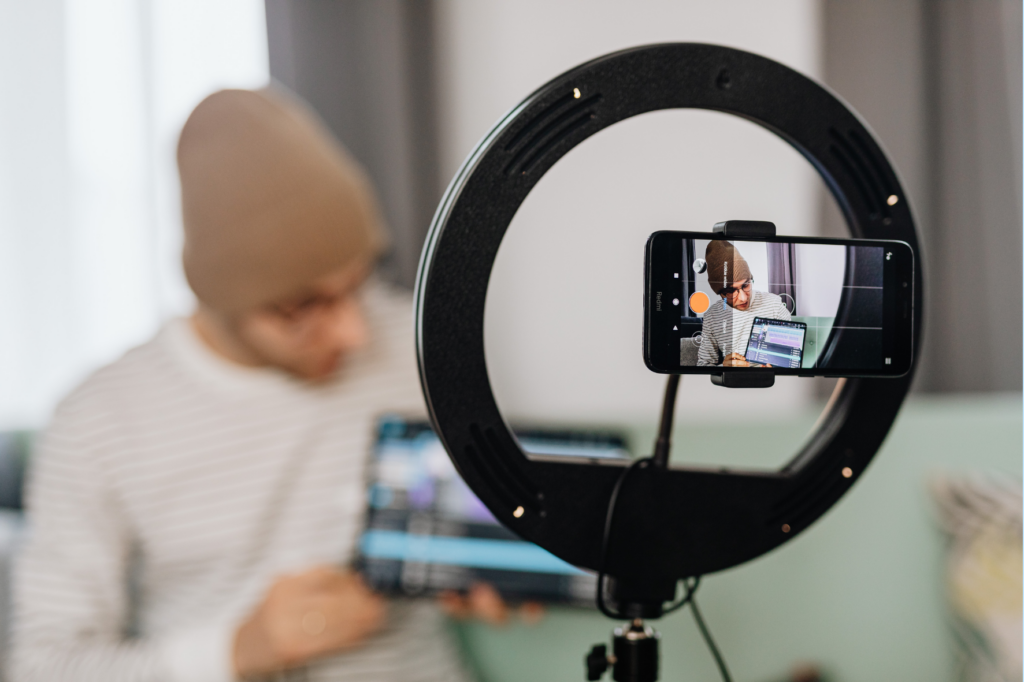
How to Choose a Simple Camera Angle When Recording Your Own Lecture Videos
Recording lecture videos is no longer something “only filmmakers” can do. With just a smartphone or webcam, any teacher, lecturer, or creator can get started. However, in reality: many videos with great content still cause viewers to leave early, simply because the camera angle isn’t appropriate. This article will help you: No complicated setup required. […]
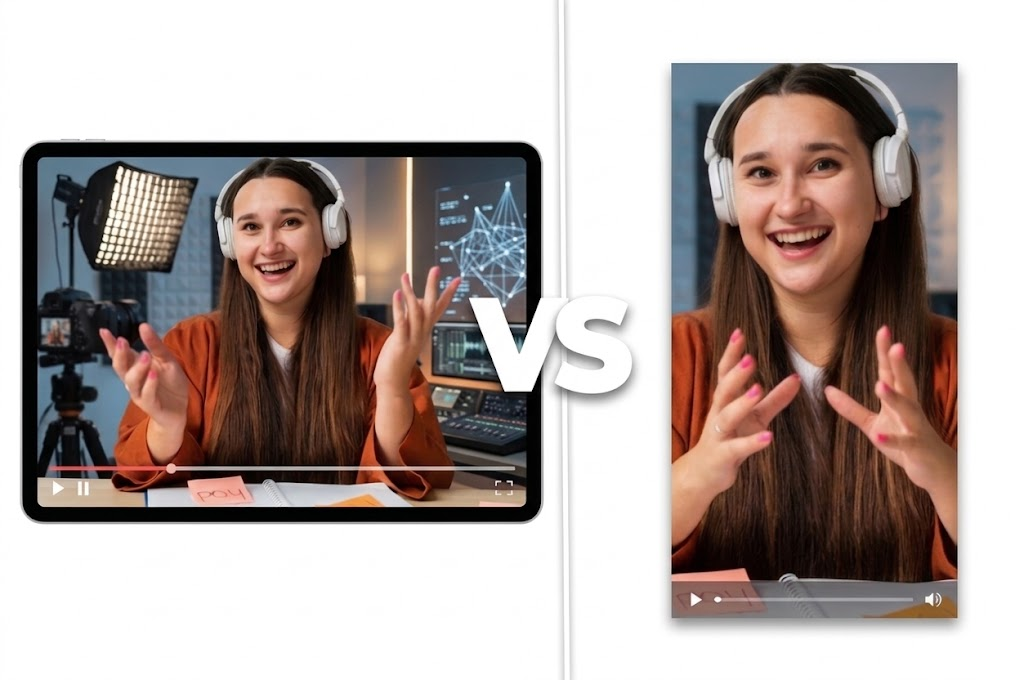
Should You Film Your Course Videos in Vertical or Horizontal Format?
When starting to record course videos, many instructors and creators face a small question that actually has a big impact on the learning experience: 👉 Should you film vertically or horizontally? Vertical feels like TikTok or Reels — familiar to mobile users. Horizontal feels more “lecture-style” — like Zoom, YouTube, or traditional online courses. There […]
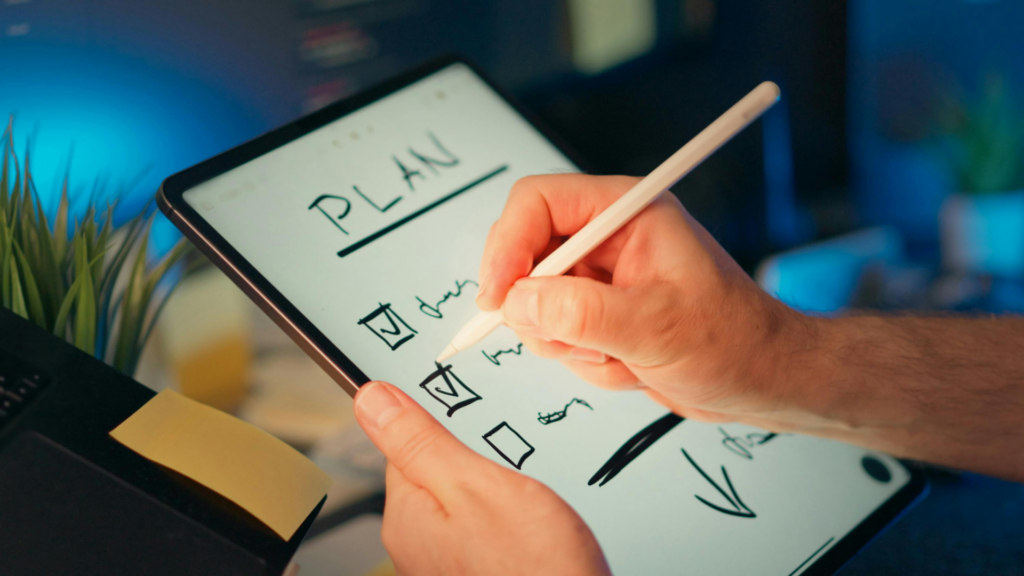
Checklist for Recording Tutorial Videos for Beginner Teachers
From preparation → recording → reviewing, helping you feel confident on camera from your very first video Recording tutorial videos is no longer a “privilege” reserved for YouTubers or professional studios. Today, many teachers, experts, and independent educators are sharing knowledge through video — from online courses and short lessons to in-depth instructional content. To […]
 English
  日本語
日本語