
1
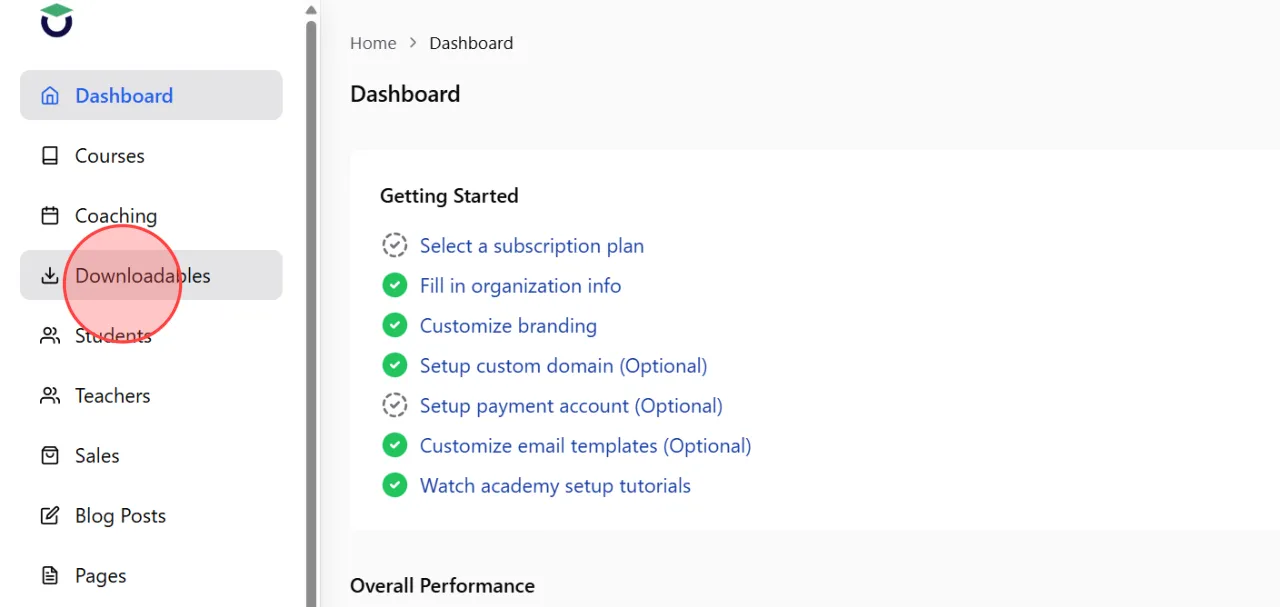
Go to the Downloadables section from the admin dashboard to open the downloadable product list.
2
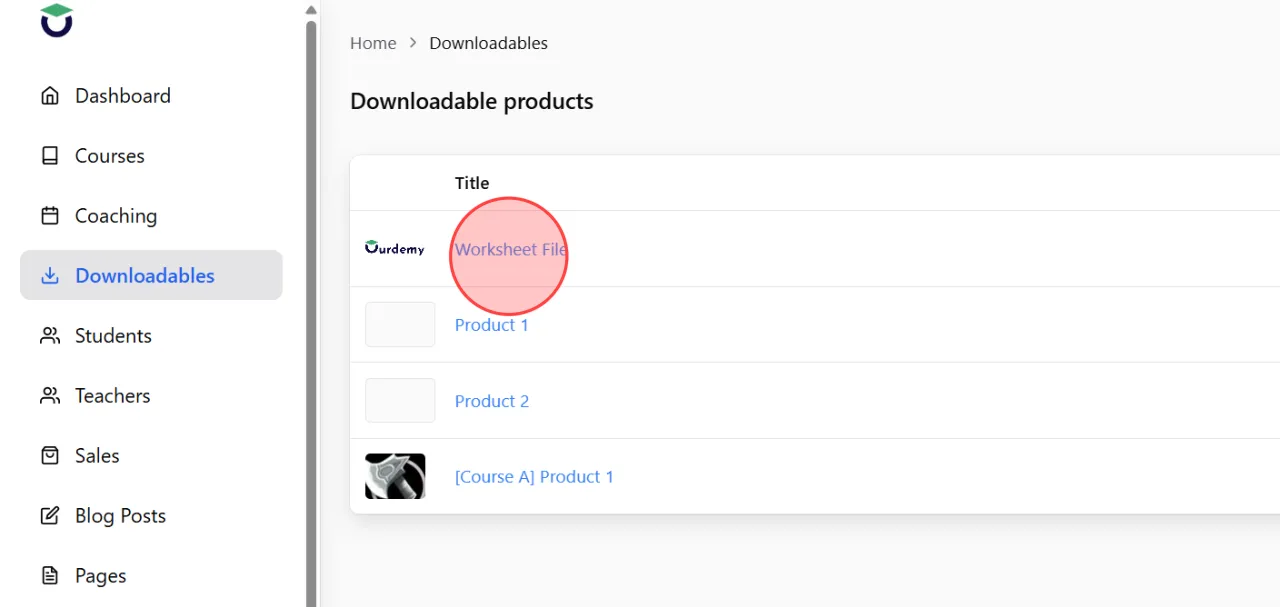
Find and select the downloadable product you want to preview on the academy website.
3
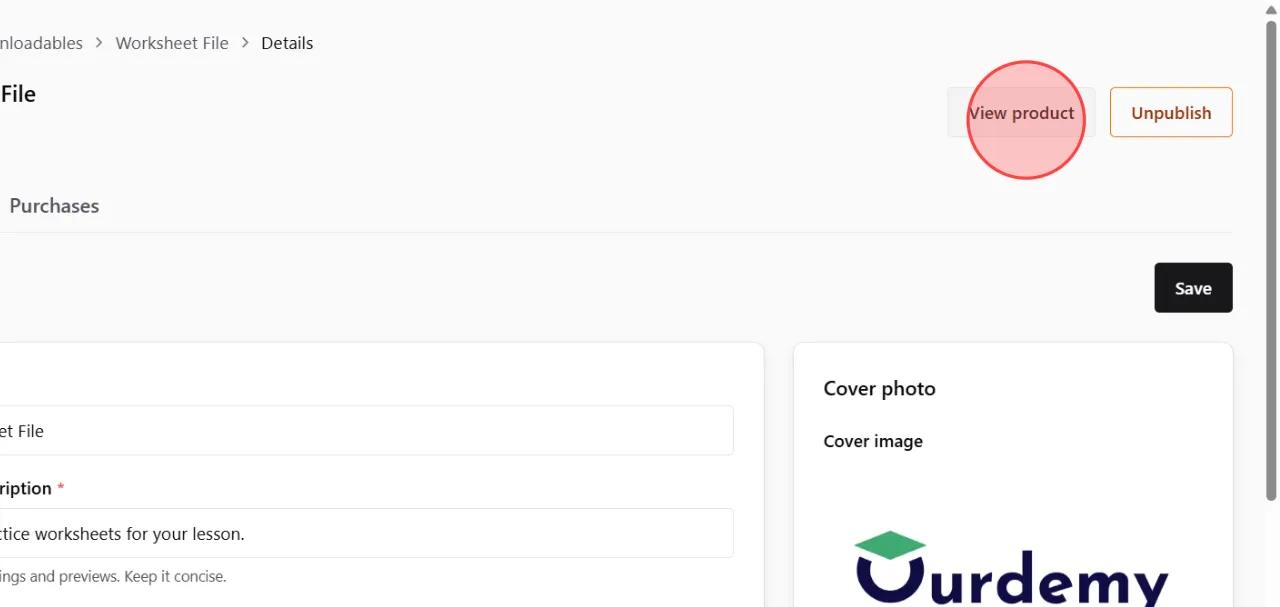
Click the View Product button on the product details page.
Only products that have already been published can be viewed publicly on the website.
Only products that have already been published can be viewed publicly on the website.
4
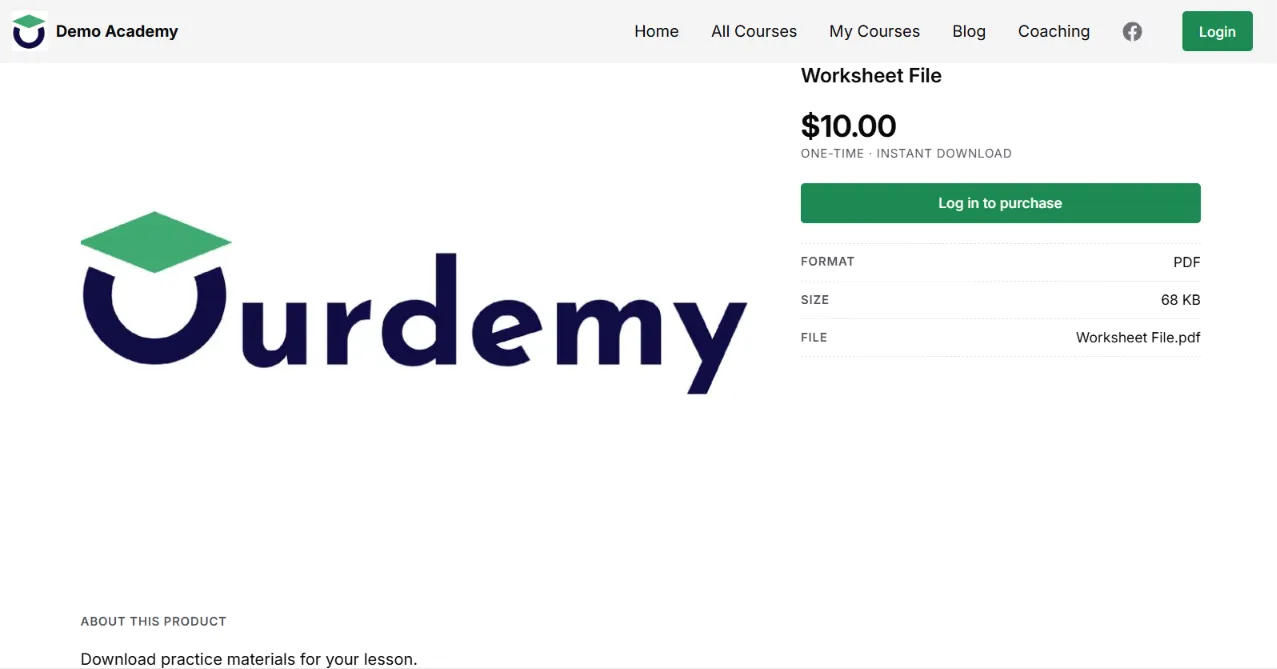
The system will open the live product page in a new browser tab, allowing you to preview how the downloadable product is displayed to students on the academy website.
 English
  日本語
日本語