
1
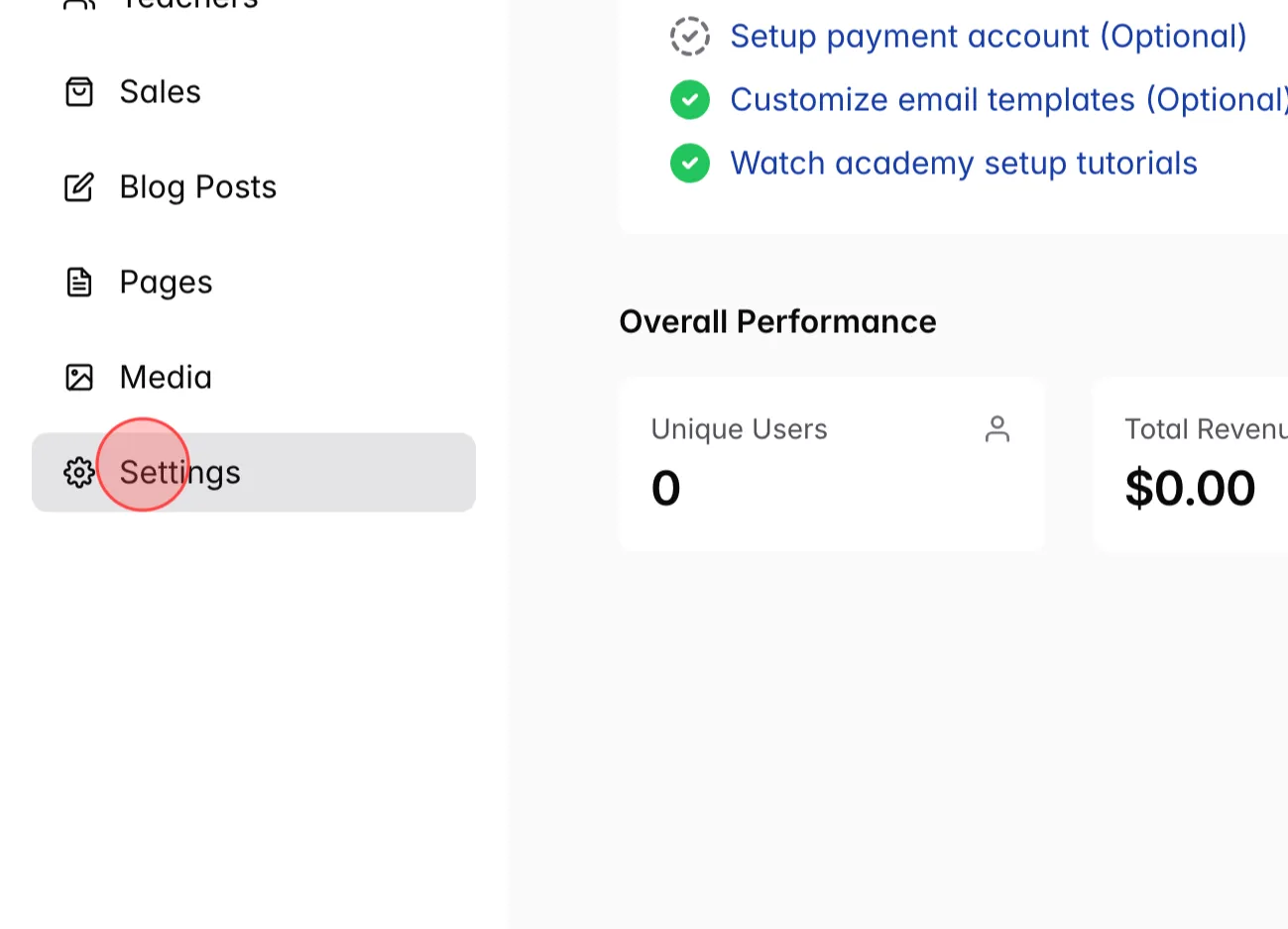
From the Admin dashboard, click Settings
2
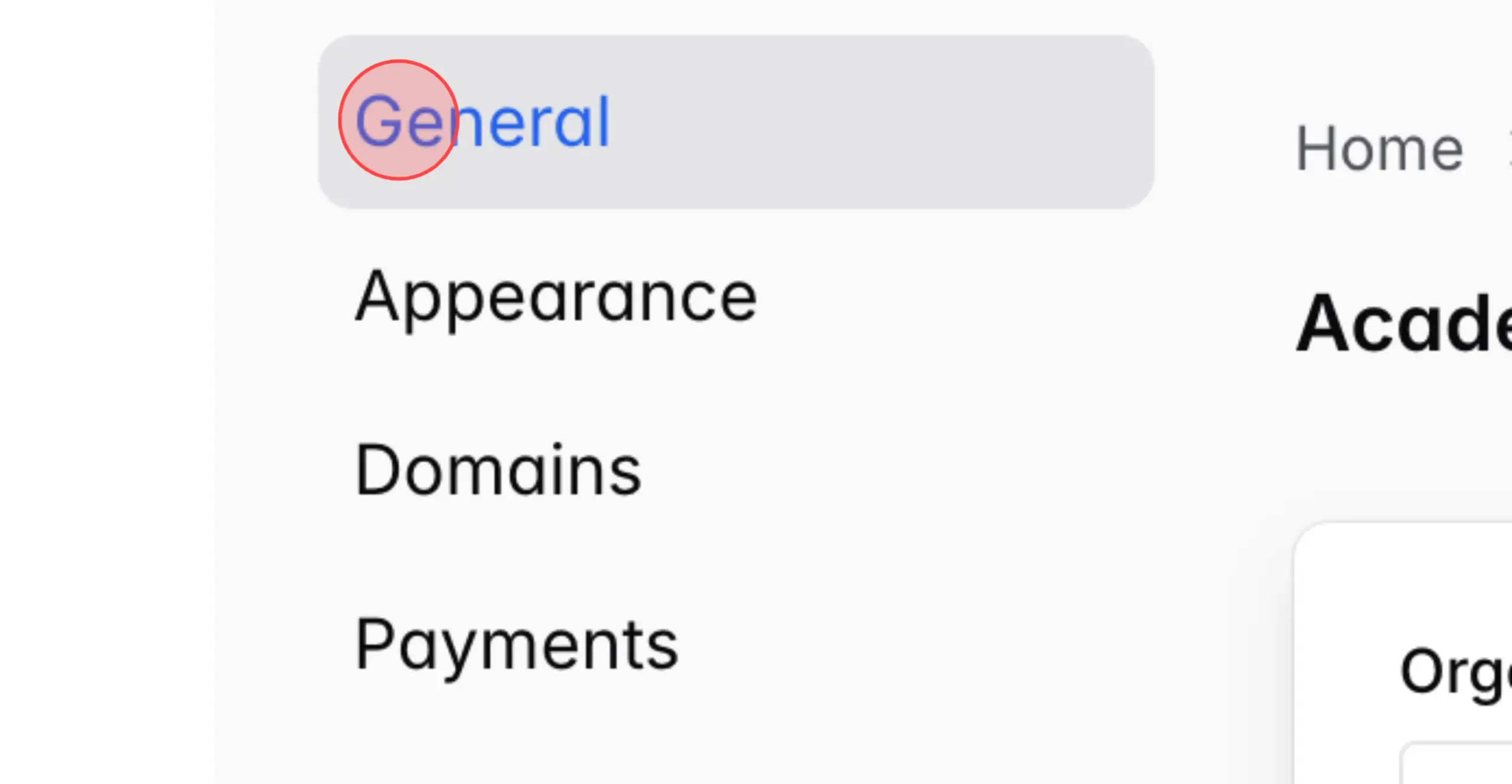
At setting menu, click General
3
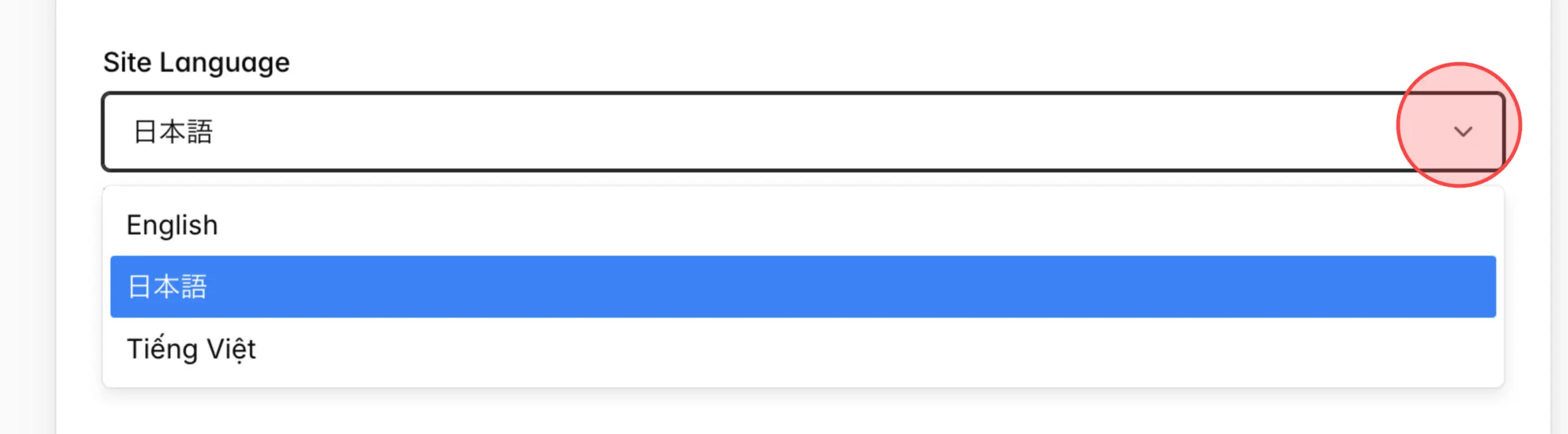
At the Site Language, click language dropdown to see all available languages.
4
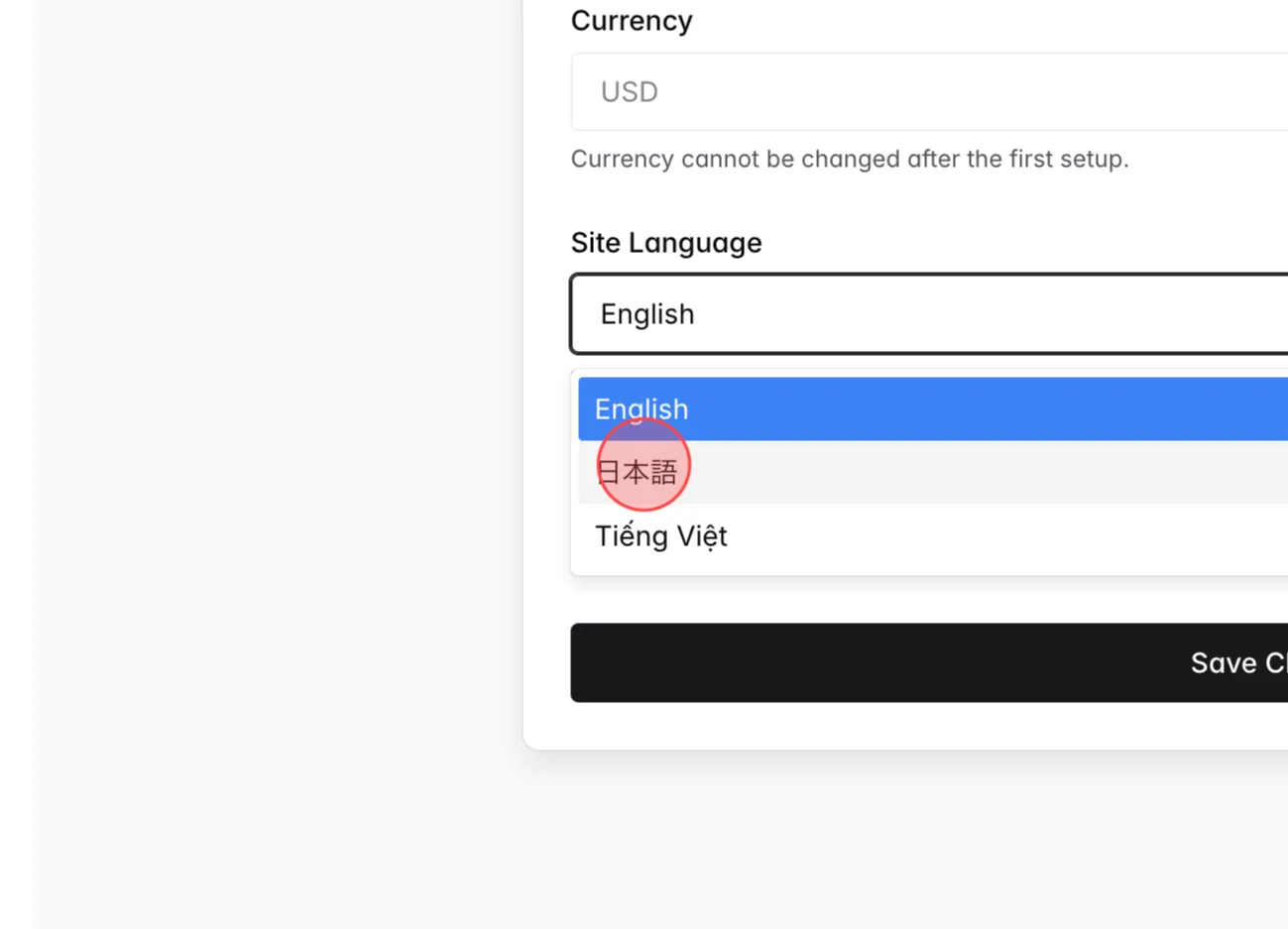
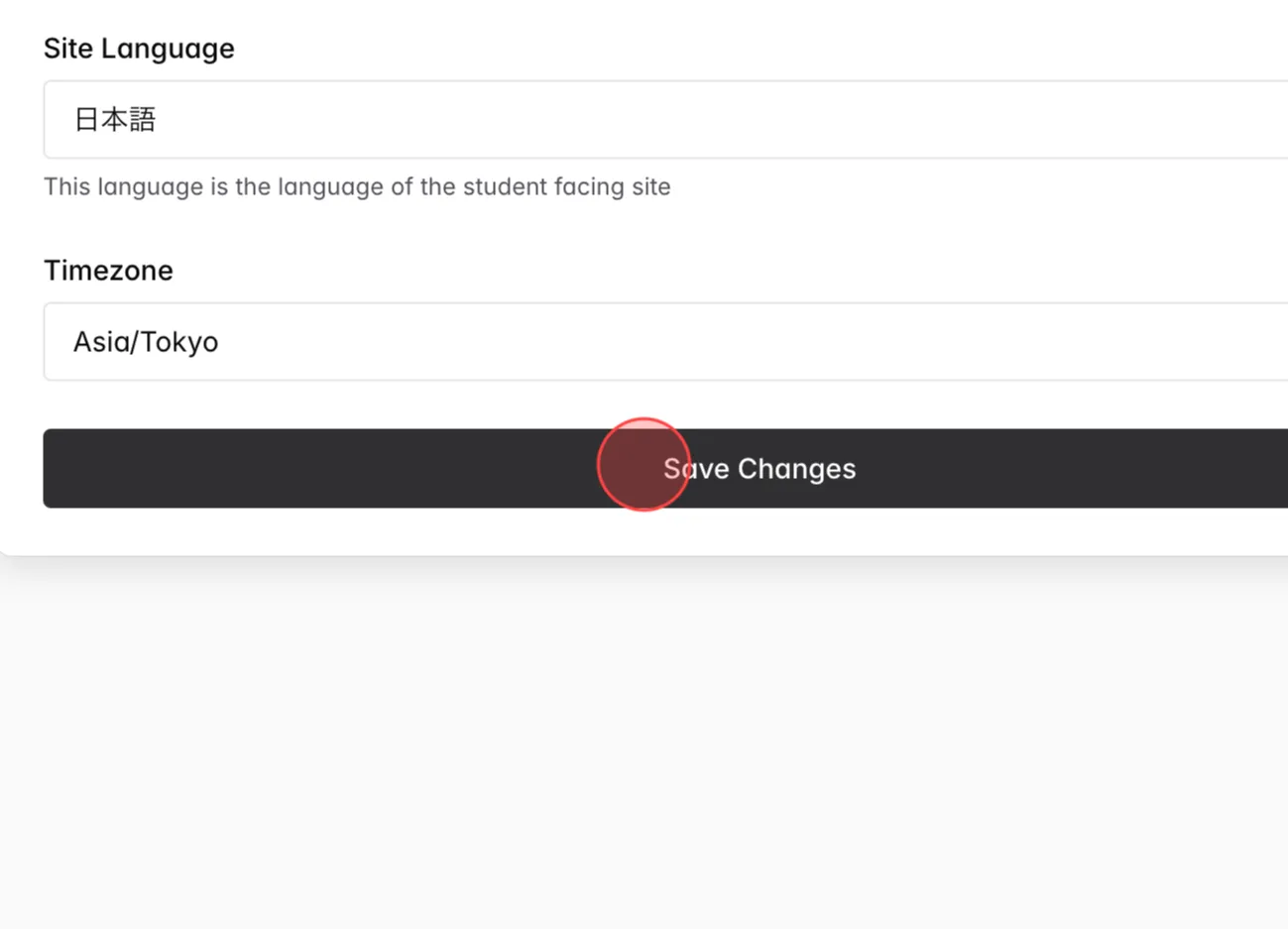
Click the language that you want to change (e.g., 日本語)
5
Click Save Changes to complete.
Note: The content in the Menu and Page Builder is entered manually by the Admin, so it must be edited manually when changing the language.
Only content generated by the system/code can be automatically translated based on the selected language.
Note: The content in the Menu and Page Builder is entered manually by the Admin, so it must be edited manually when changing the language.
Only content generated by the system/code can be automatically translated based on the selected language.
 English
  日本語
日本語